
macOS · Apple Silicon · JetBrains IDEs 2026.1+

Terminal agents, at home in your IDE.

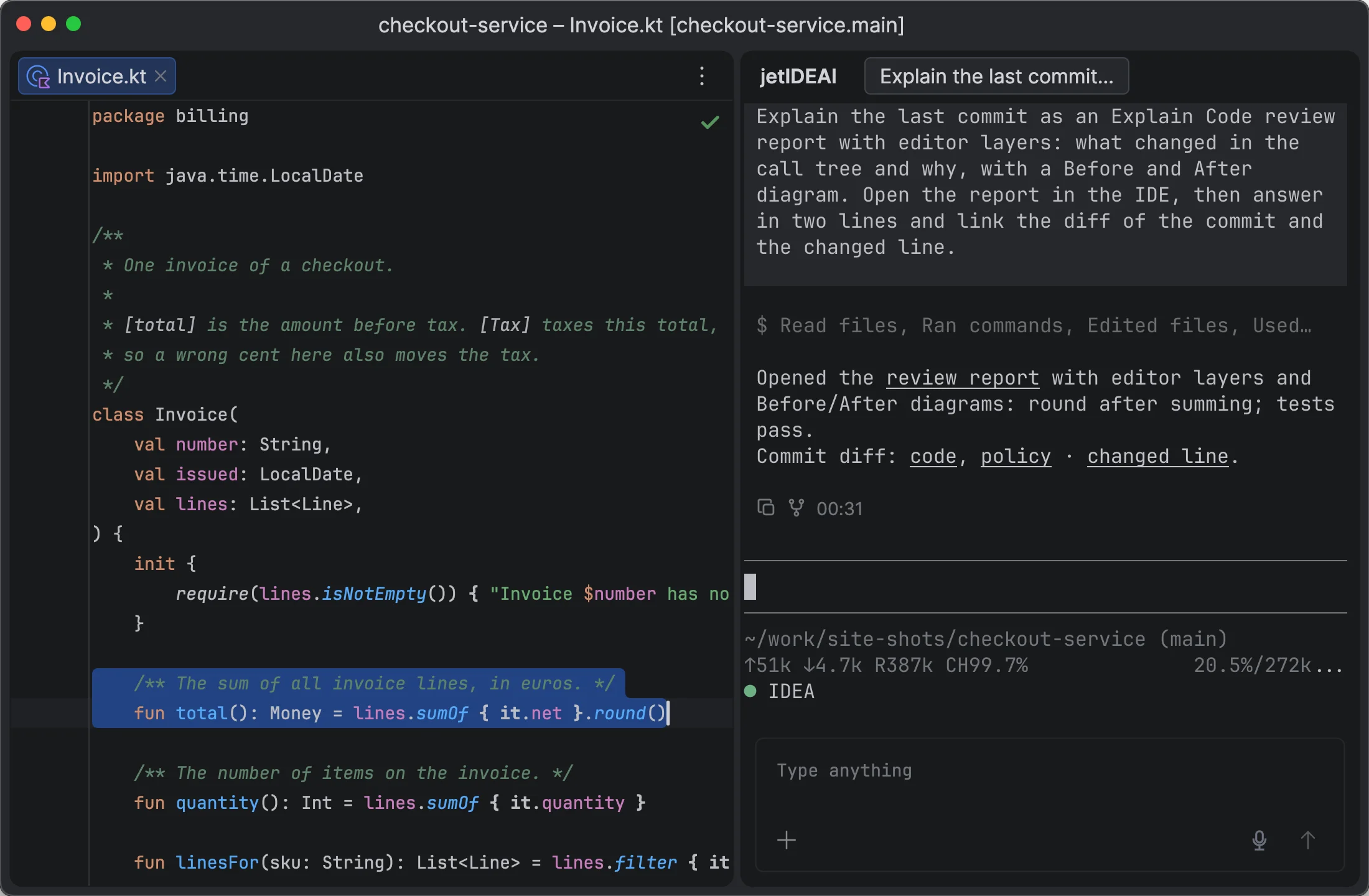
Give agents context from anywhere in the IDE. Get answers that link back to your code.

Terminal

A native terminal built on Ghostty

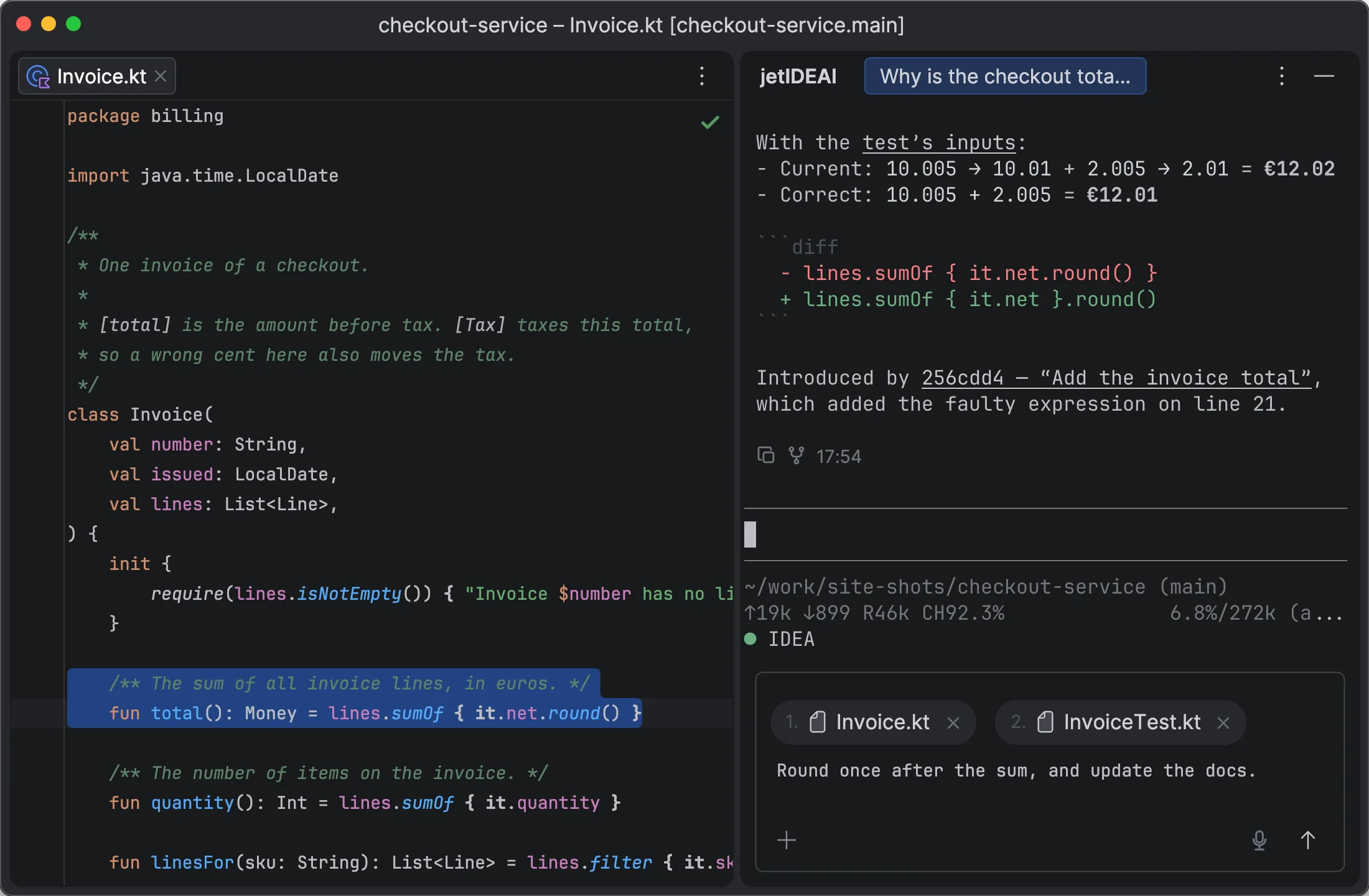
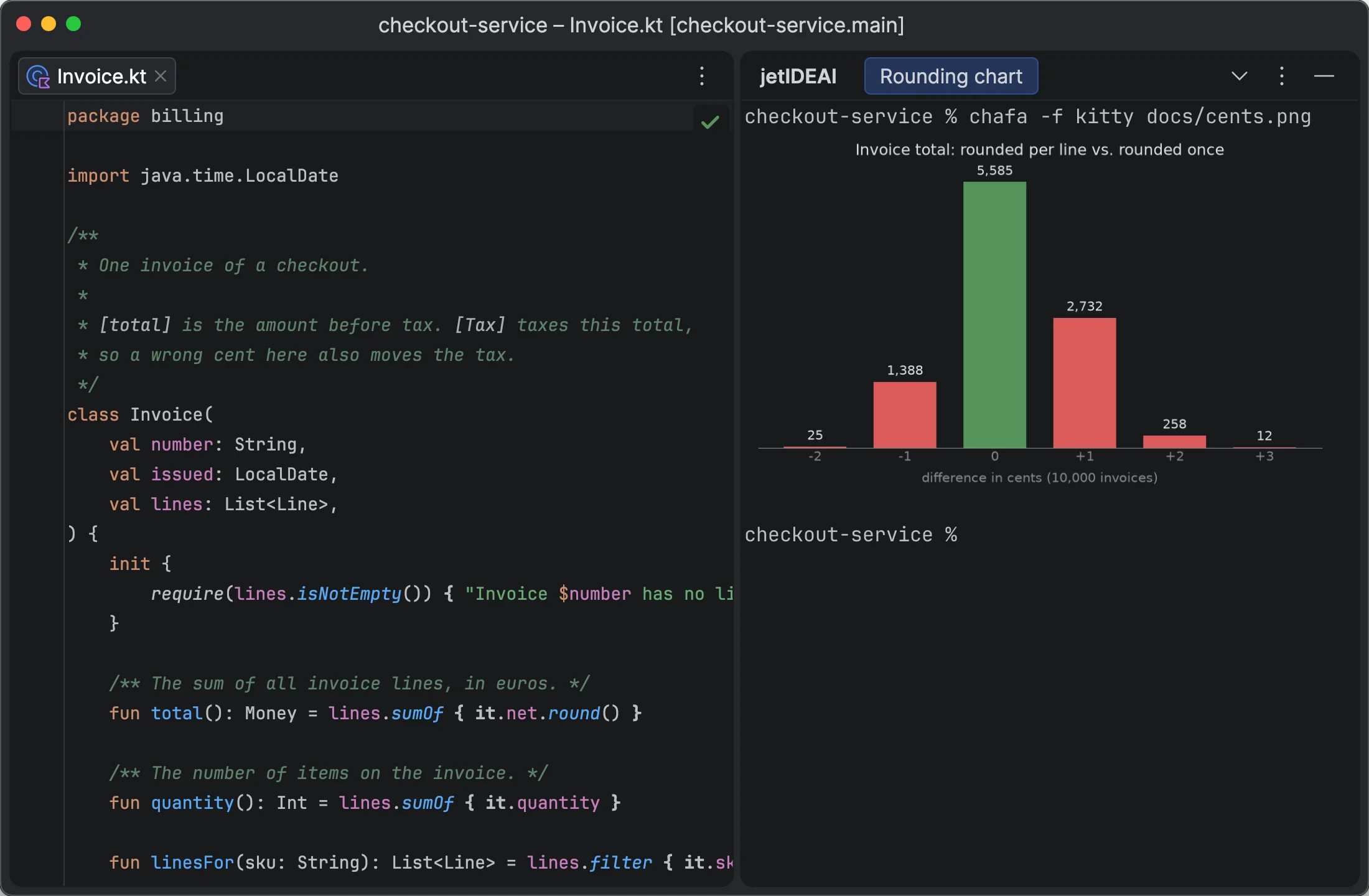
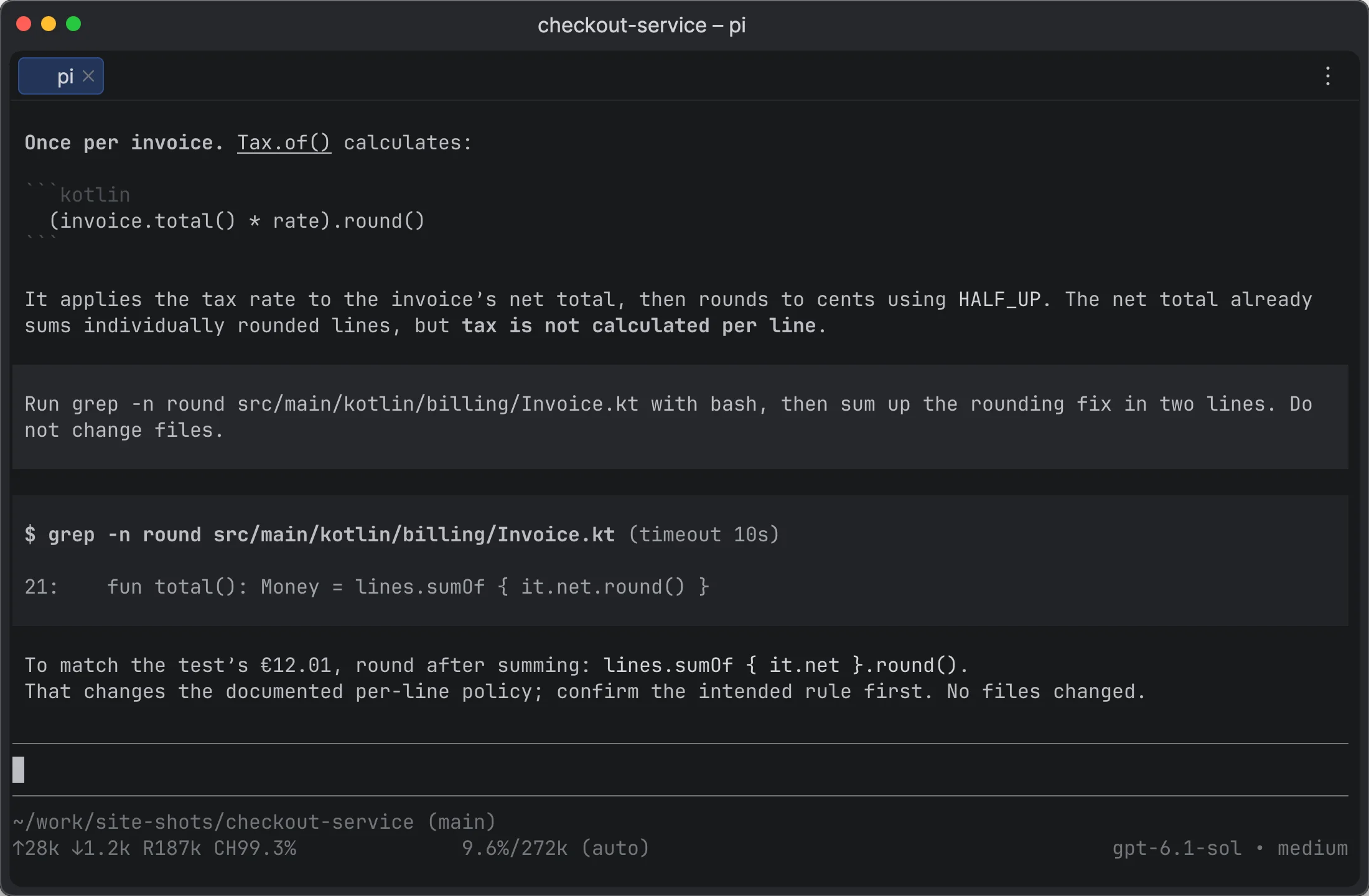
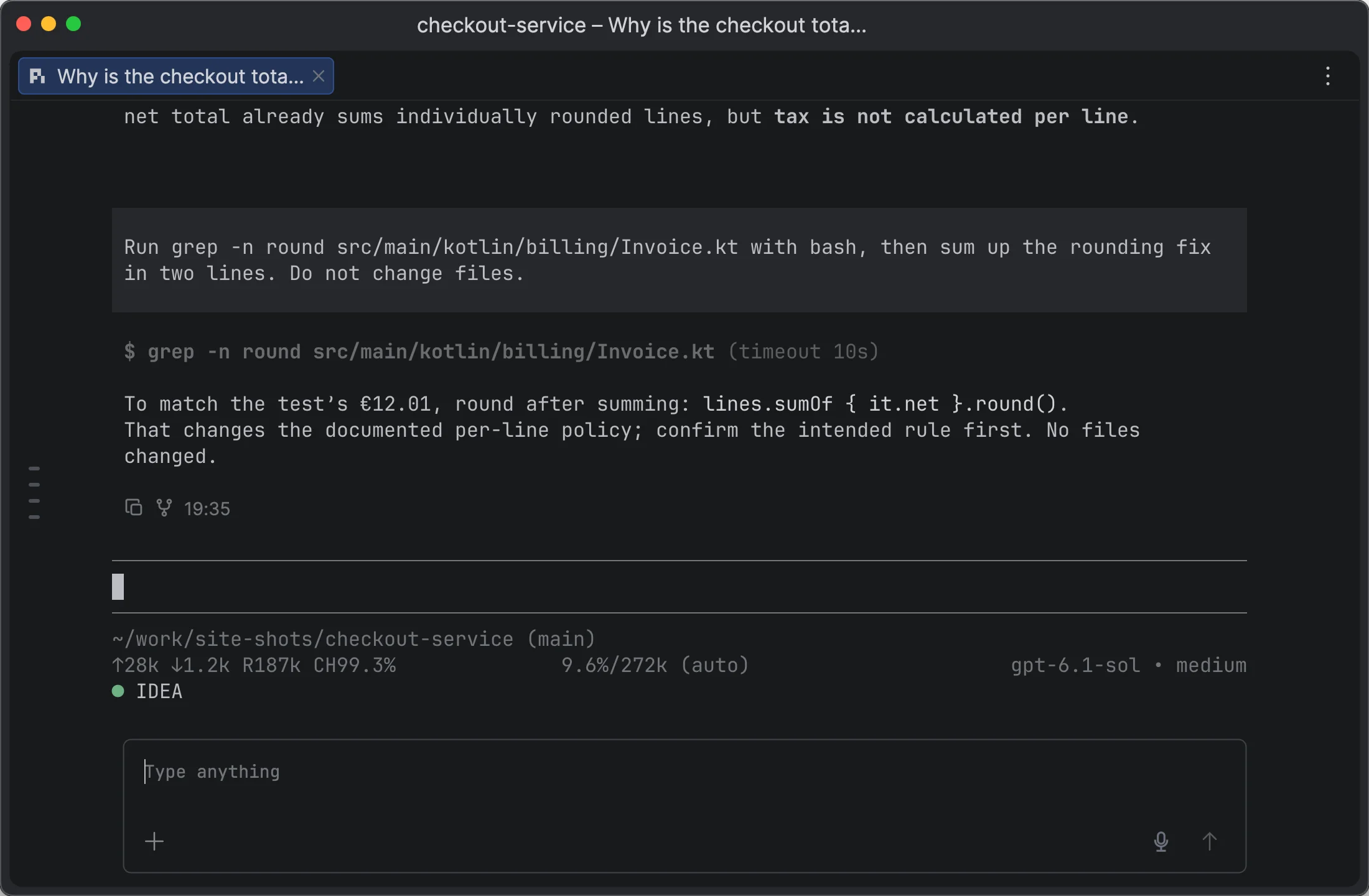
jetIDEAI embeds libghostty, the engine of Ghostty, and renders it with Metal on the GPU. The IDE adds its own controls on top of the terminal layer: folds, a timeline, and links to code.

libghosttyThe Ghostty terminal engine, embedded in the IDE
MetalGPU rendering, shown in the IDE as a shared texture
120 HzUp to 120 Hz on ProMotion displays
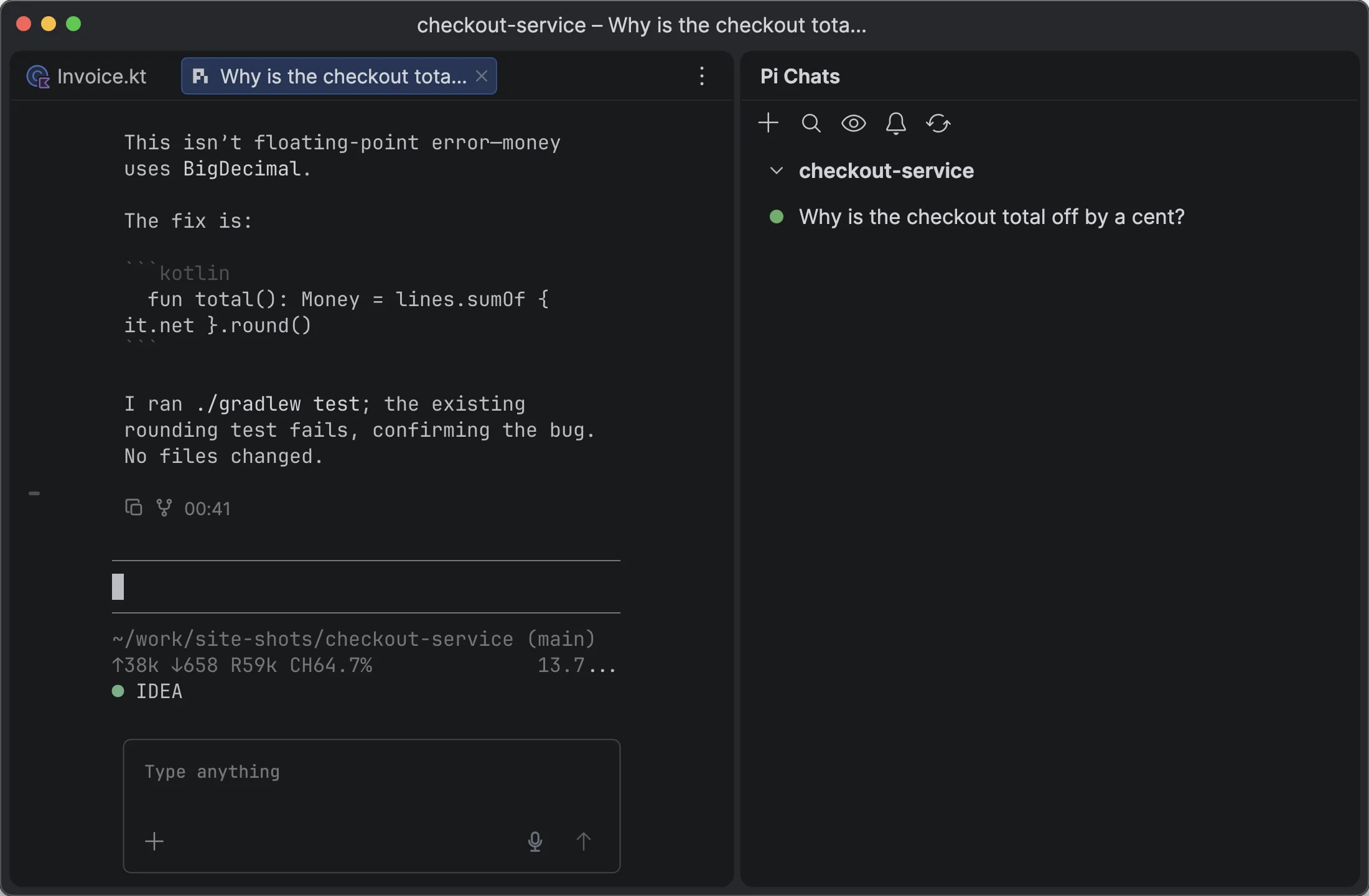
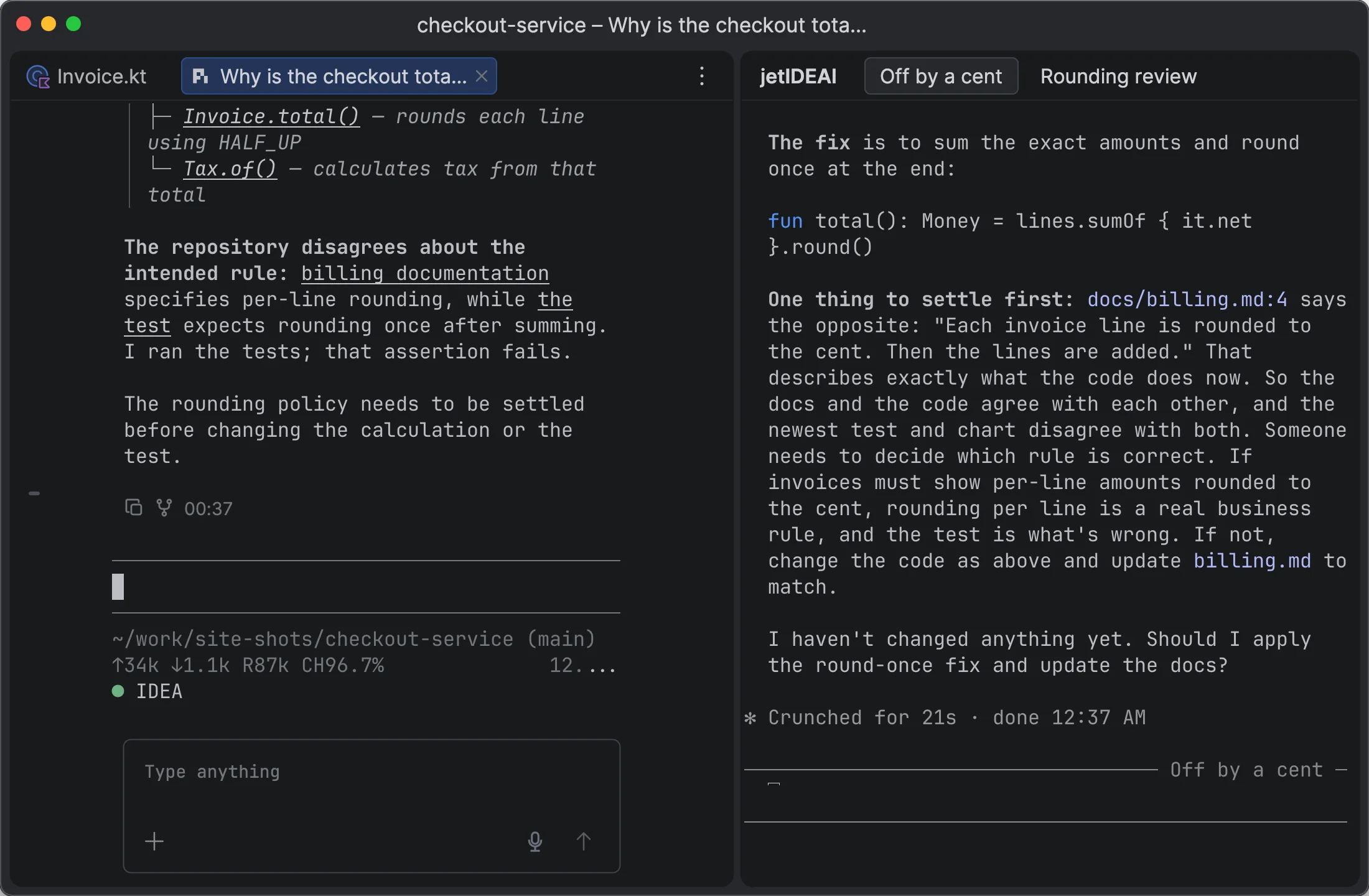
Panel or tabTerminals, chats, and the browser move between them

Everything in a tool window or an editor tab

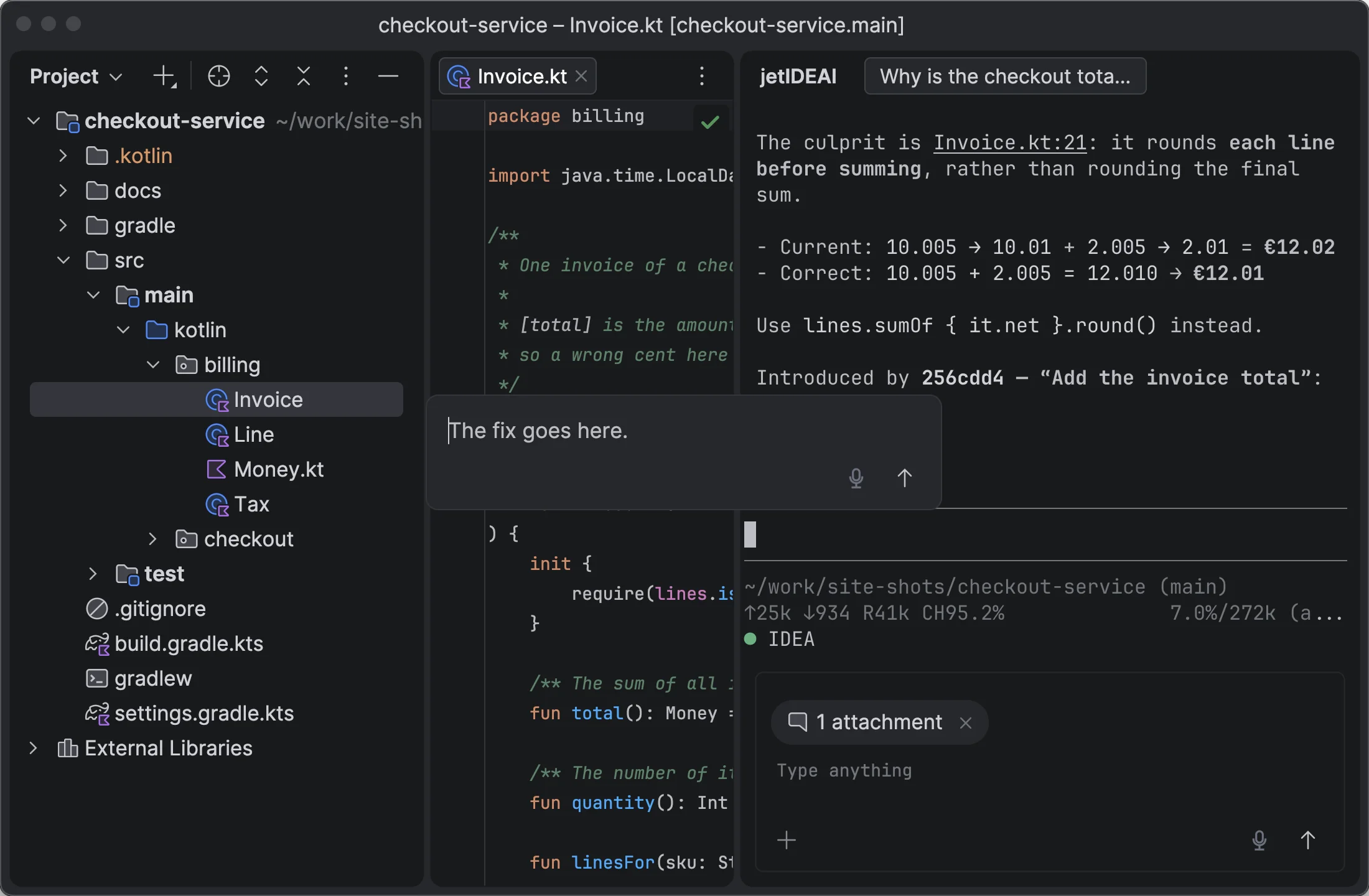
  • Terminals, Agent Chat, and the browser move between the tool window and editor tabs, and keep running.
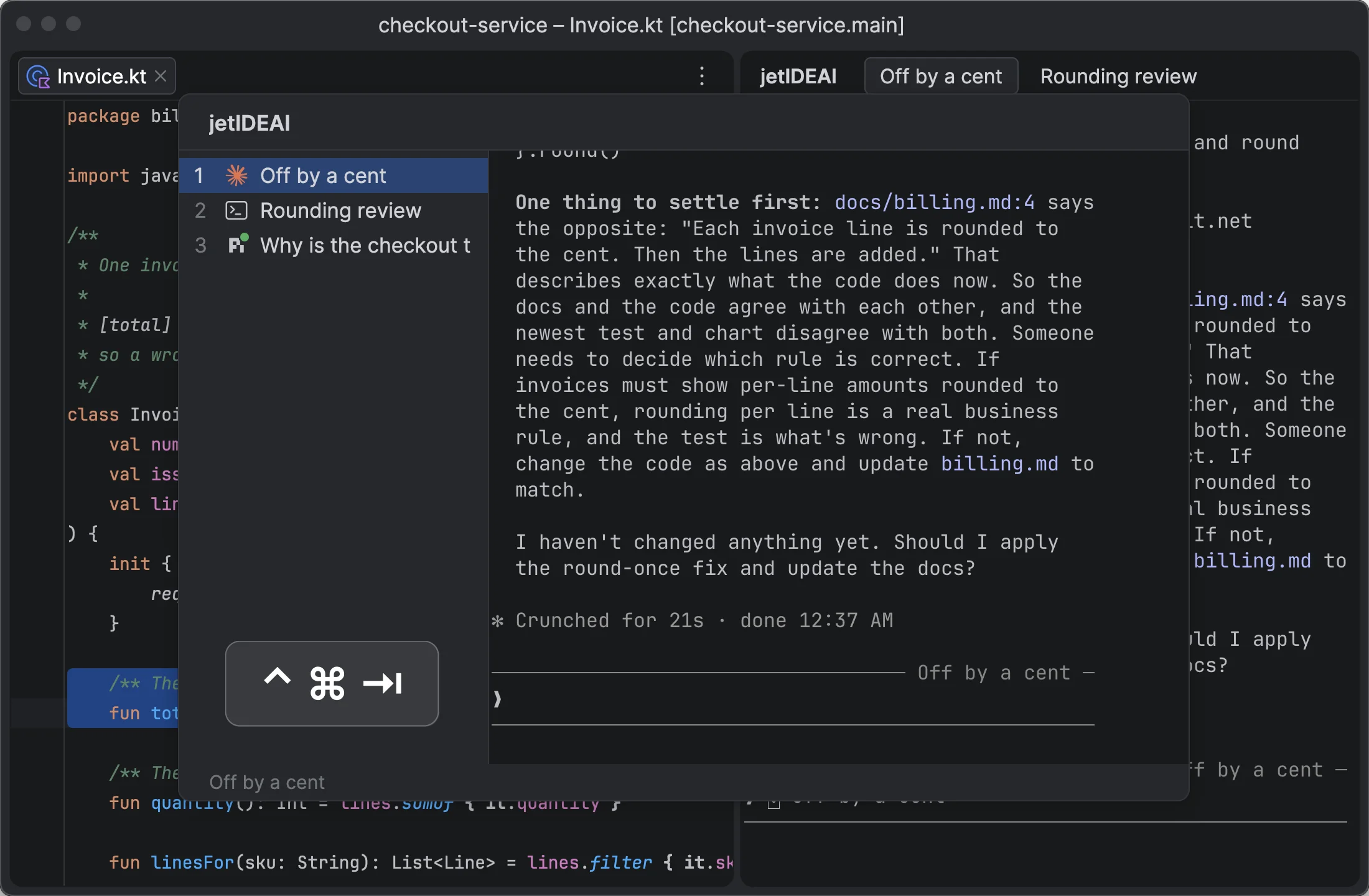
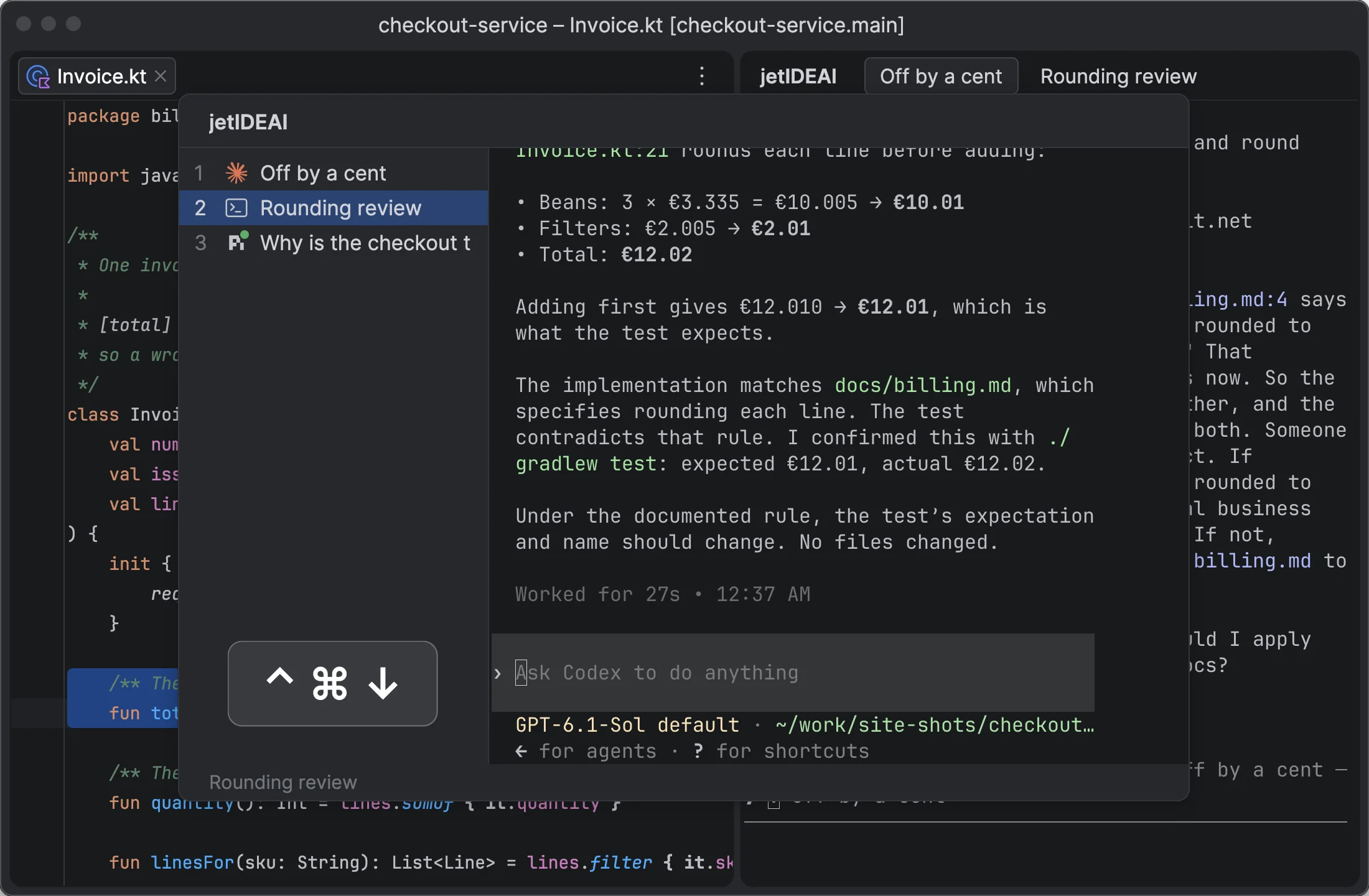
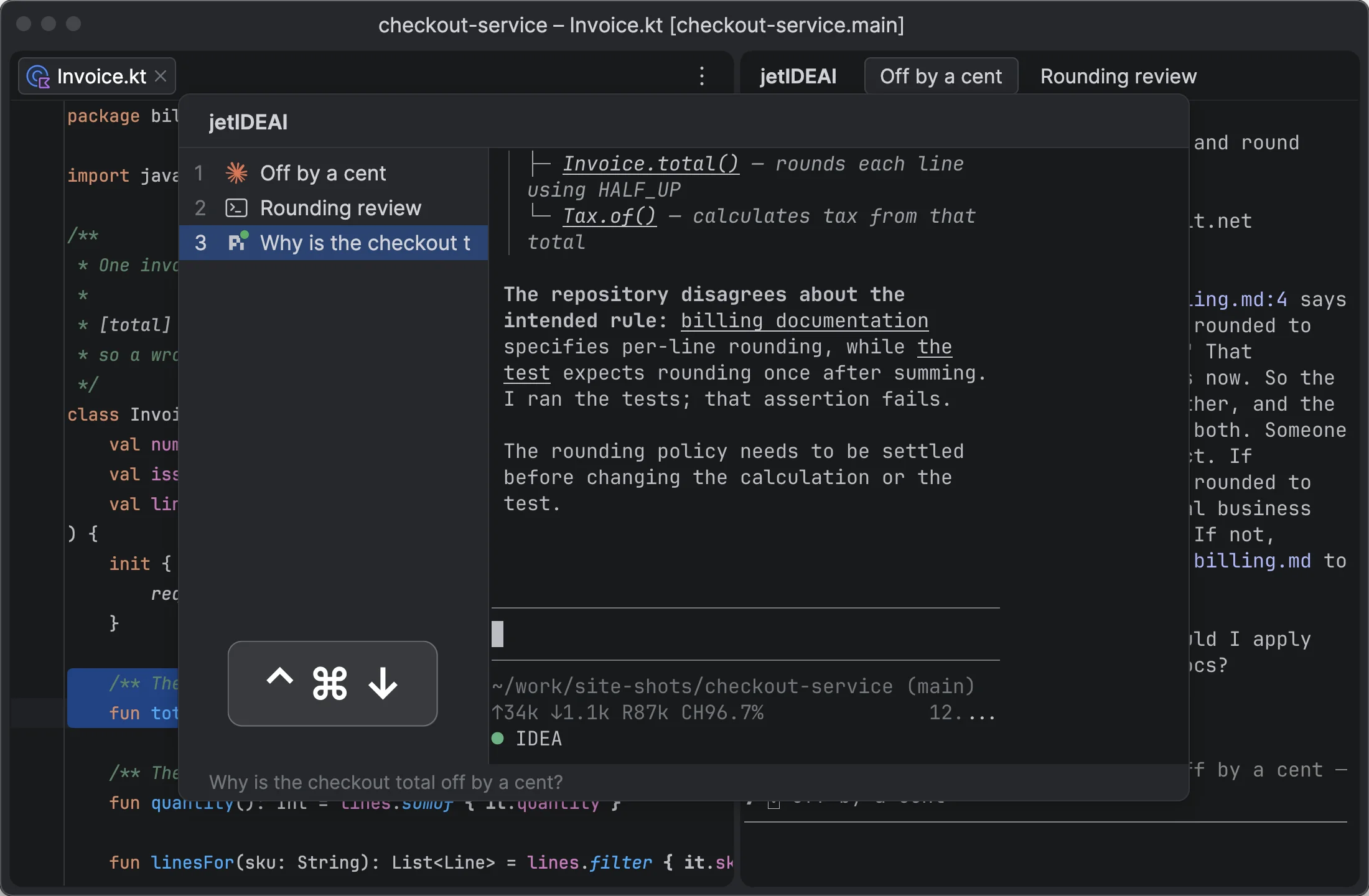
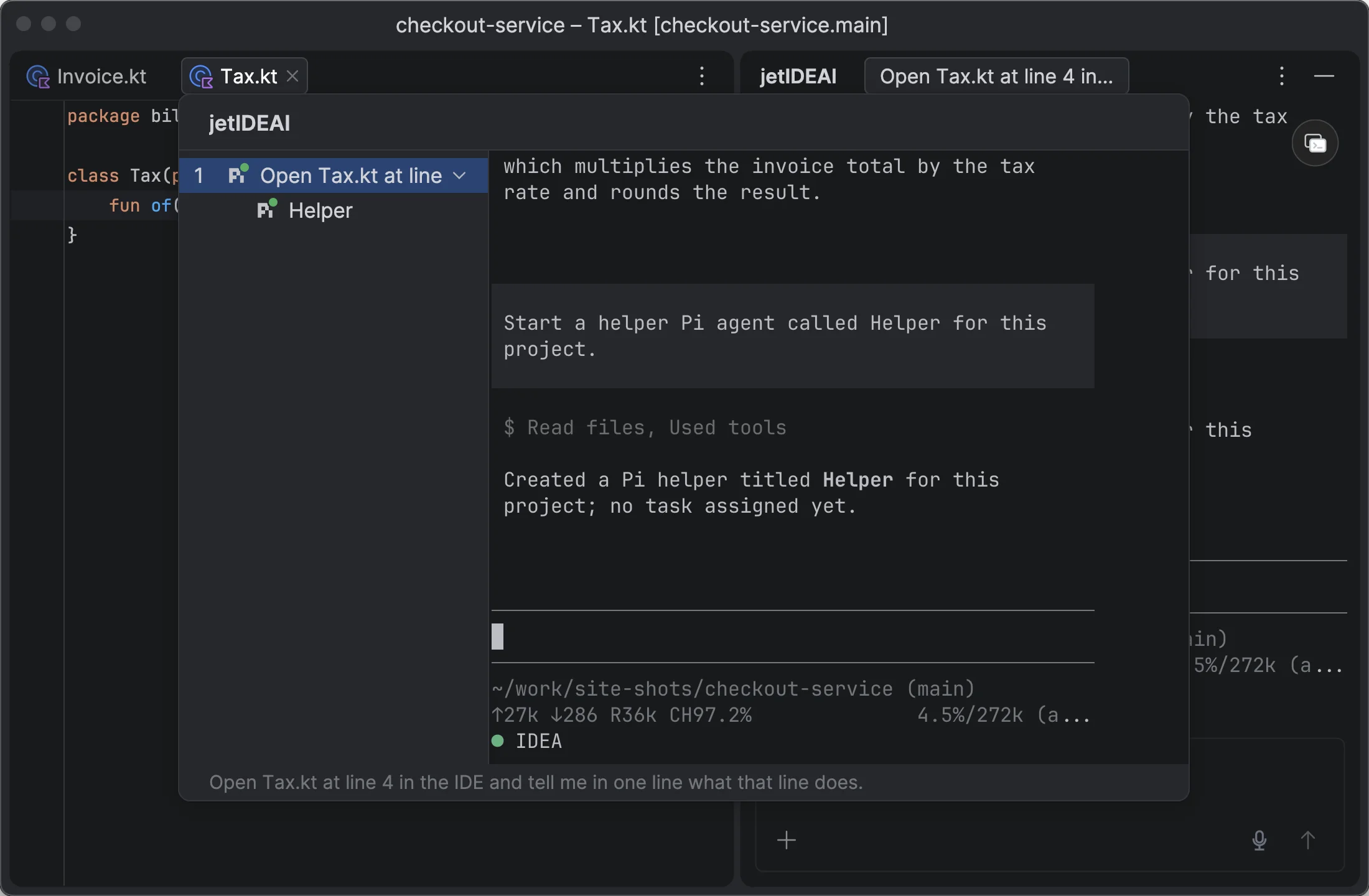
  • The switcher shows live previews of all terminals and agents.
  • Pi, Claude Code, and Codex sessions are restored after an IDE restart.
Context and answers

Context in both directions

you → agent

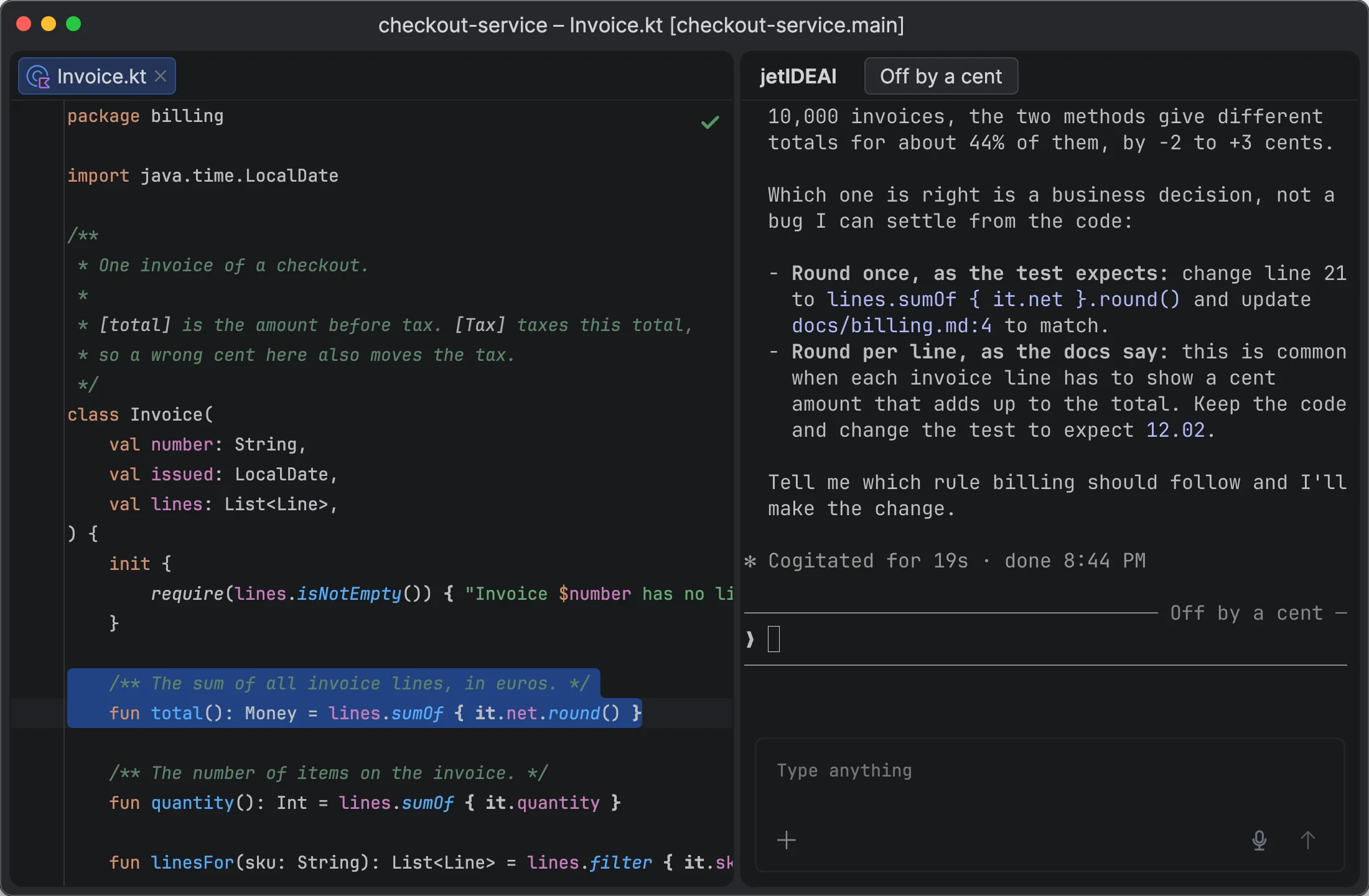
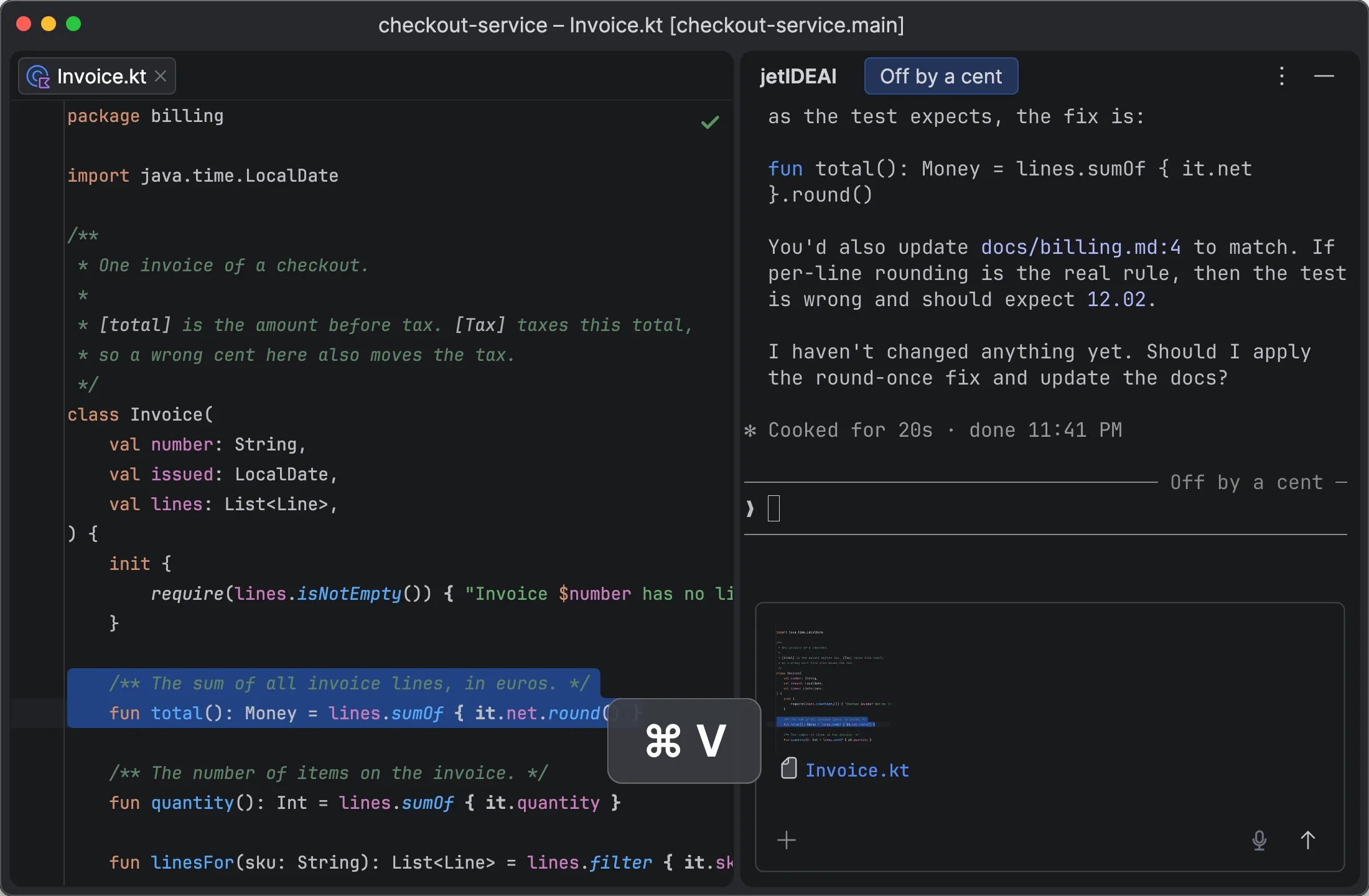
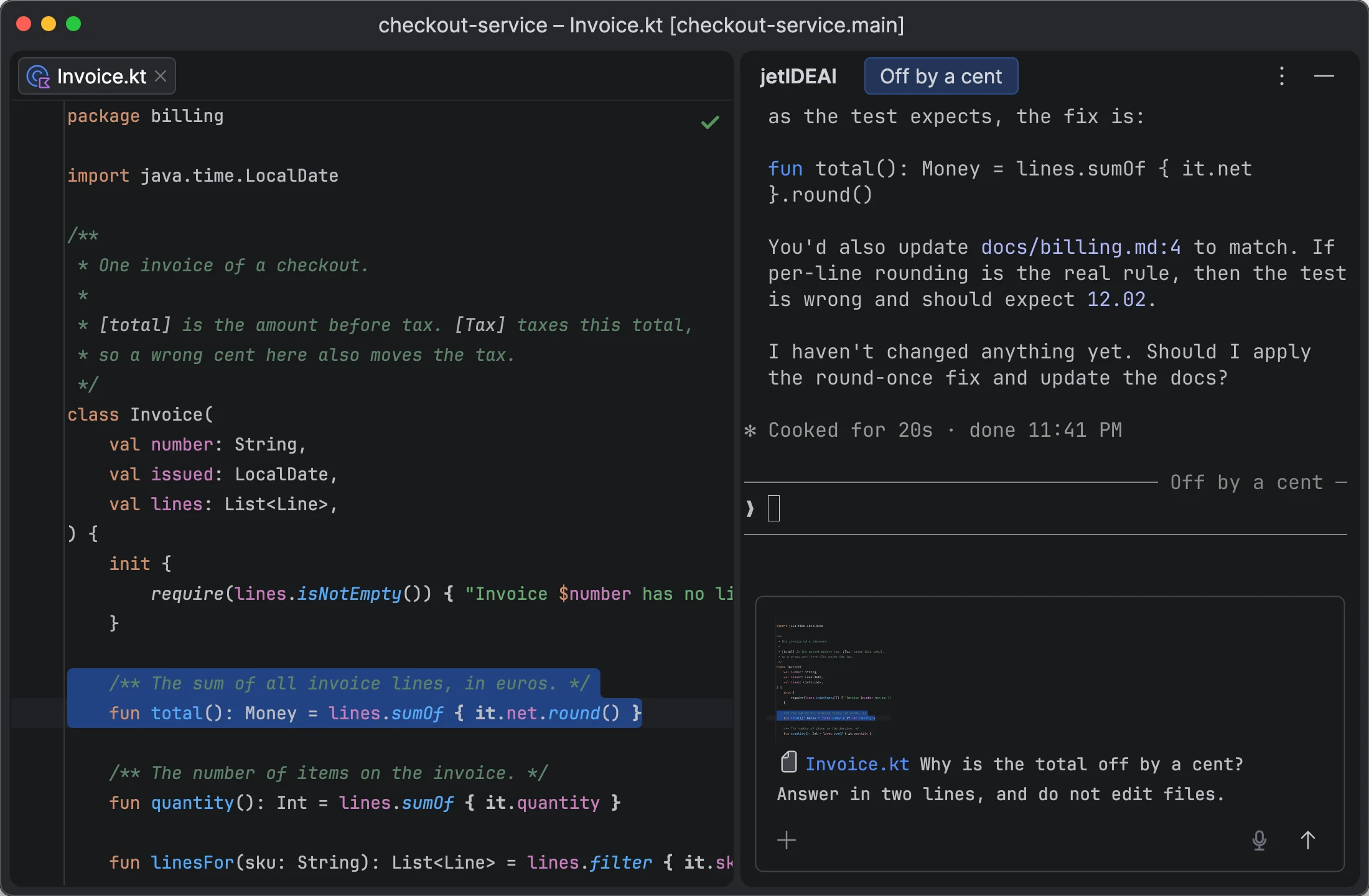
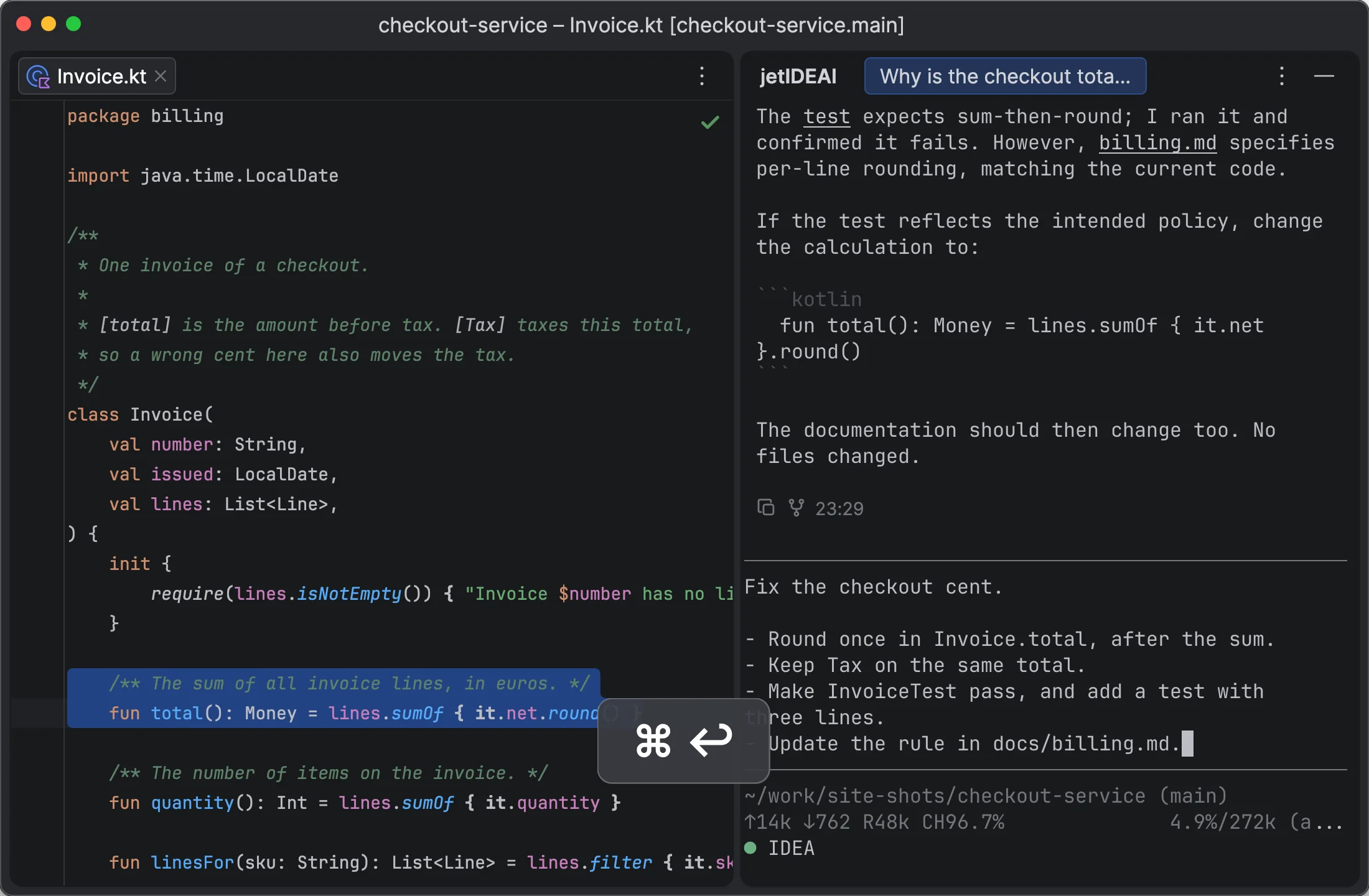
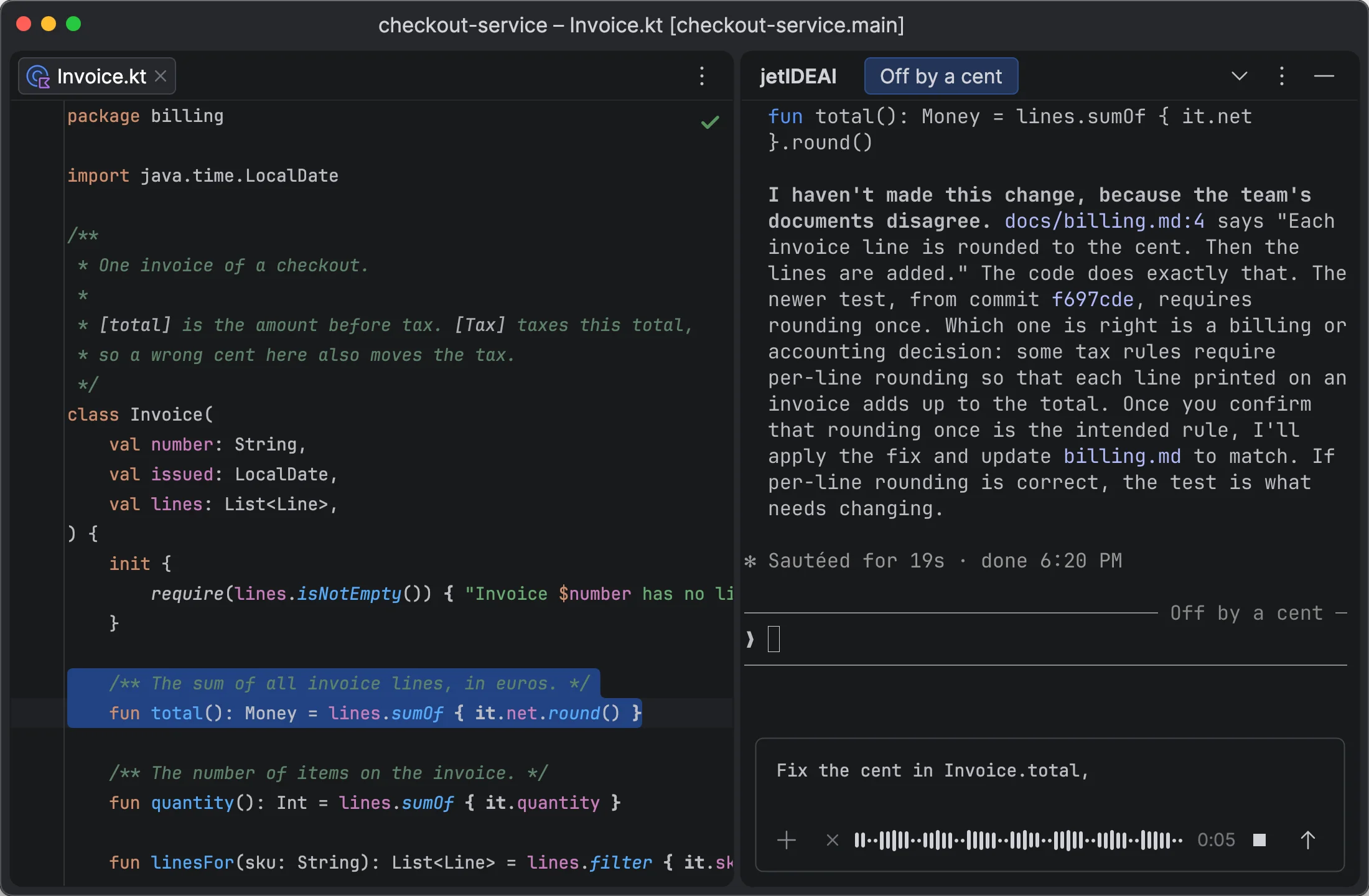
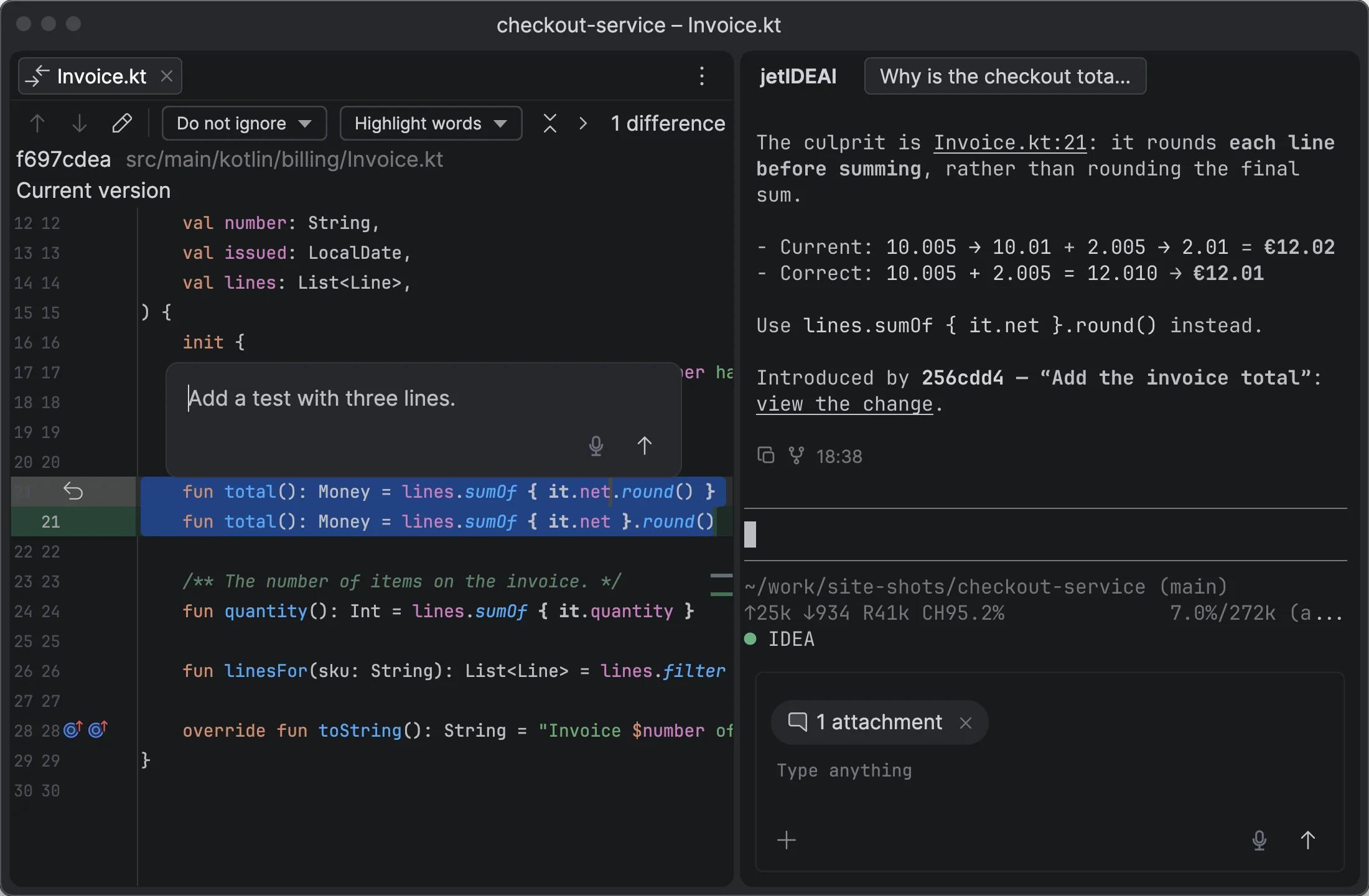
Select code, diffs, files, or terminal output and add comments. Everything goes into the Composer as numbered attachments.

agent → you

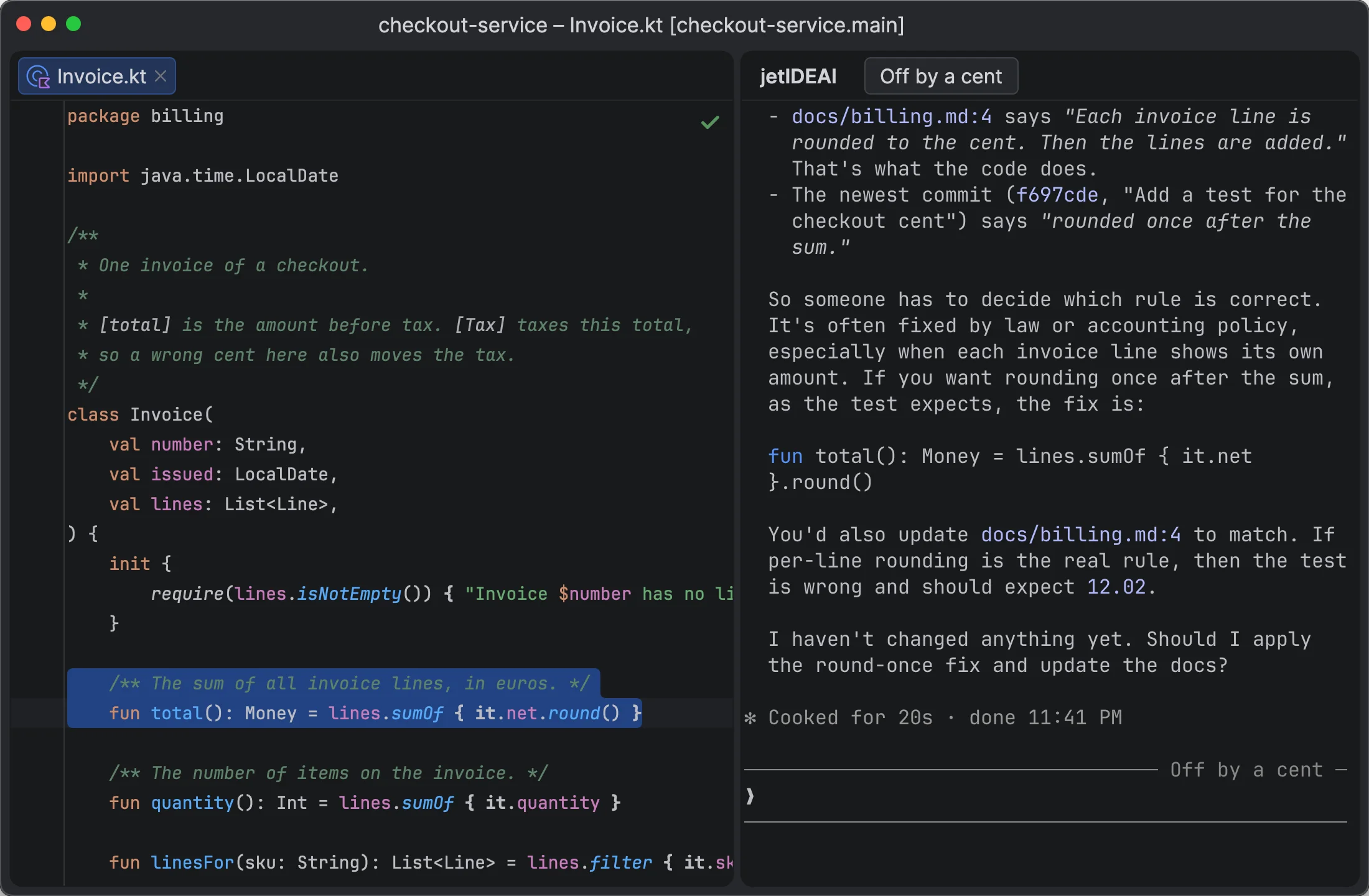
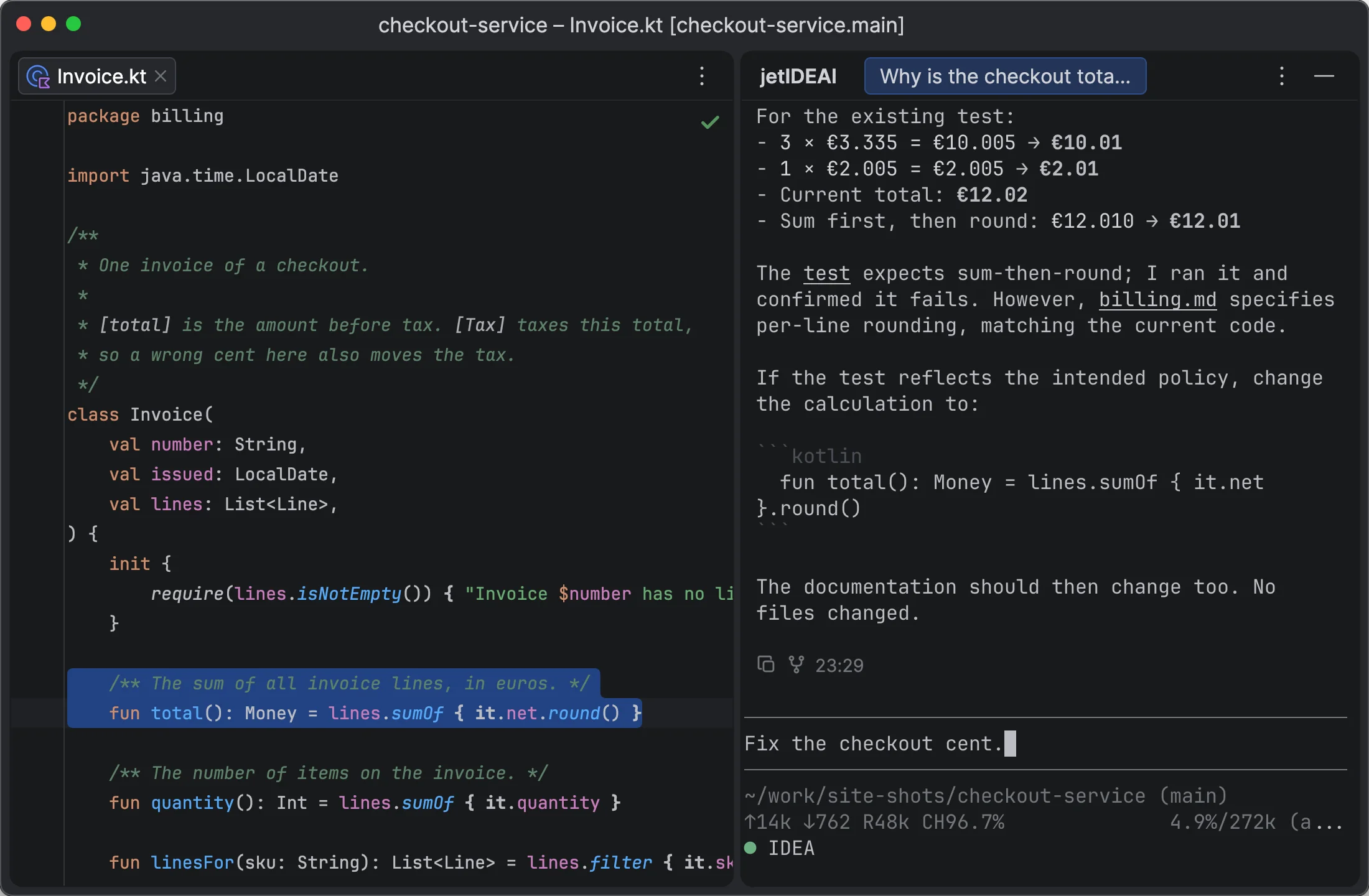
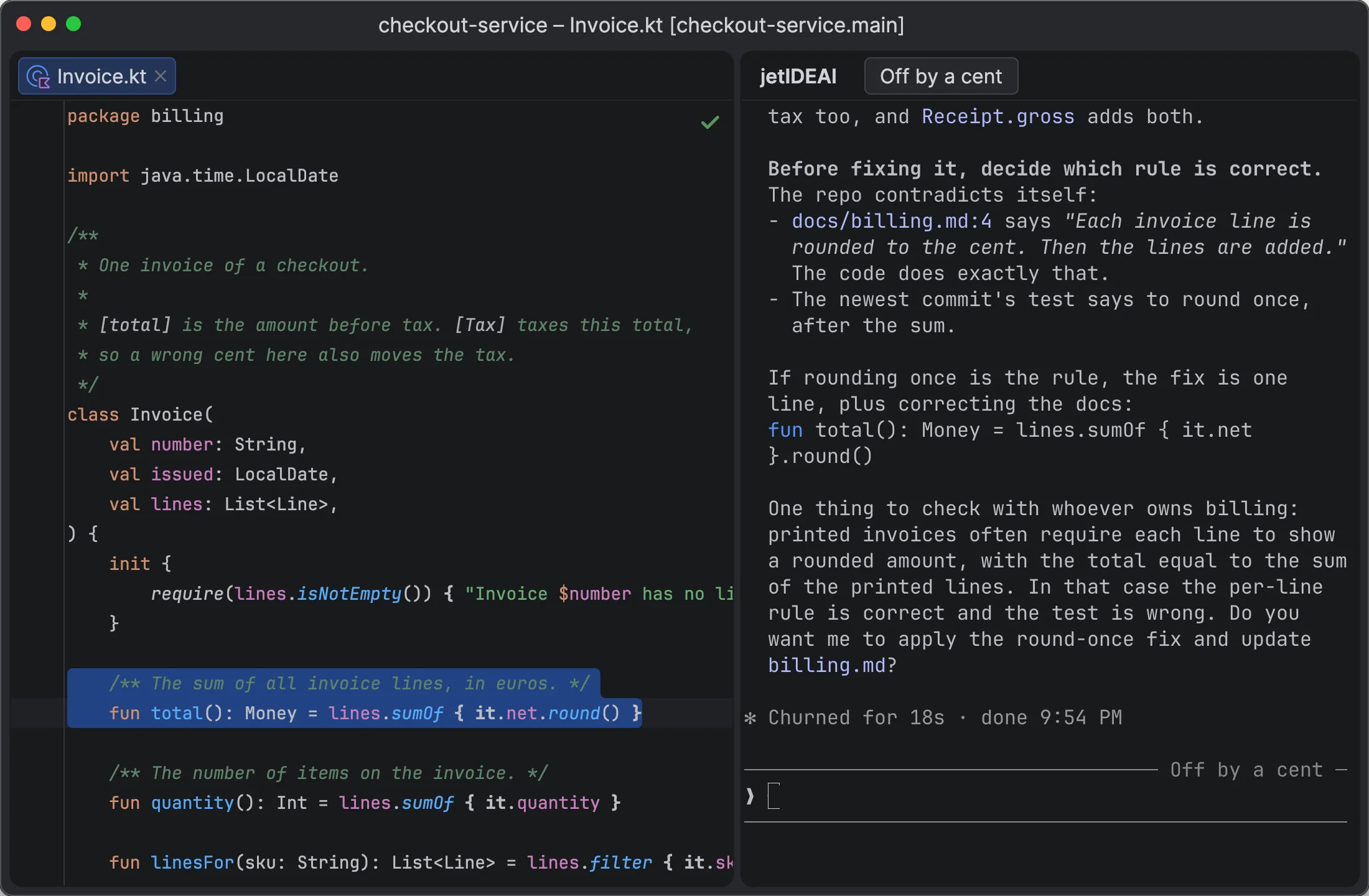
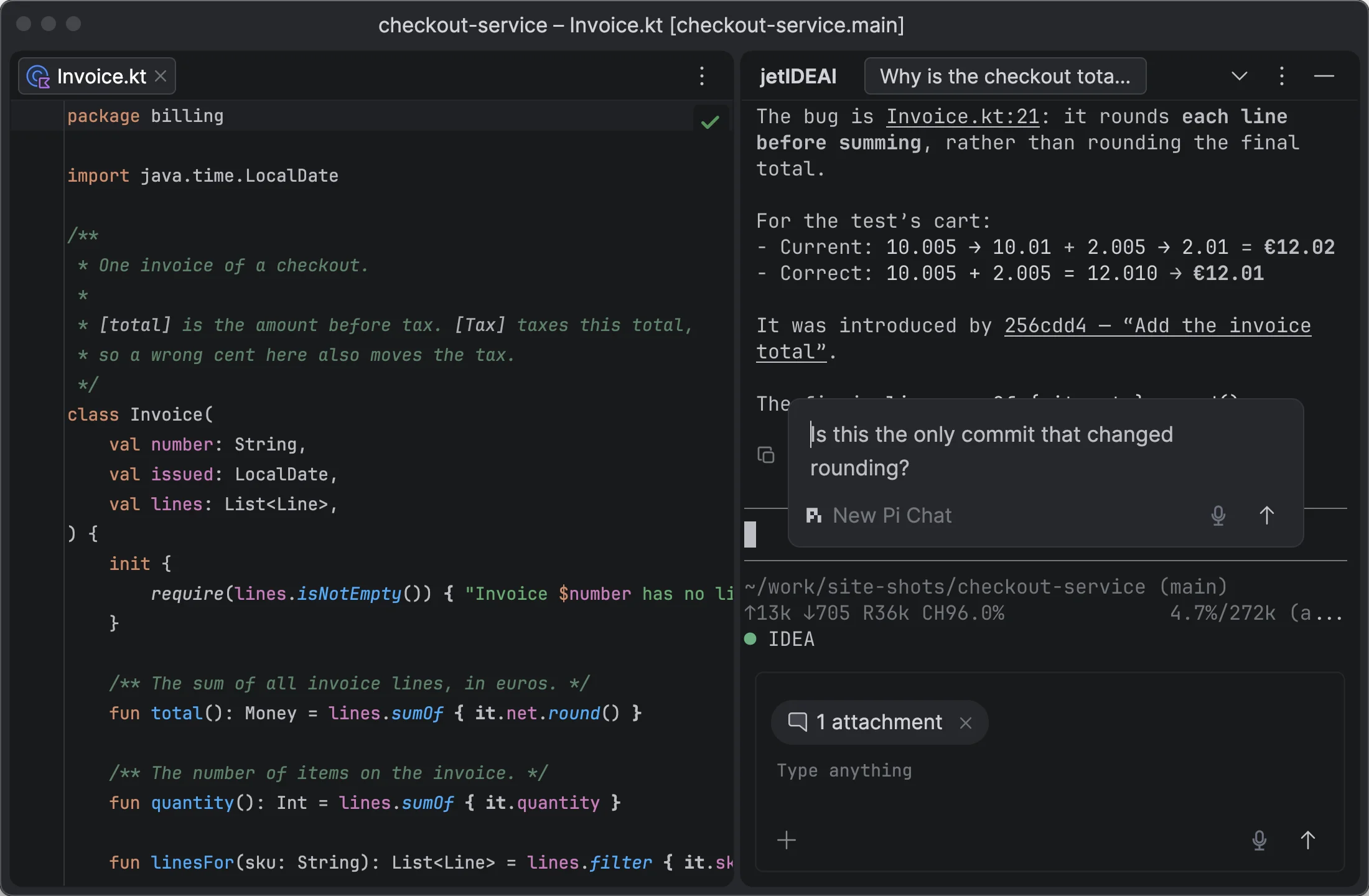
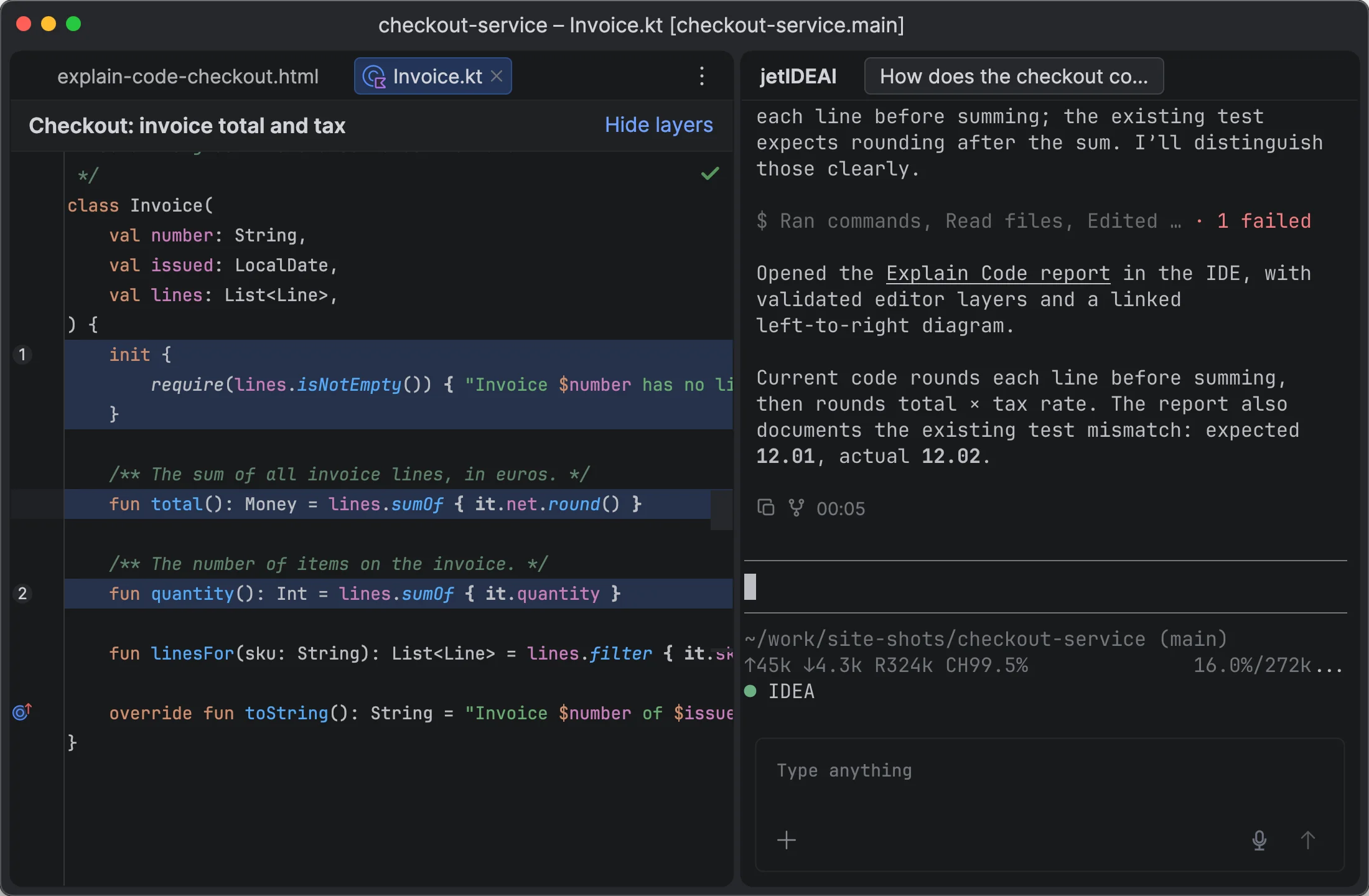
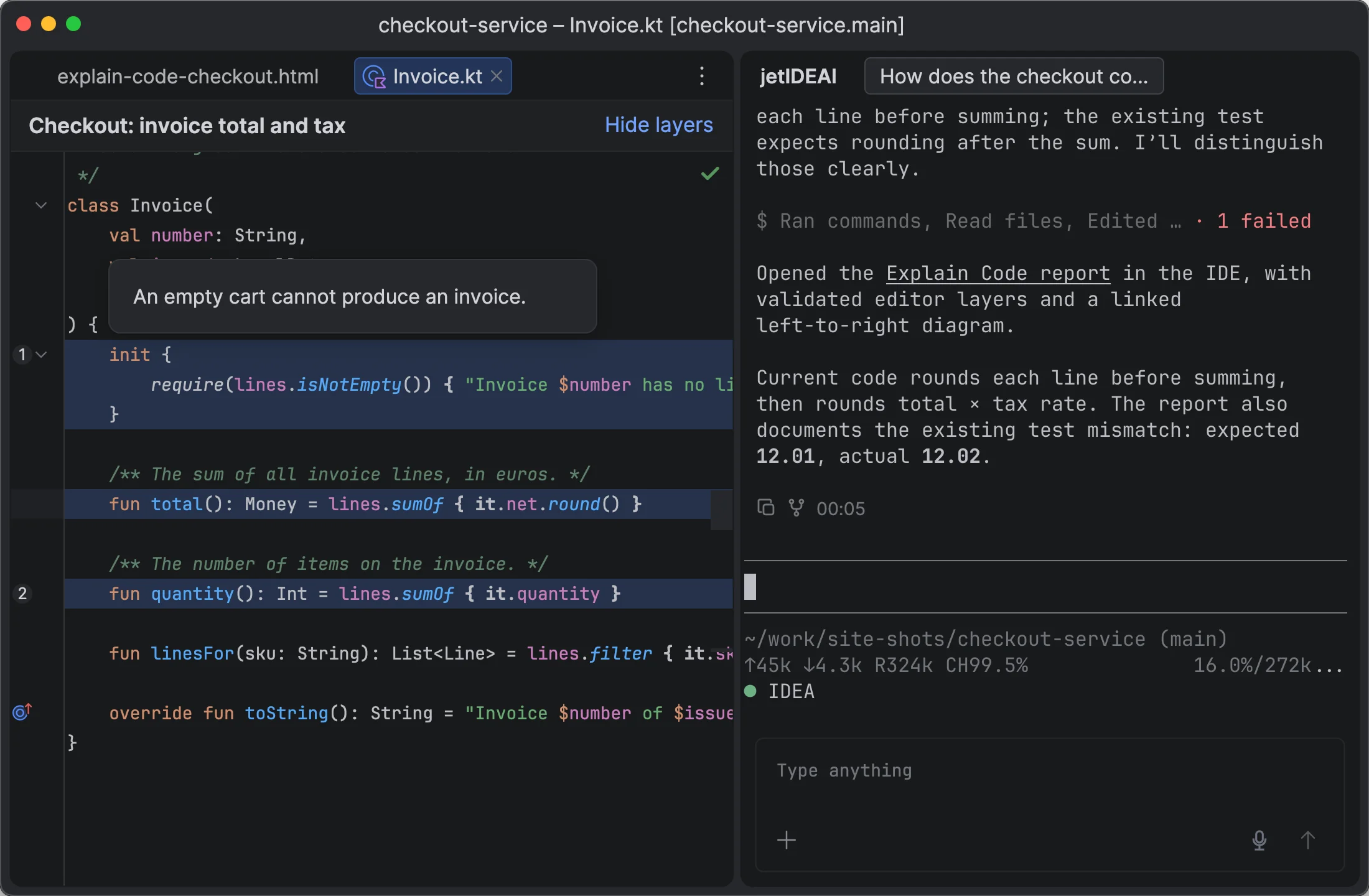
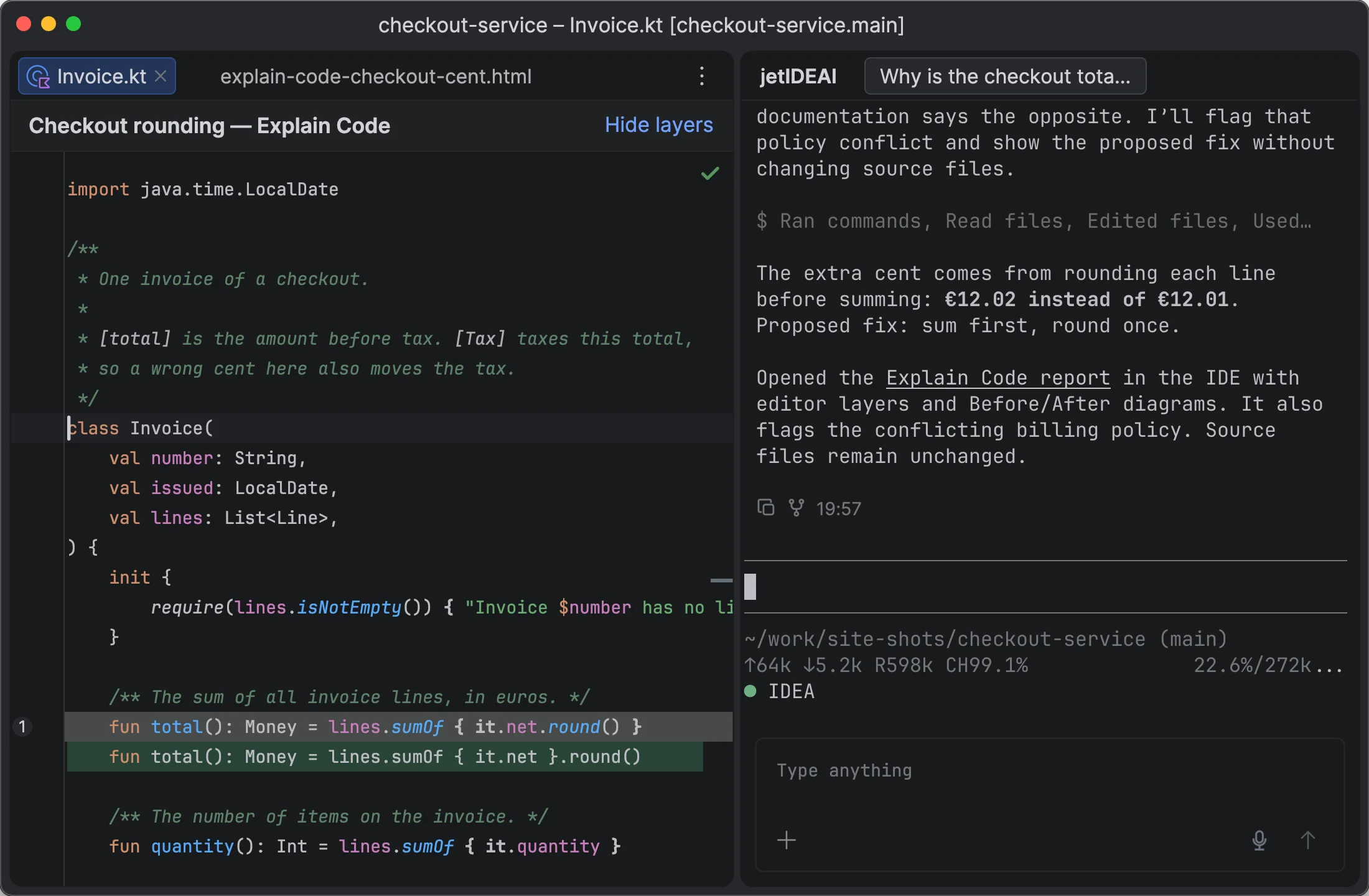
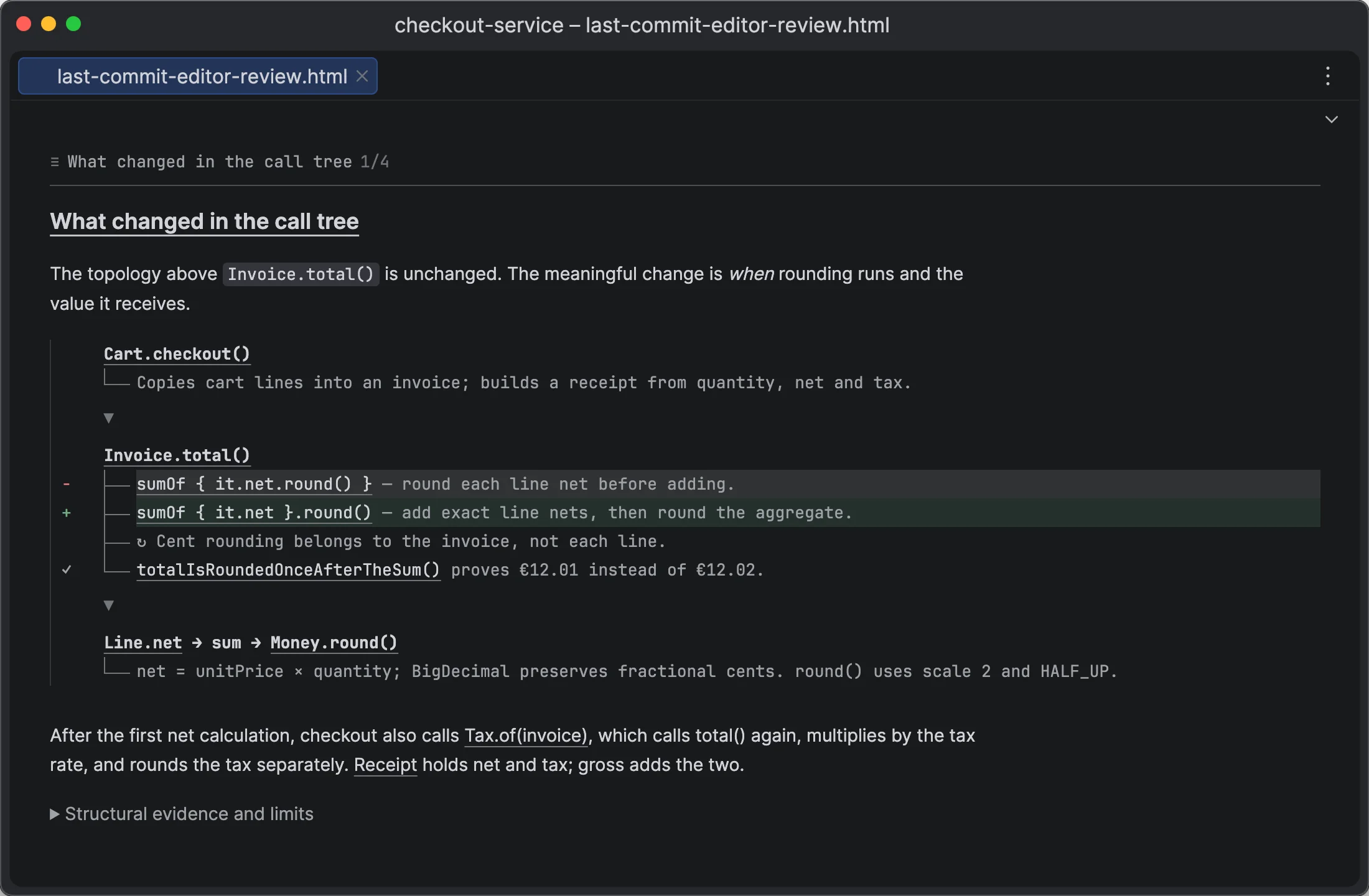
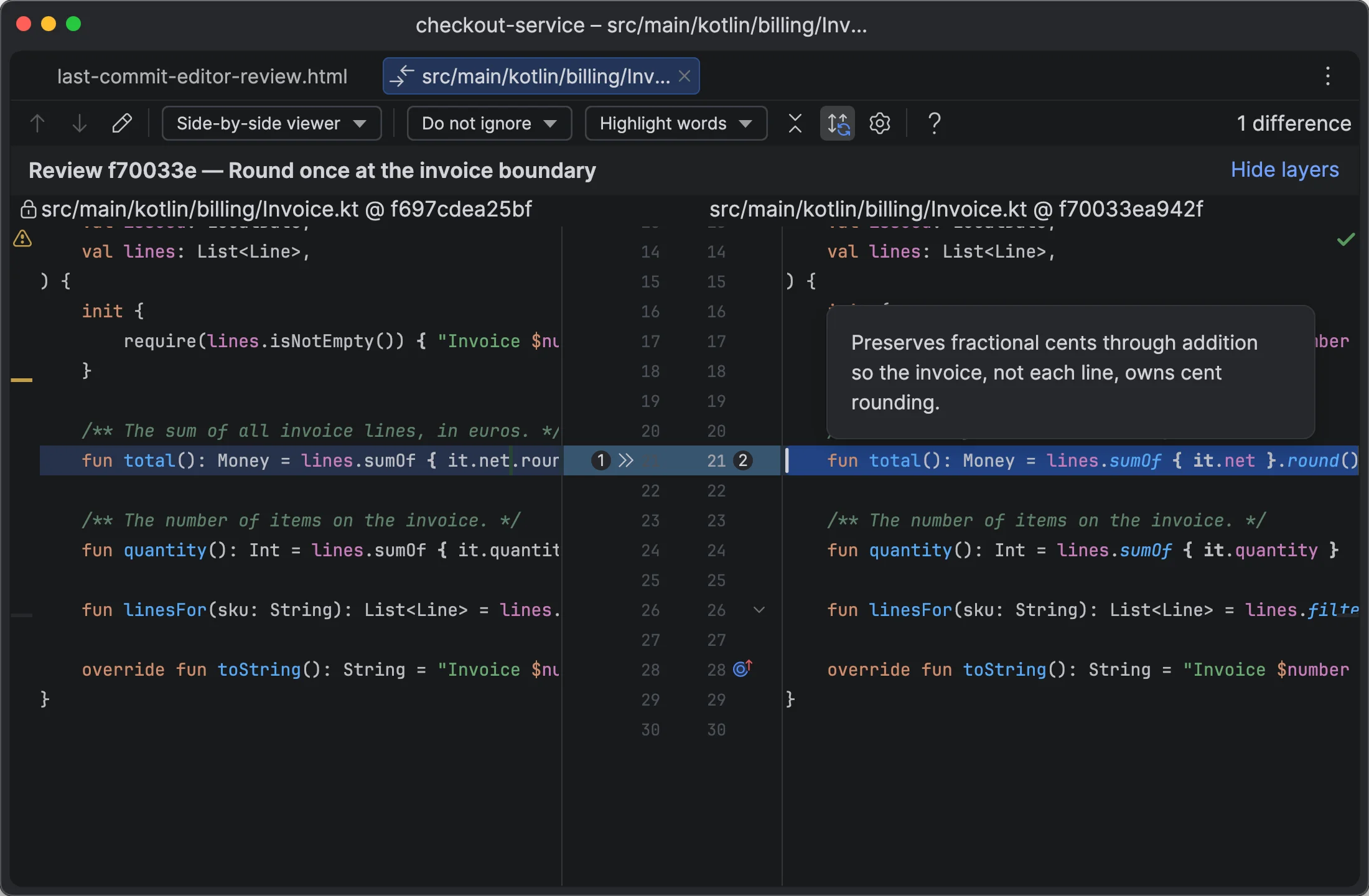
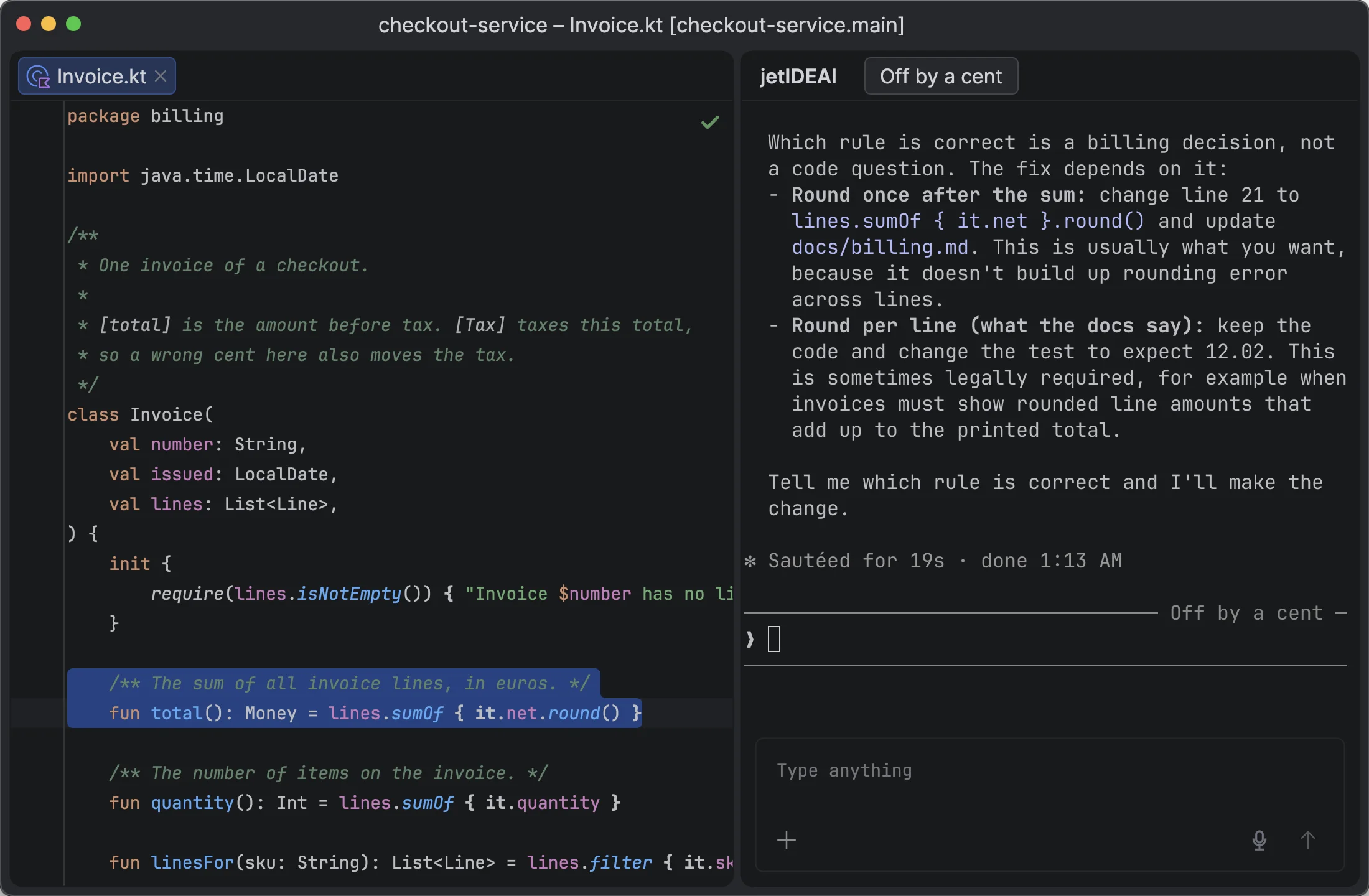
Agents reply with links to code and diffs. Explain Code reports add notes on top of your files.

you → agent

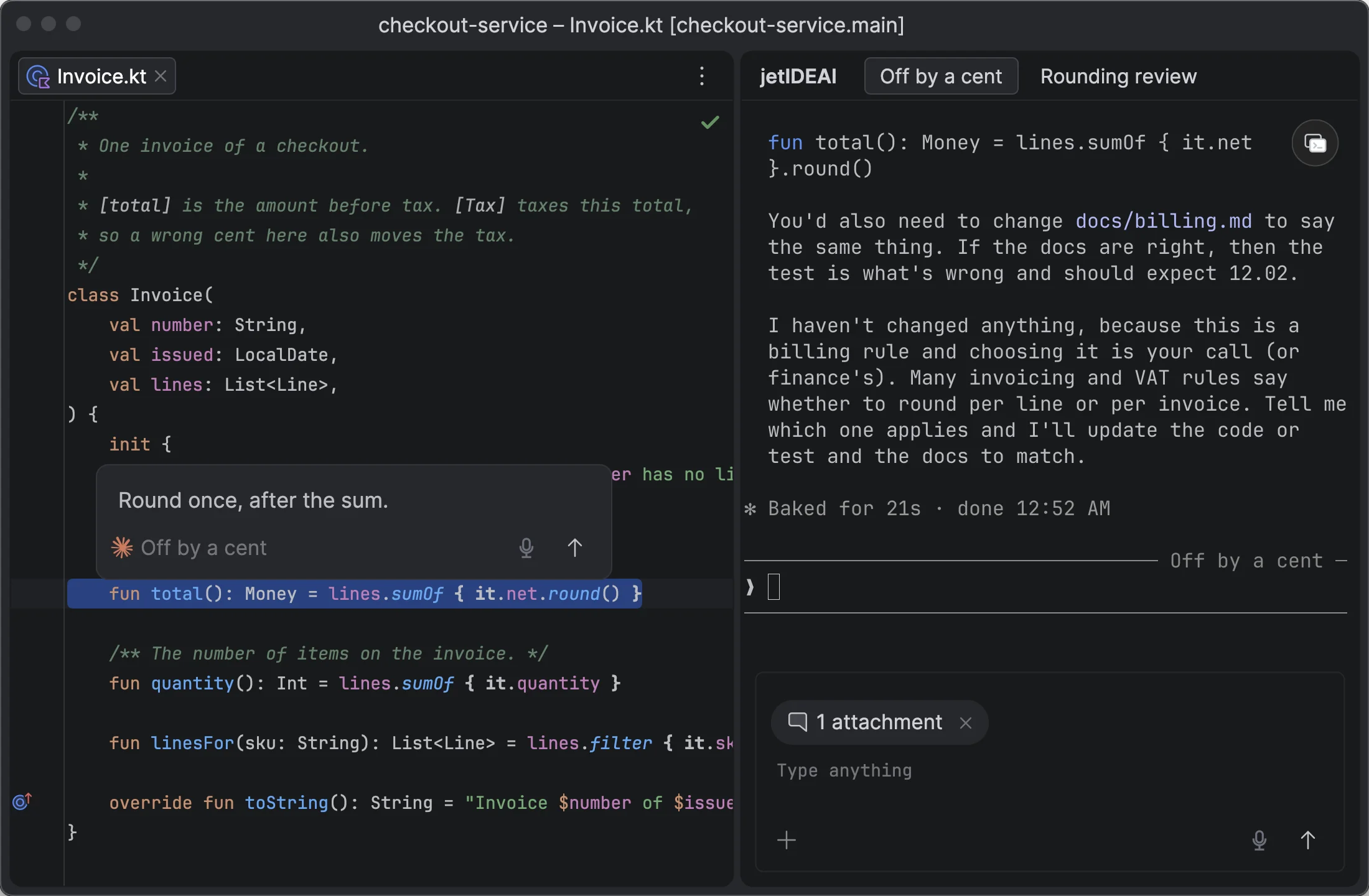
Comments on anything in the IDE

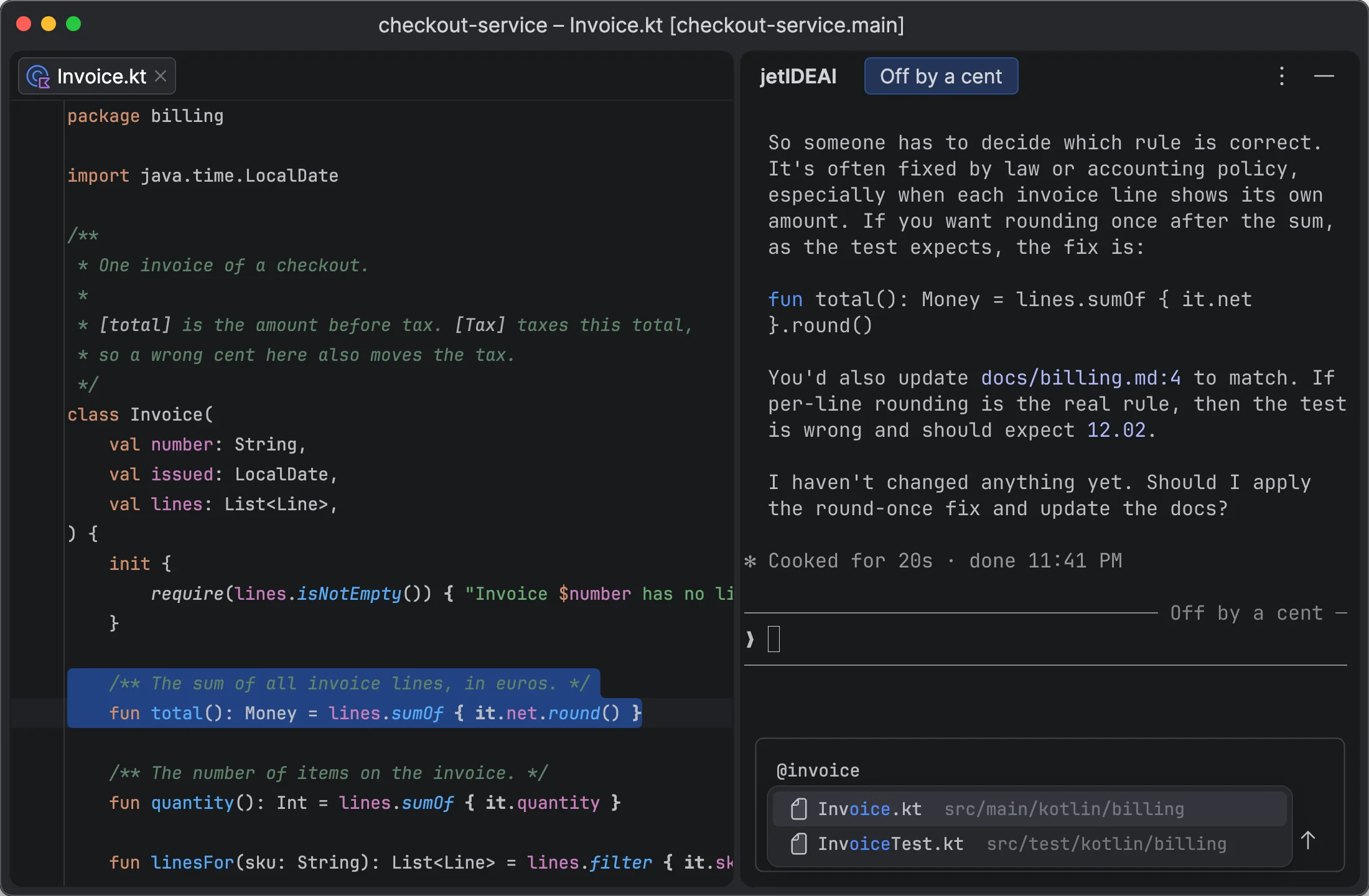
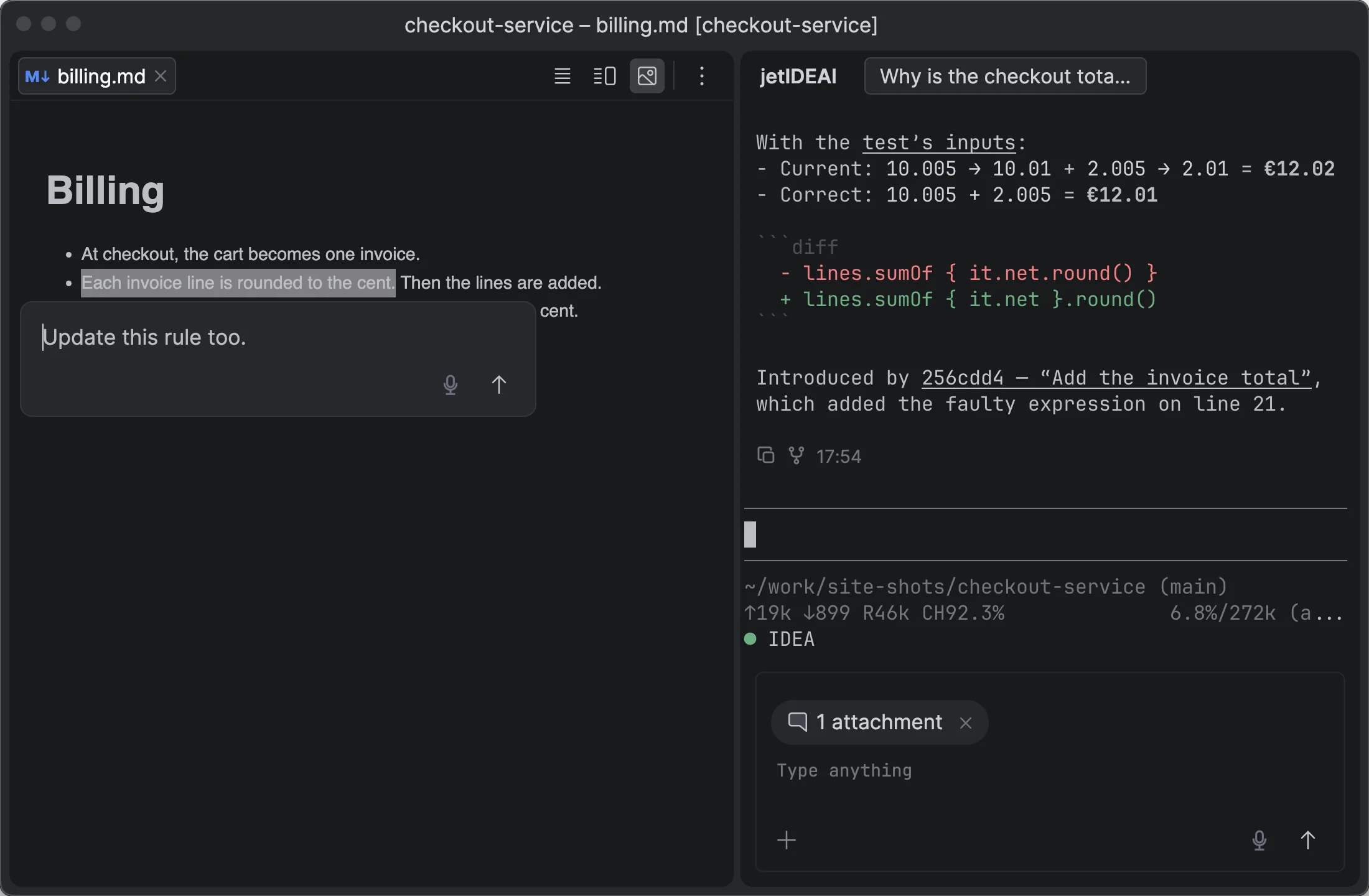
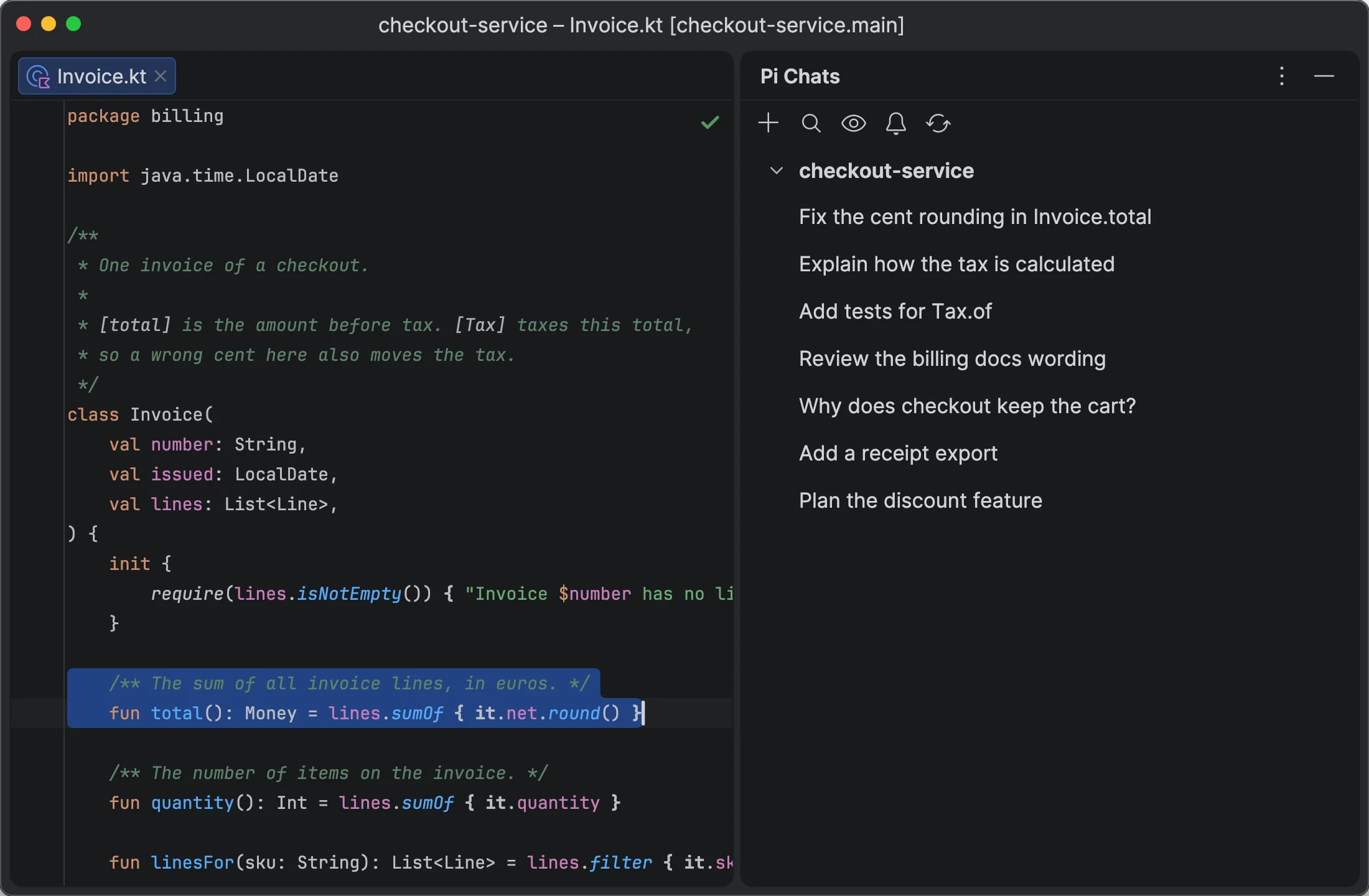
  • Select text in the editor, a diff, Project View, a Markdown preview, or terminal output, including Claude Code.
  • Add a comment to each selection. It becomes a Composer attachment.
  • Attach screenshots and images, also with comments.
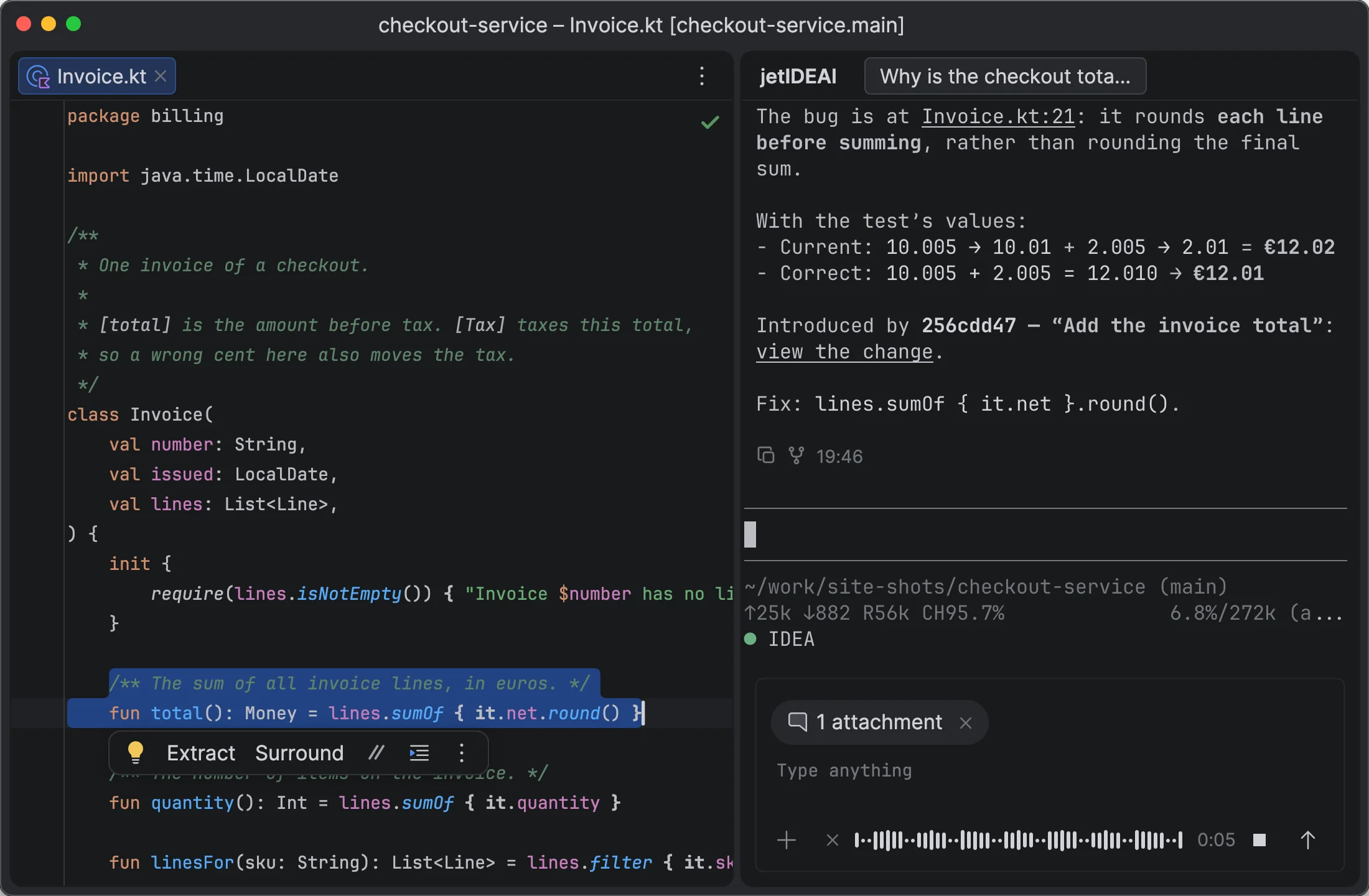
  • Walkthrough gives hands-free context: talk while you move through the code, and jetIDEAI tracks your selections and voice and builds the message for you.
you → agent

One unified Composer for any agent

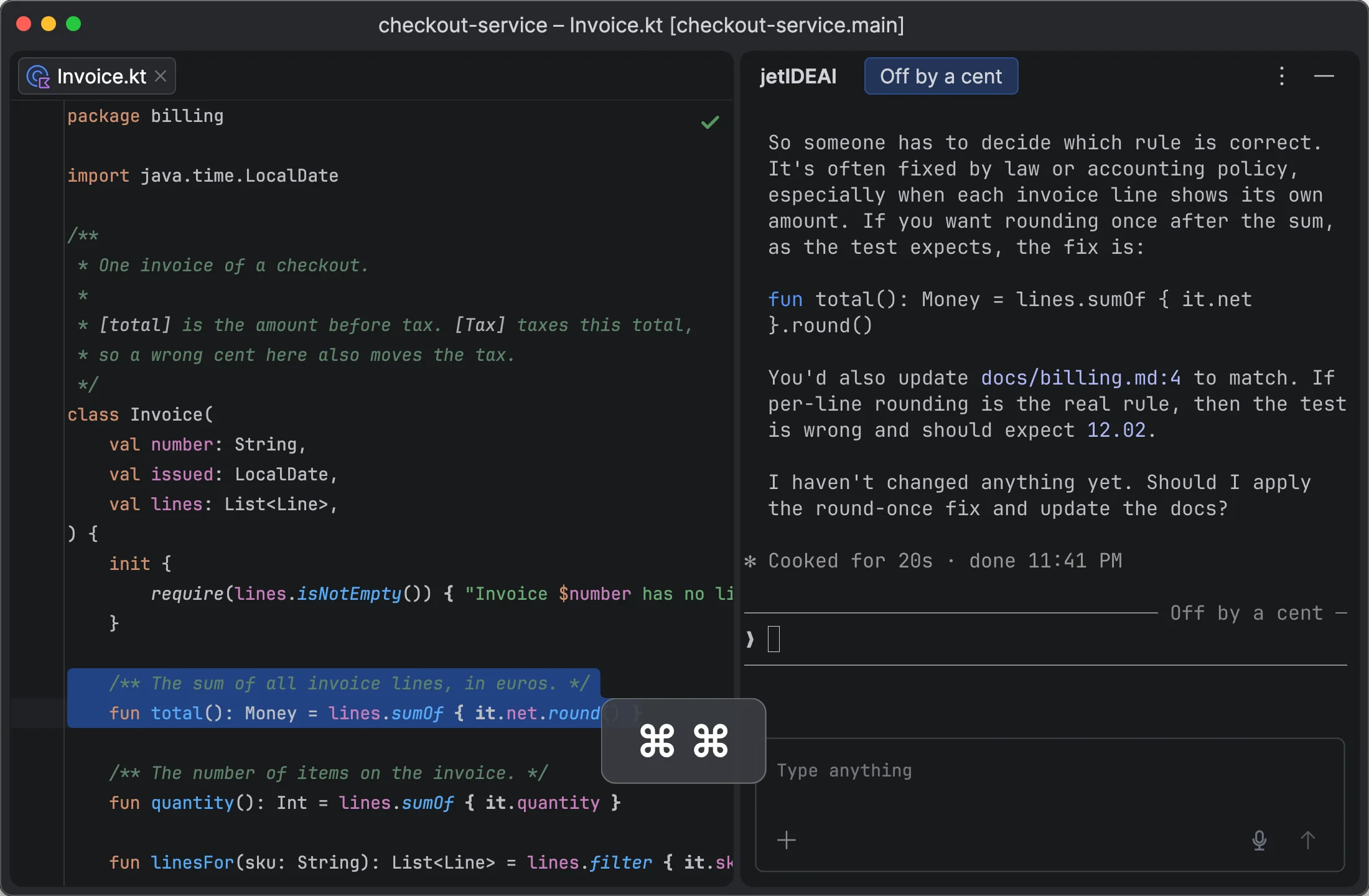
  • Works the same in every terminal and in Agent Chat. Press Cmd twice to open it.
  • Attachments have numbers, so you and the agent can refer to them.
  • Dictation works in every Composer.
agent → you

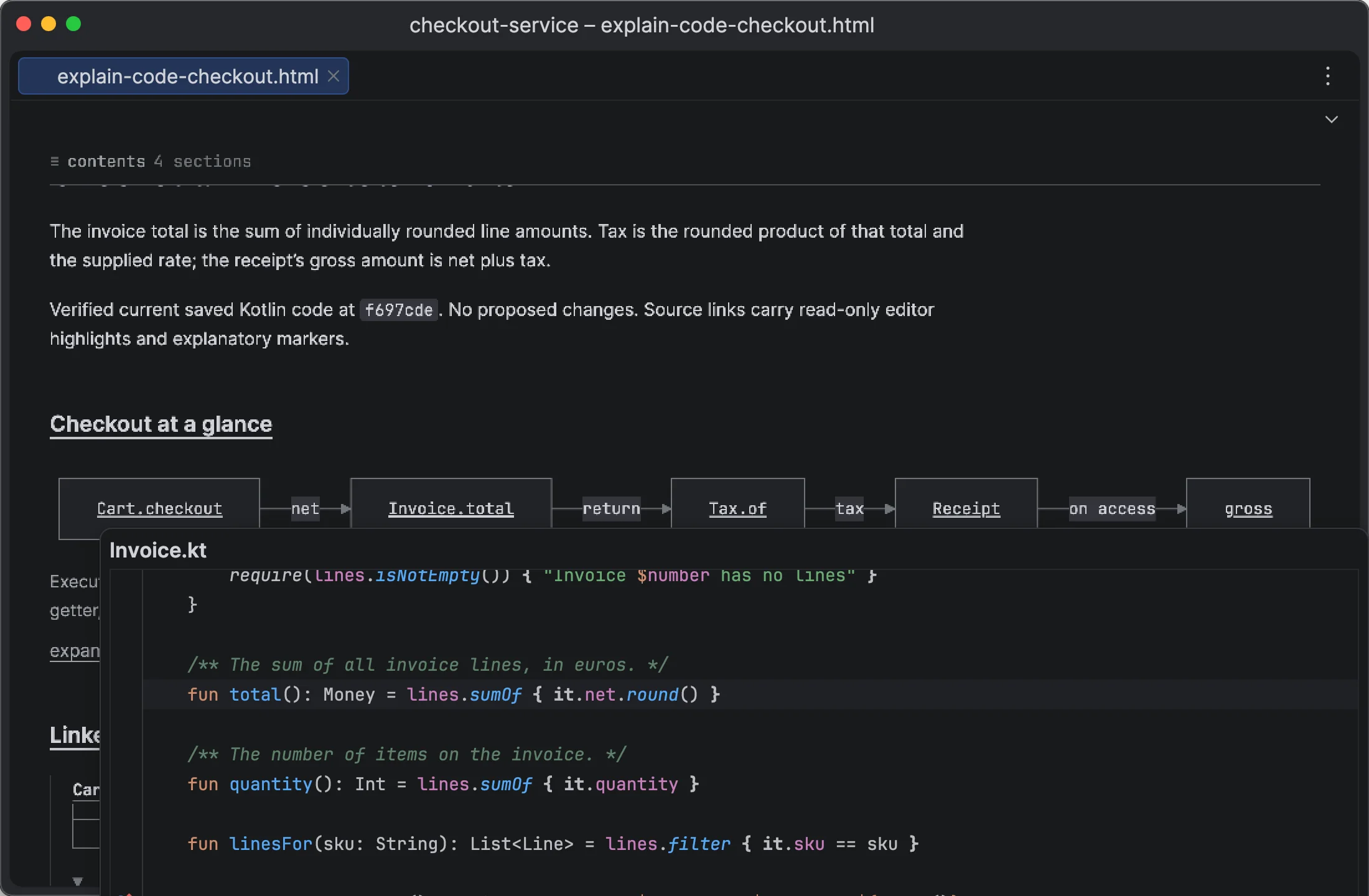
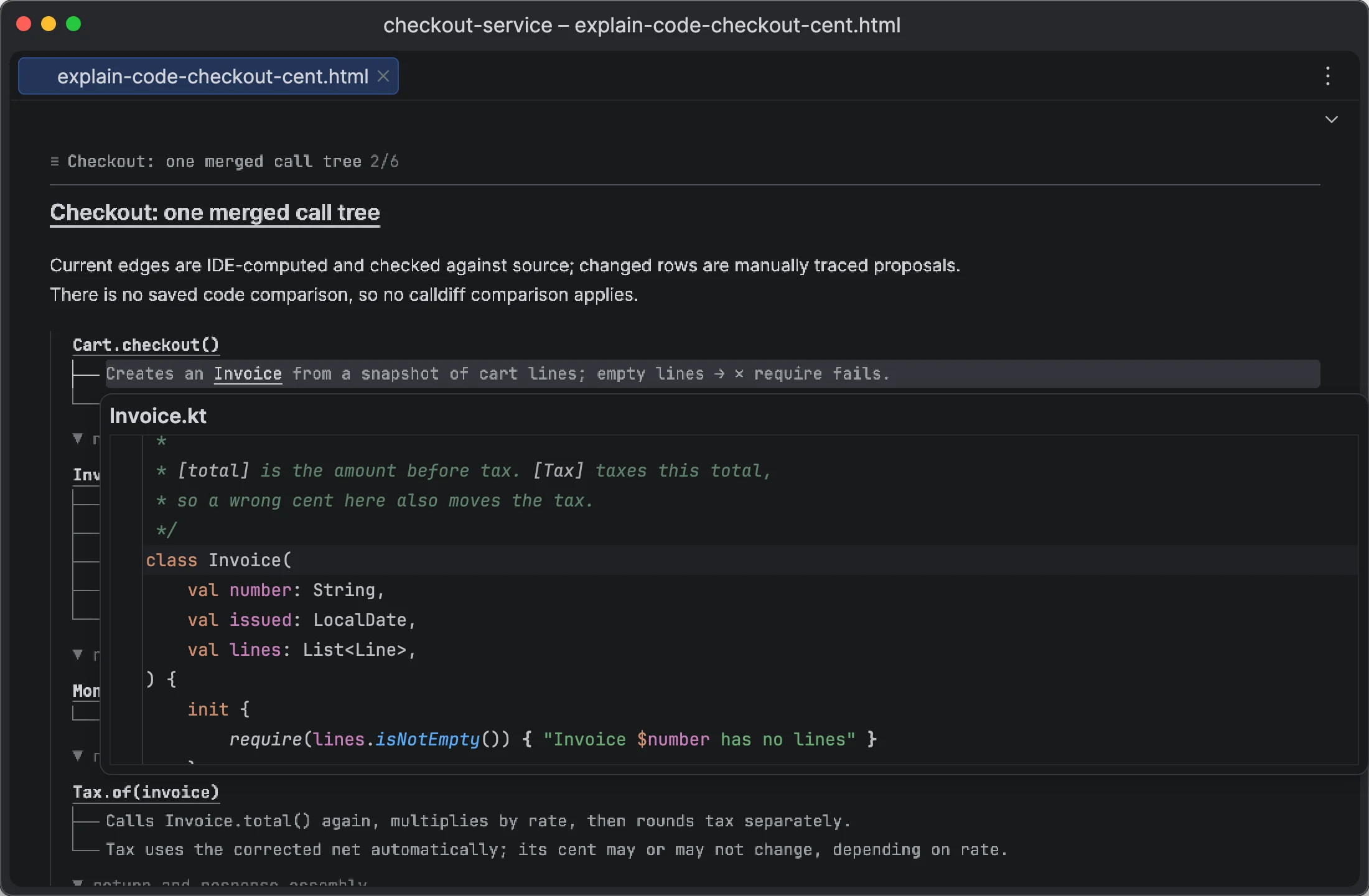
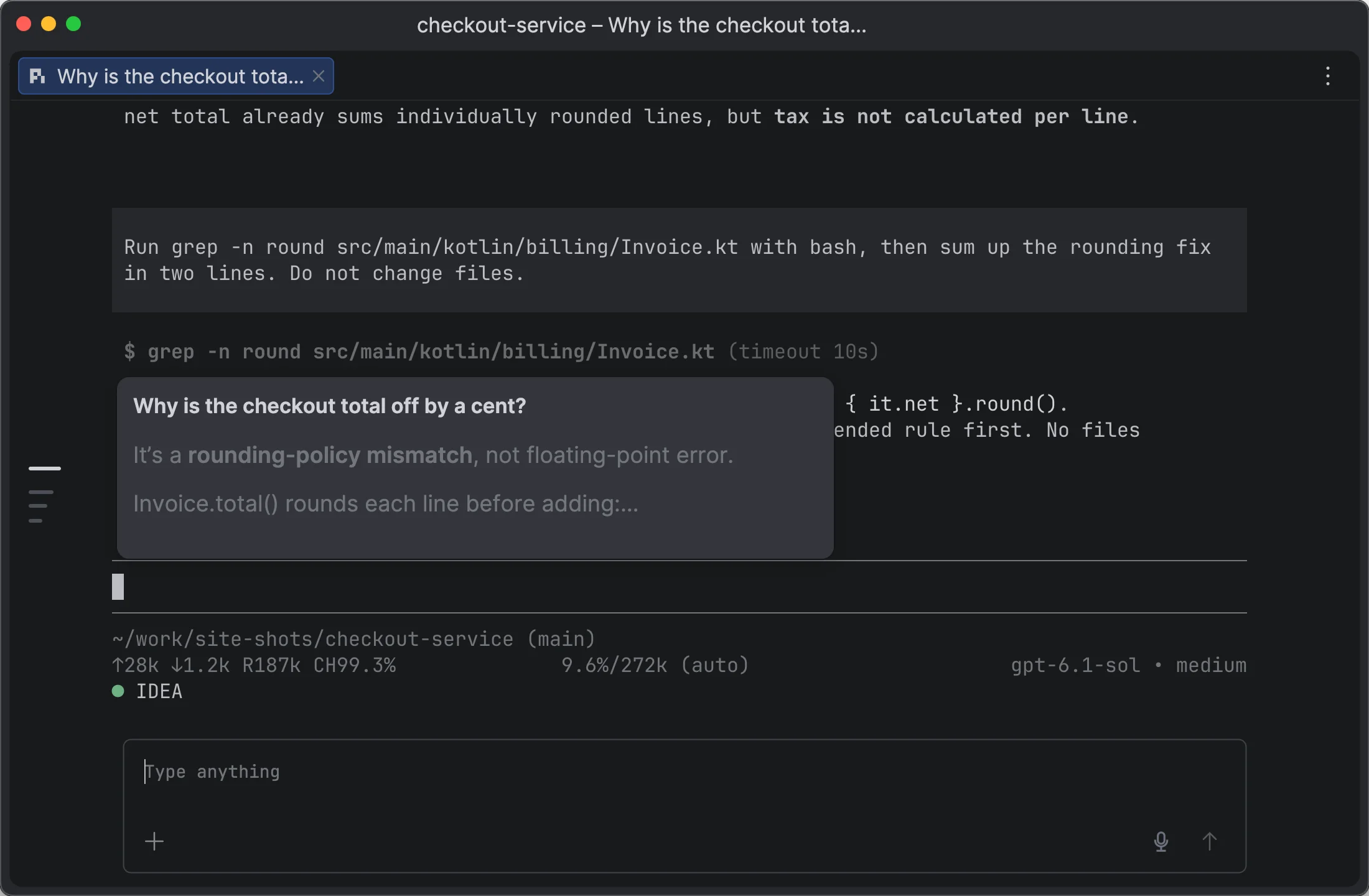
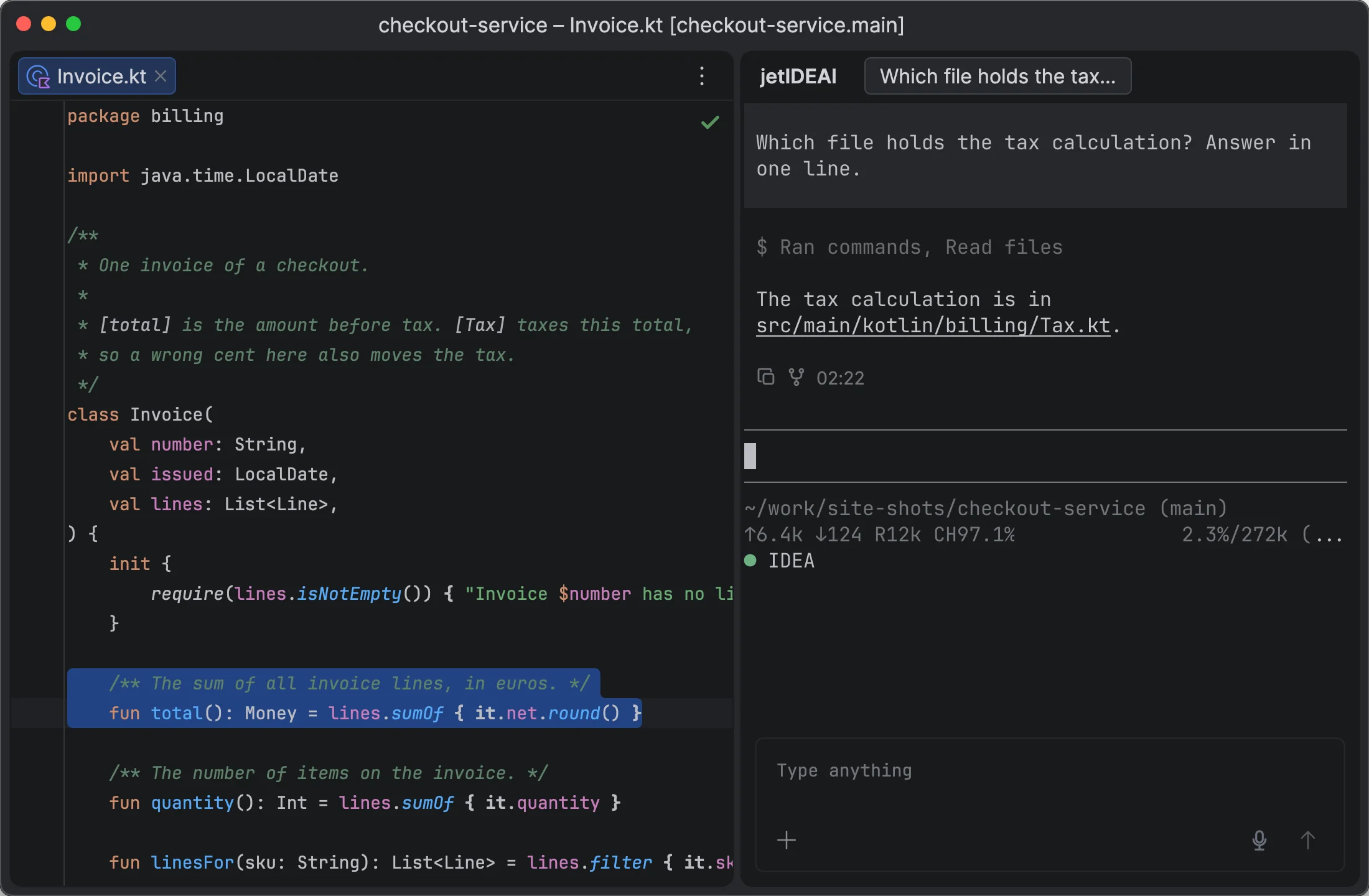
Links to code and diffs in agent replies

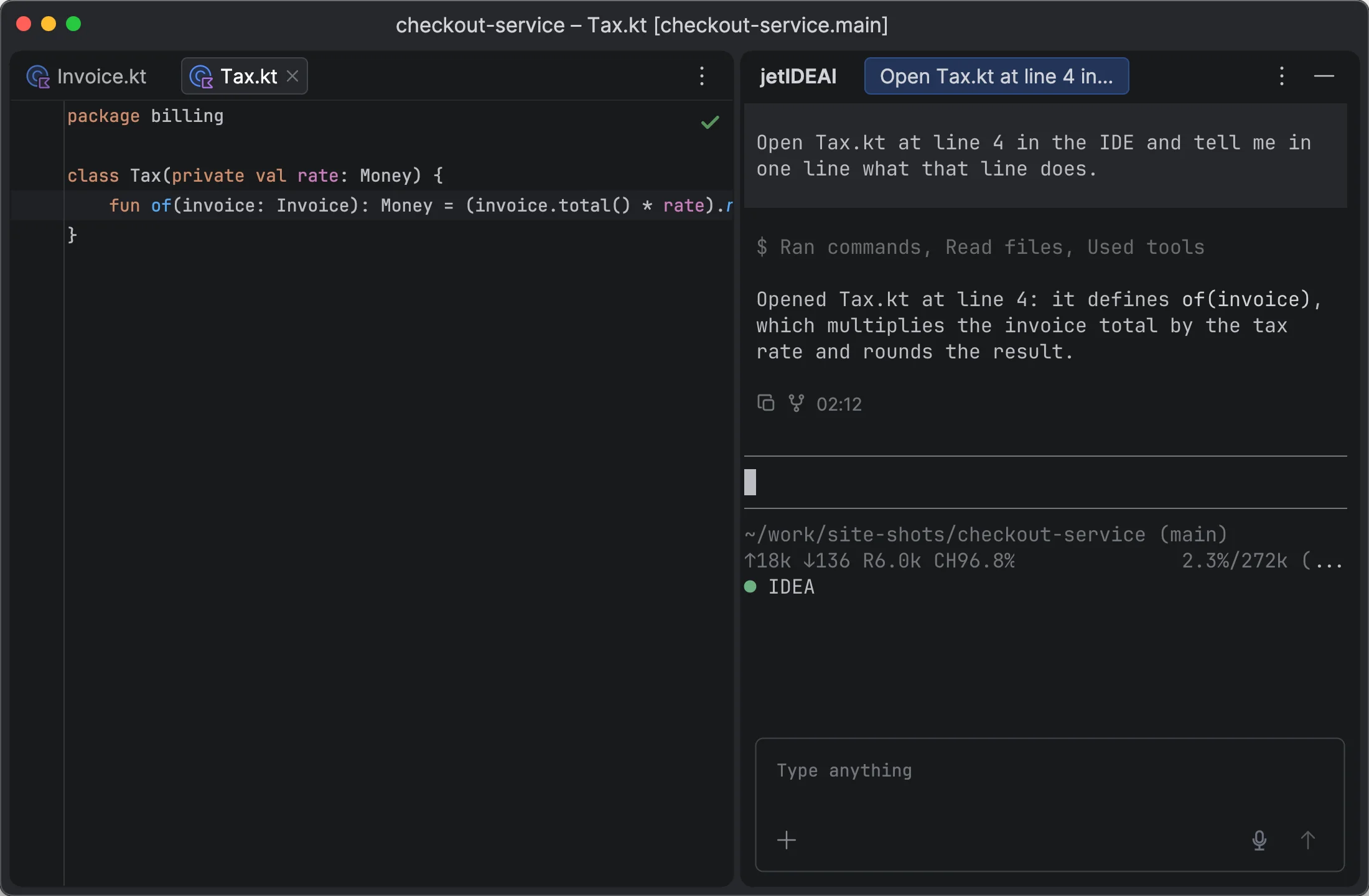
  • Code links show a source preview on hover and open the file at the line.
  • Diff links open the IDE diff at the change.
  • After a commit, Pi lists change links with one line per change.
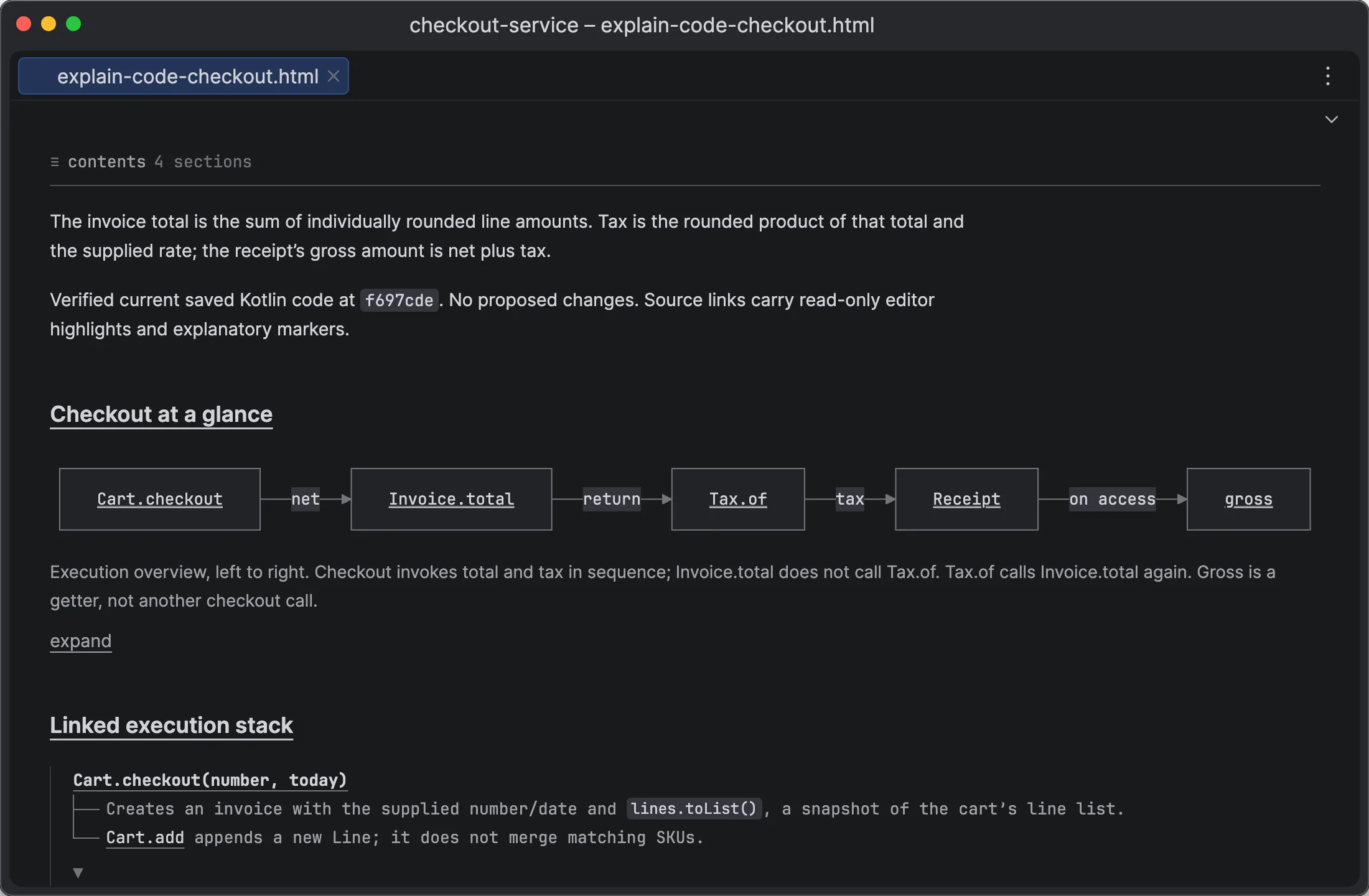
  • Links work in terminals, Agent Chat, reports, and Mermaid diagrams.
agent → you

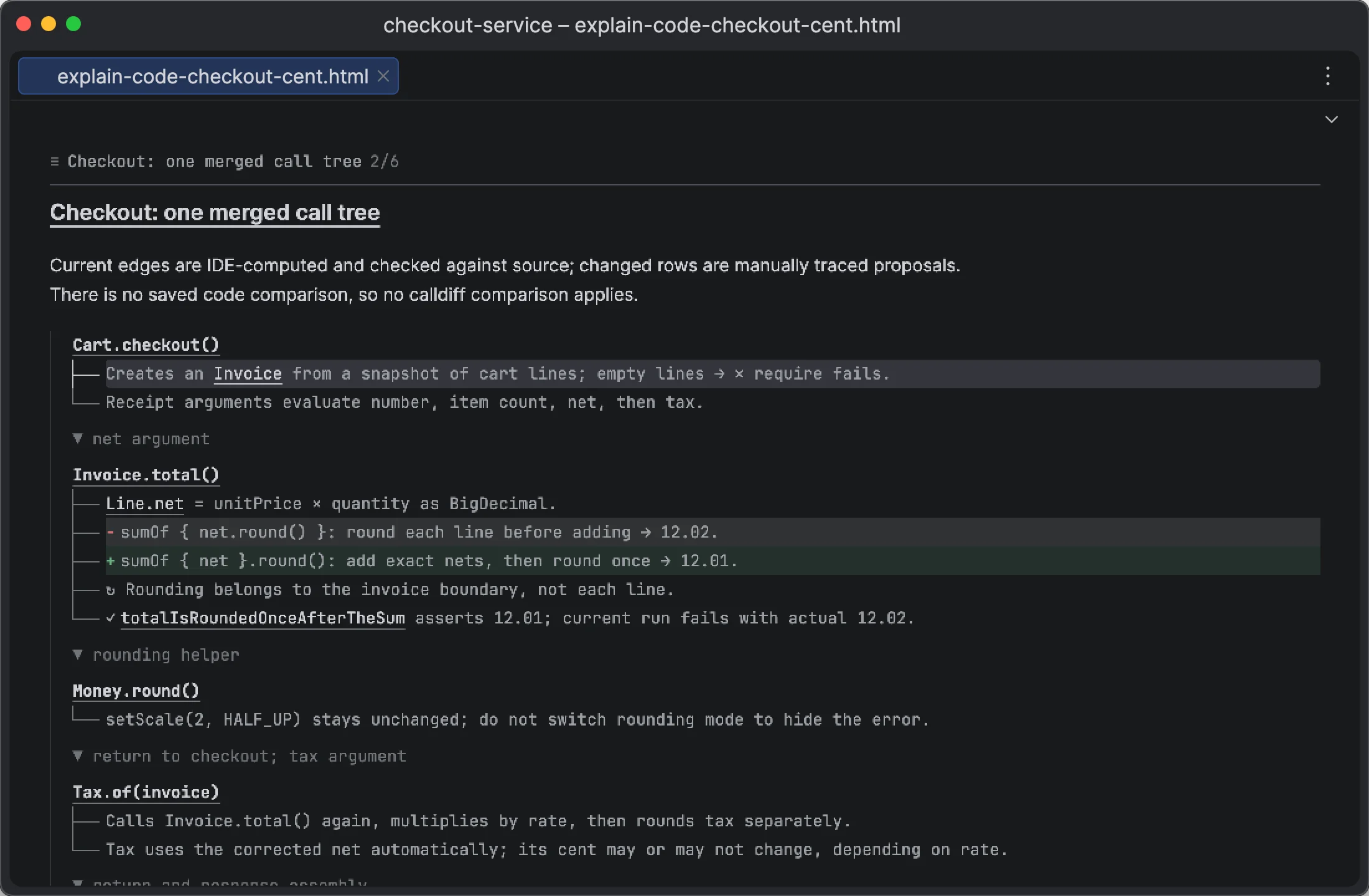
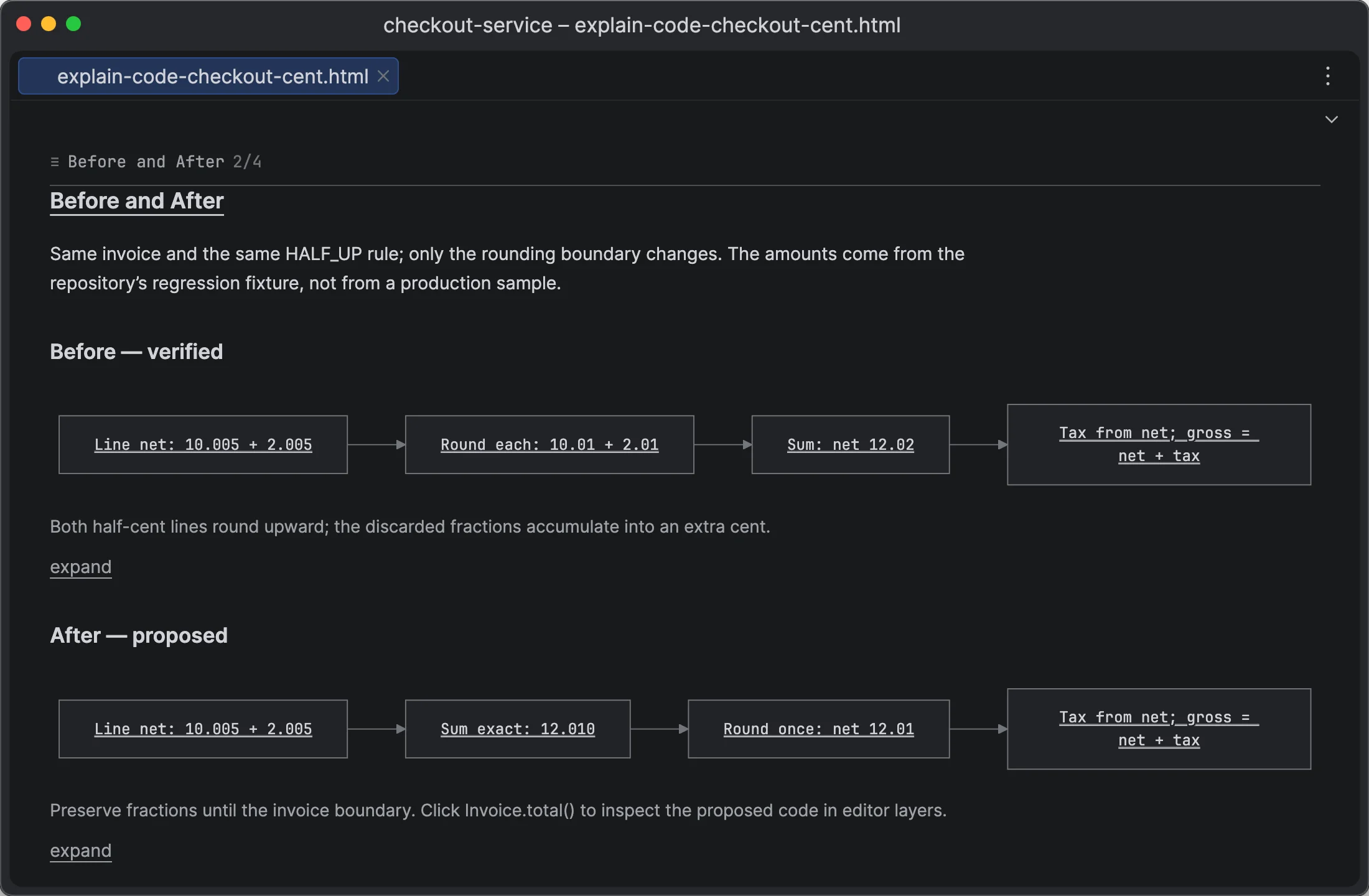
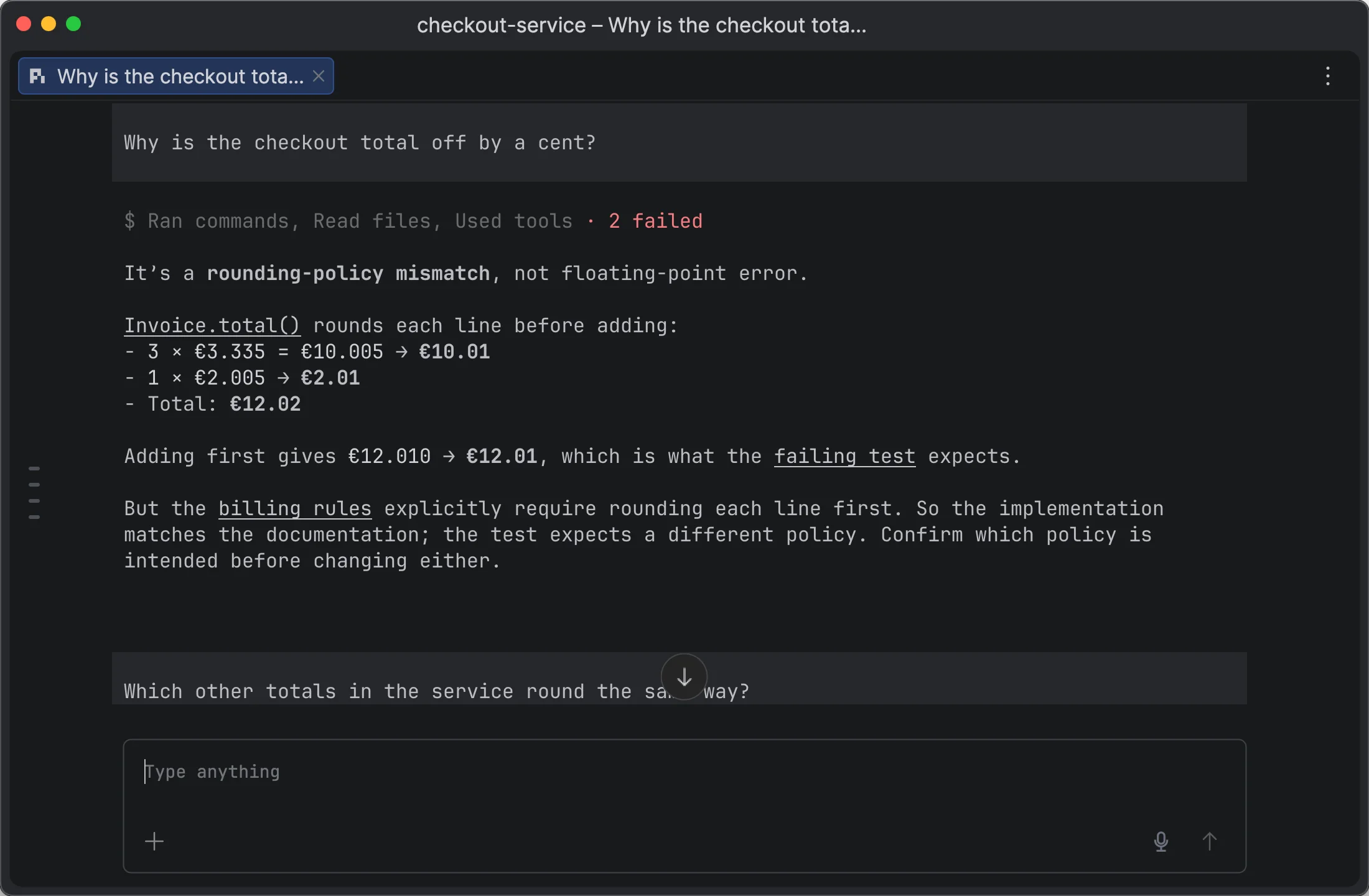
Interactive code explanations, built in

  • Explain Code is a built-in skill for Pi, Claude Code, and Codex.
  • The agent explains code as a report with links into the live code, diagrams, and notes on top of your files.
  • Use it to agree on a plan before a change and to review the change after it.
Agents

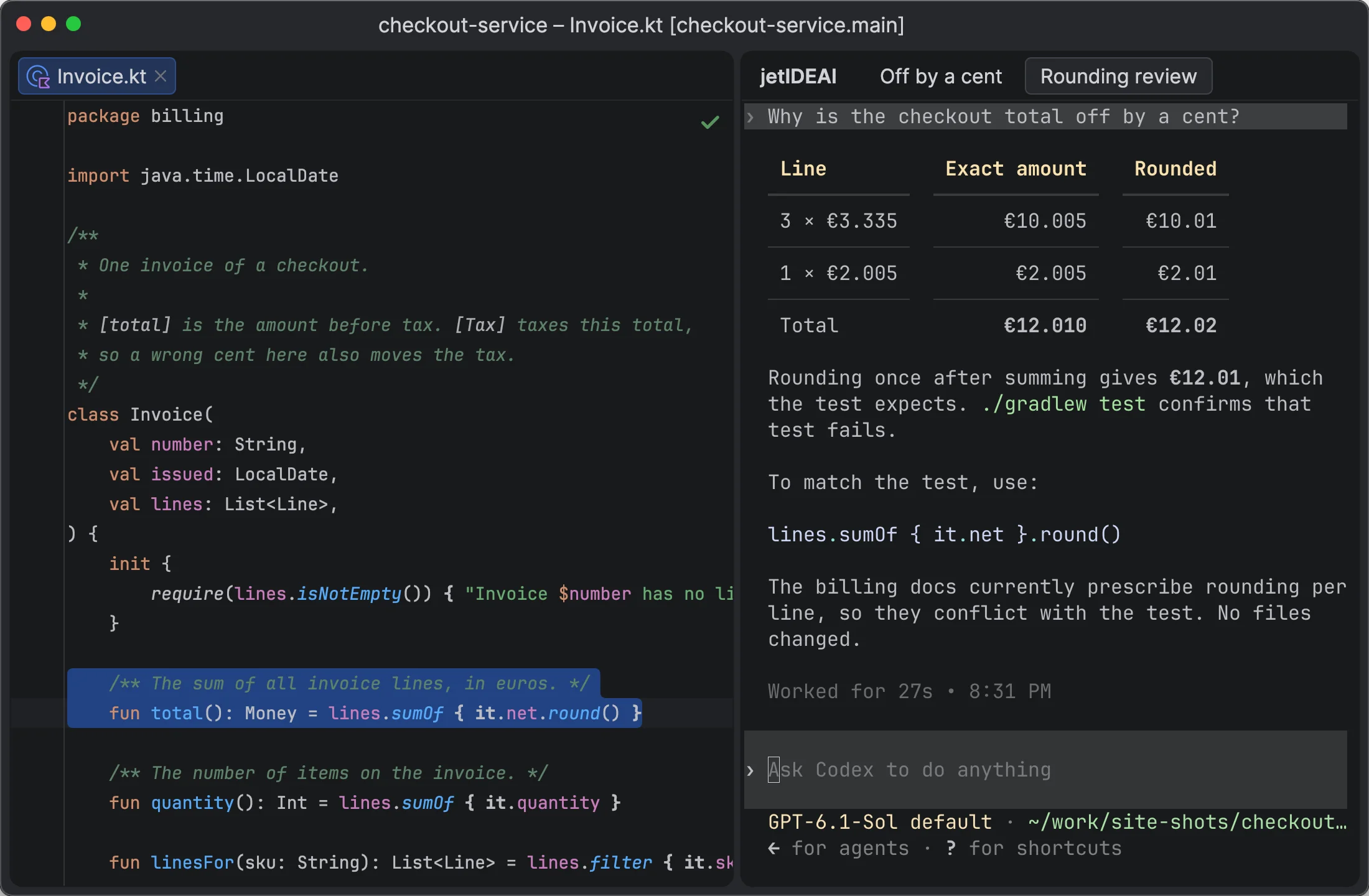
Pi, Claude Code, and Codex in one IDE

Pi Chats and JetPi

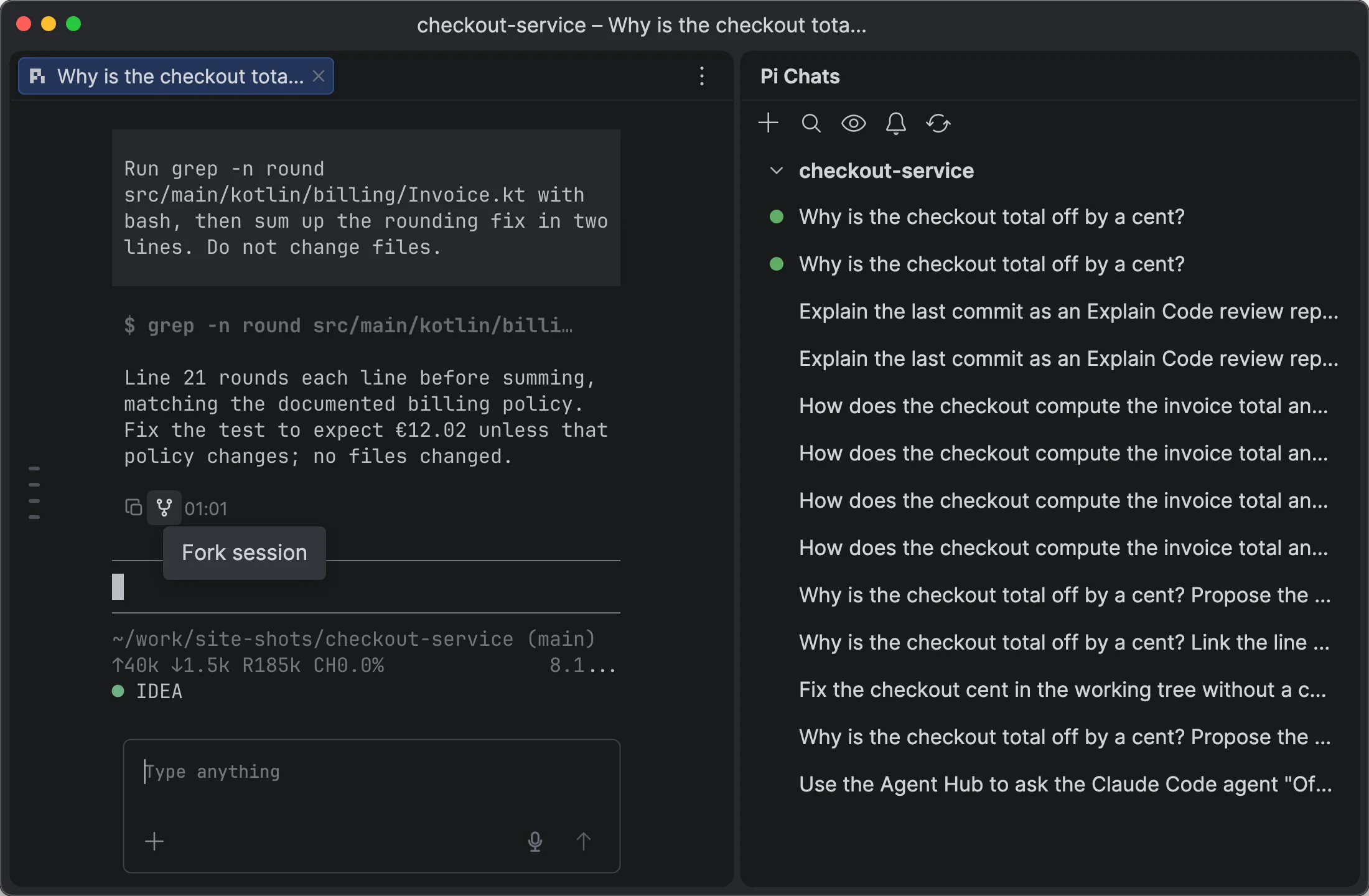
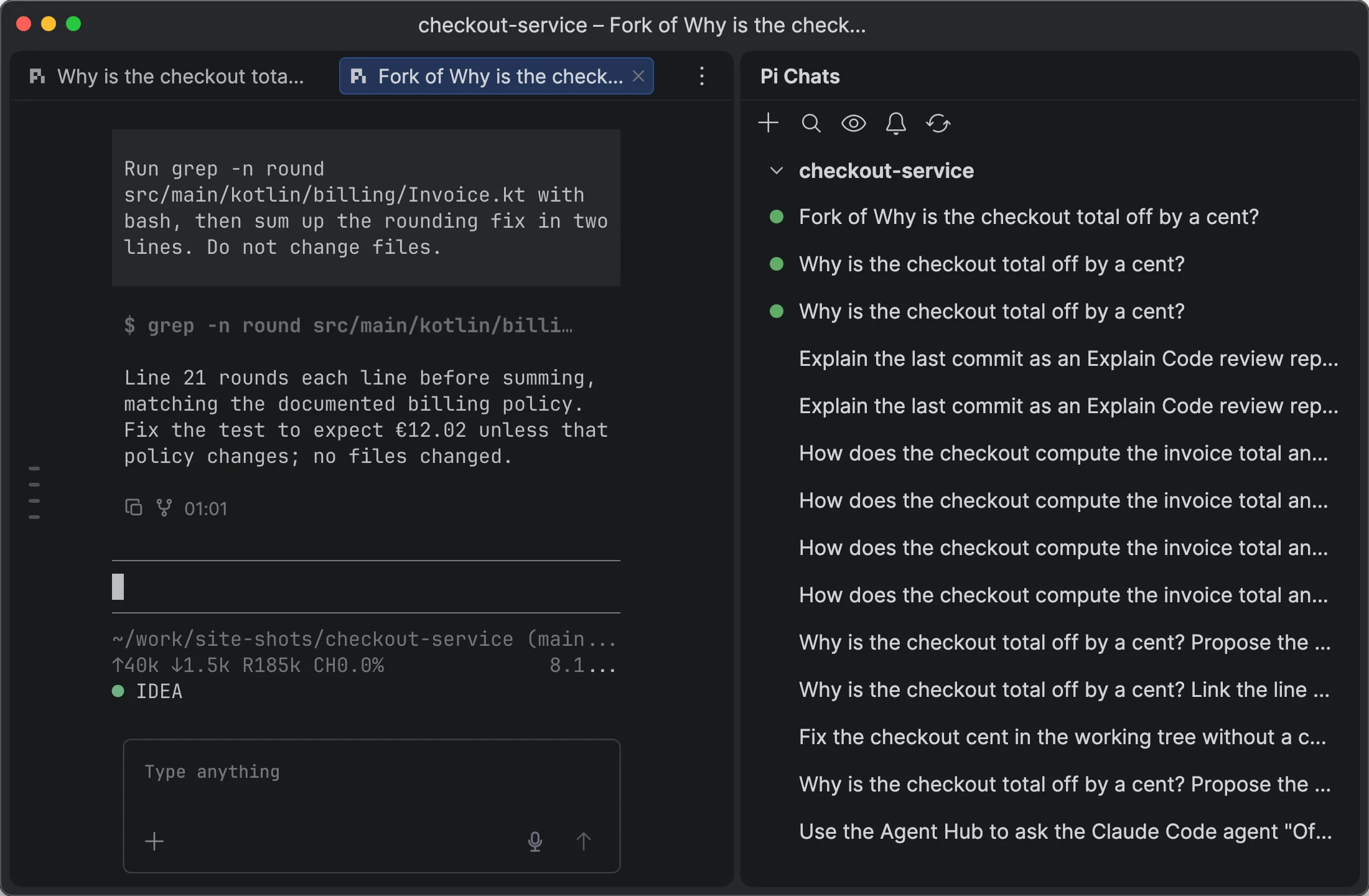
JetPi is our build of Pi for the IDE.

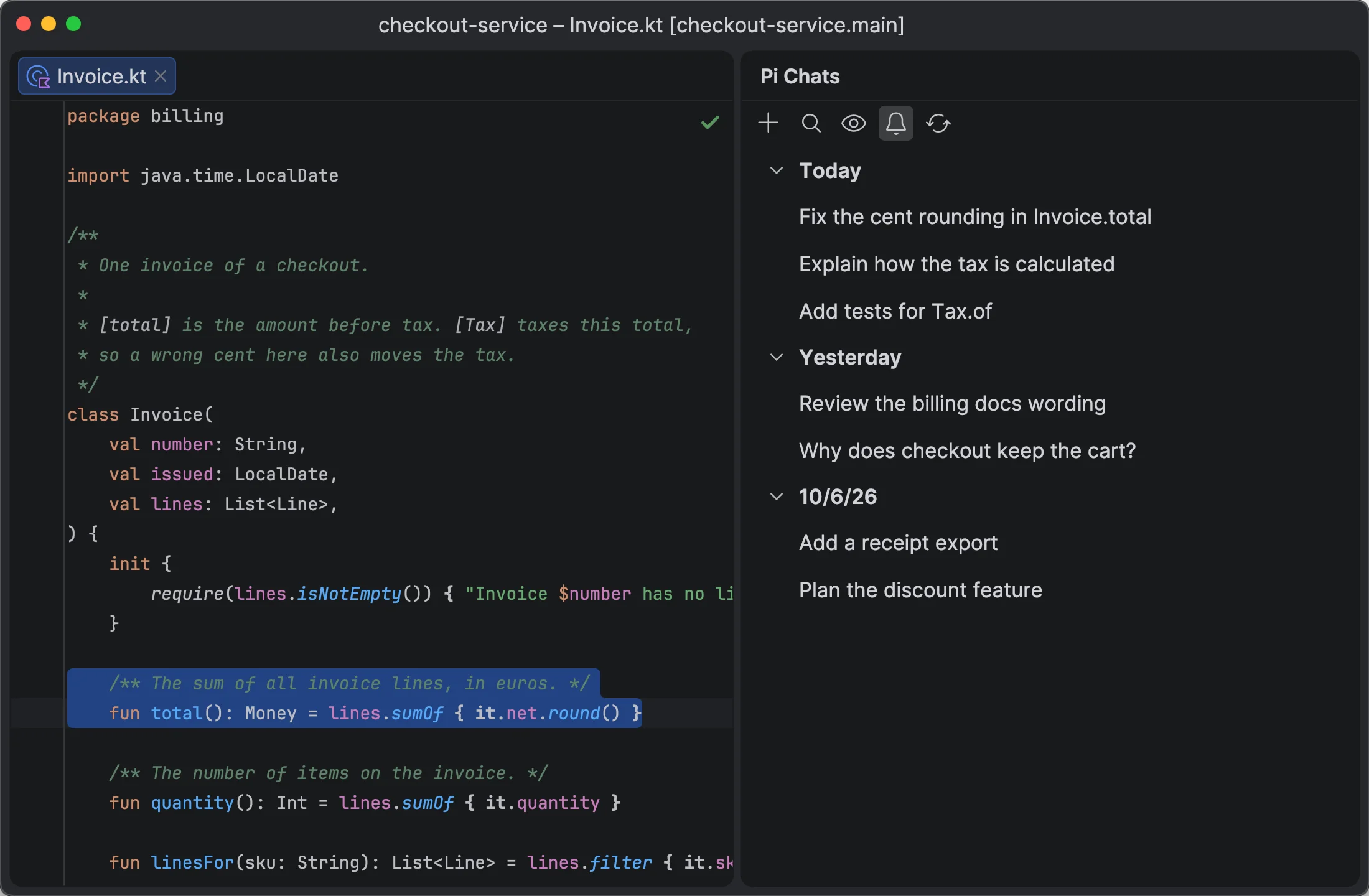
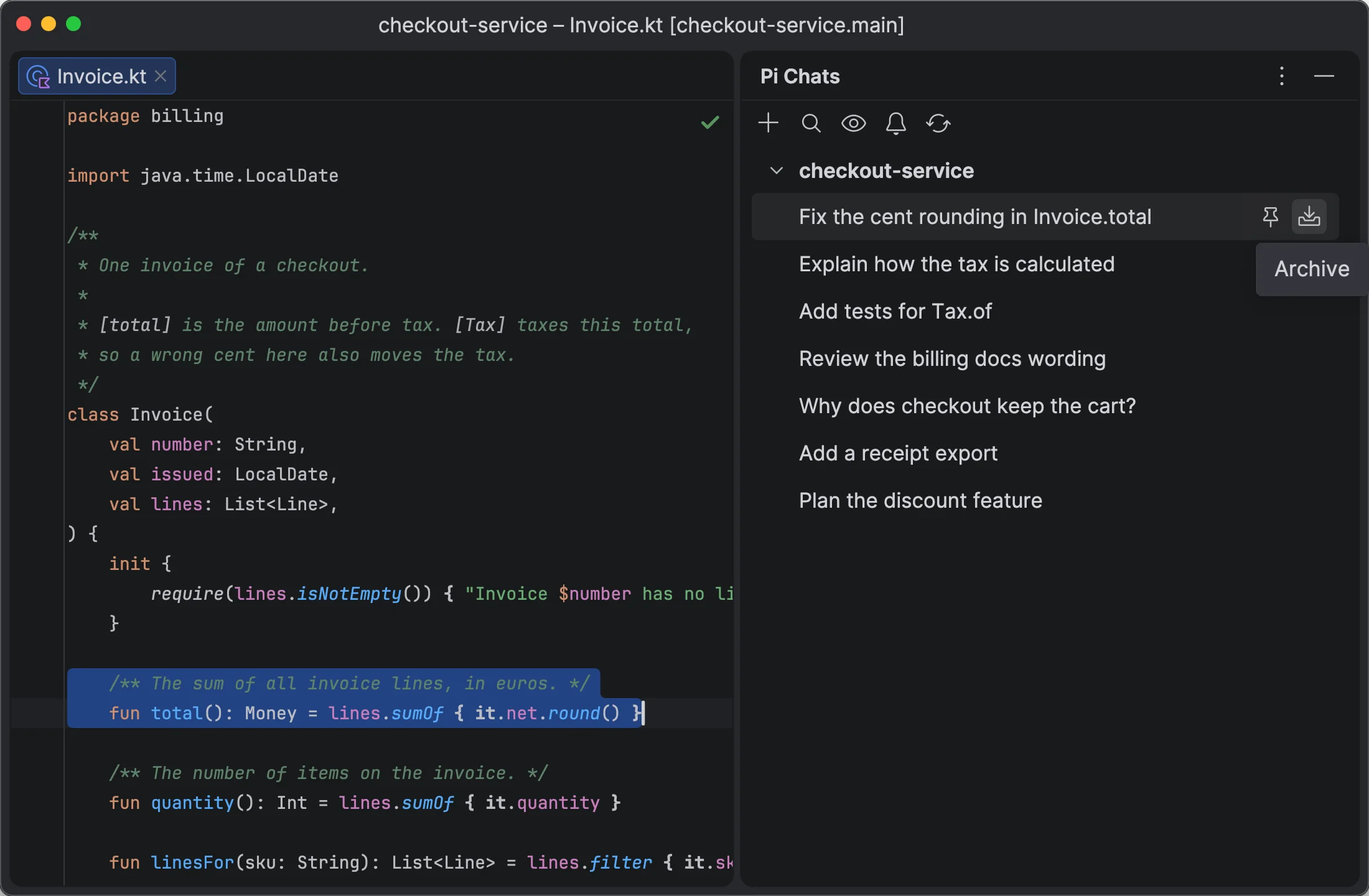
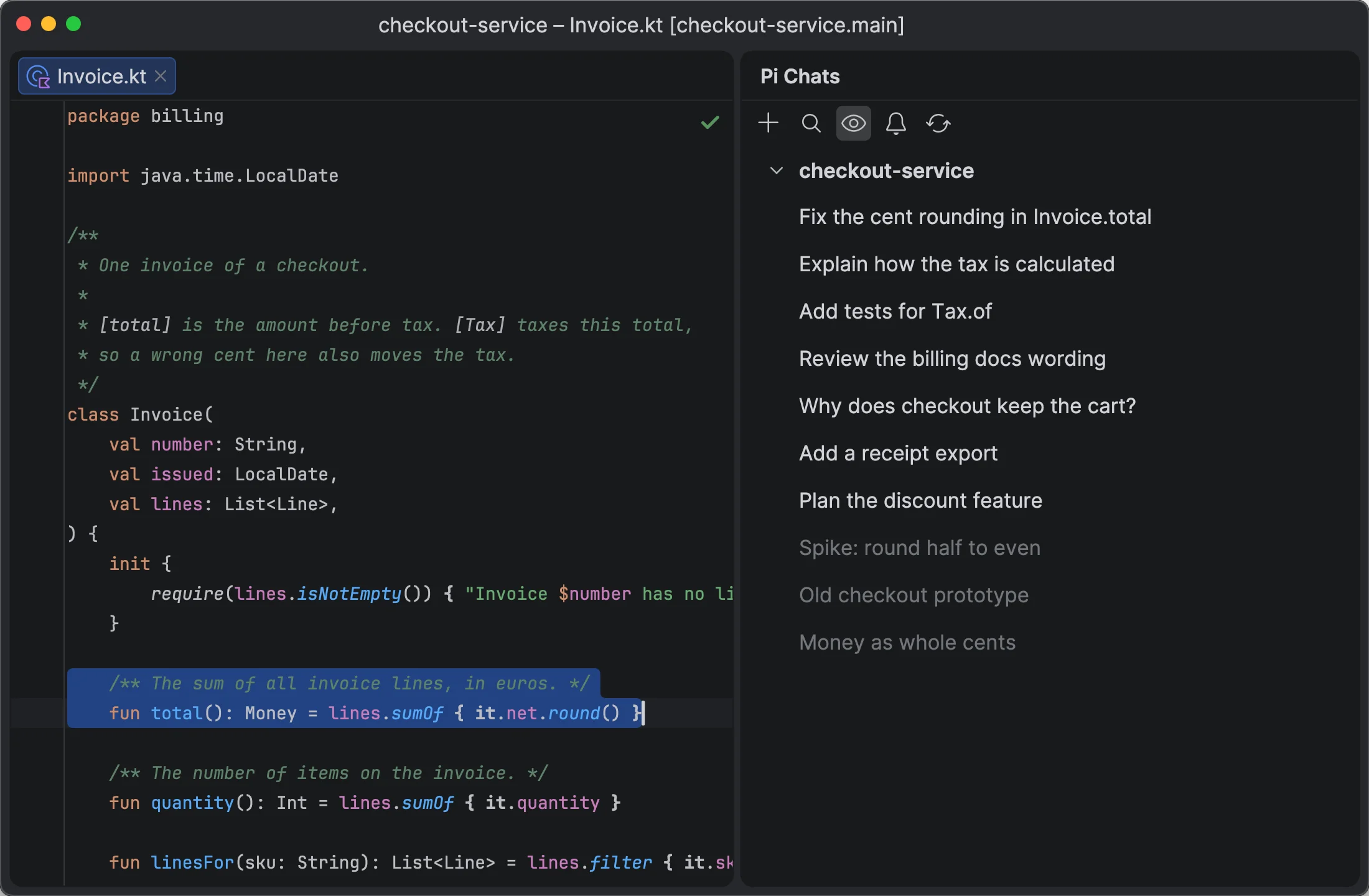
  • See all Pi chats in one list, with live activity.
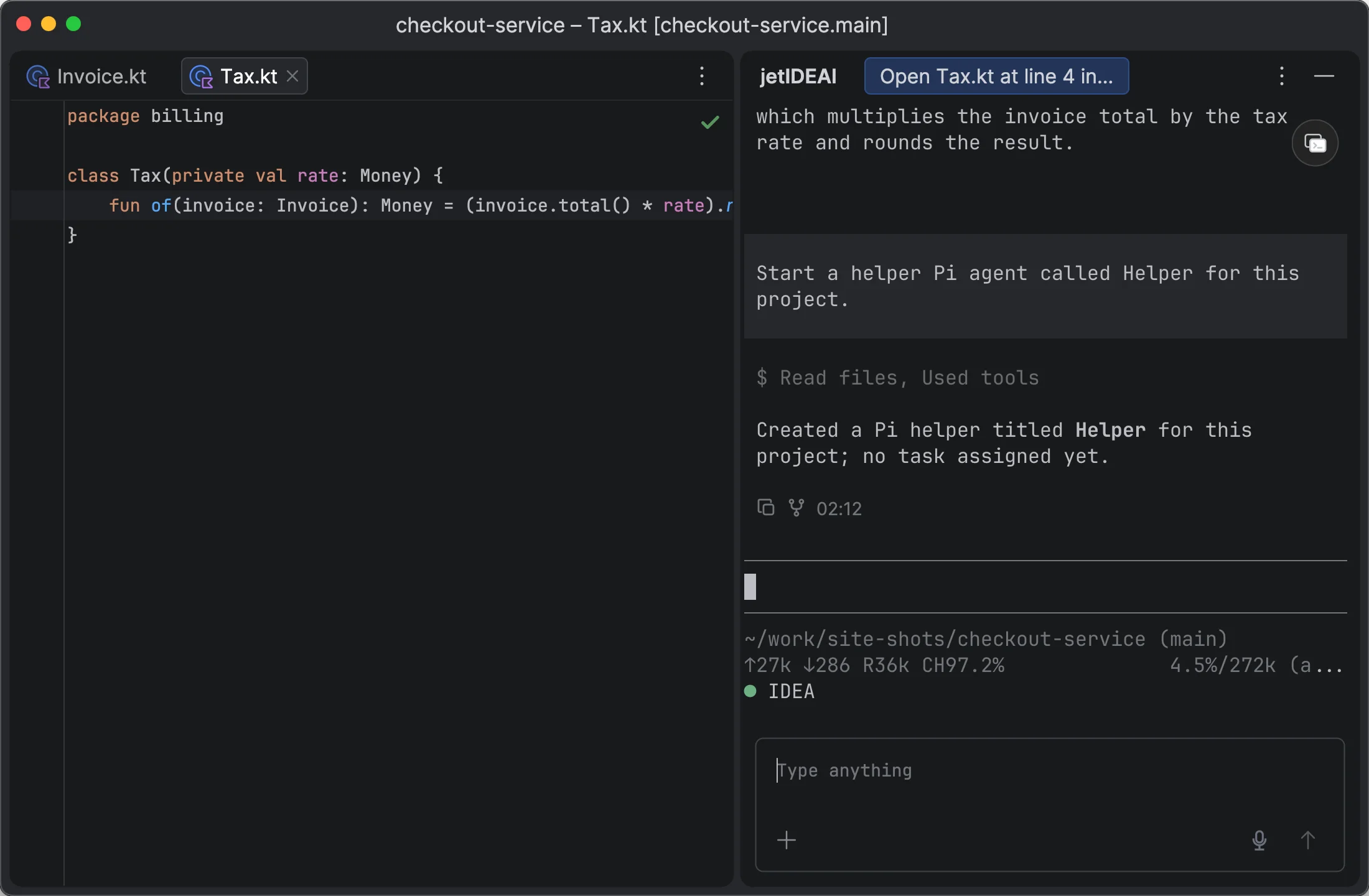
  • Fork a chat, or start child agents that stay grouped under the parent.
  • Fold tool calls and copy messages as Markdown.
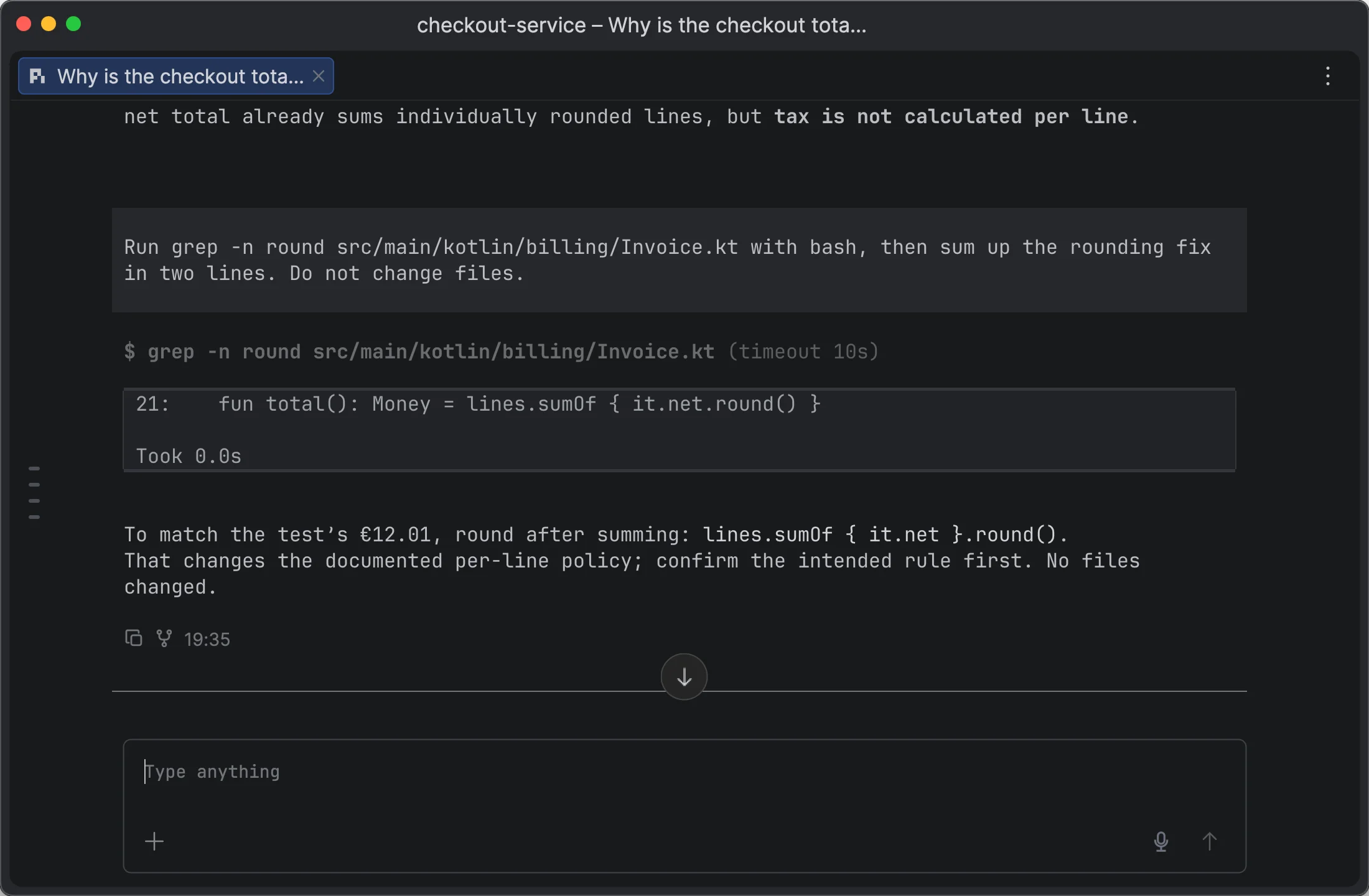
  • Long chats stay fast. Jump to any point with the Timeline.

Agent Hub and automation

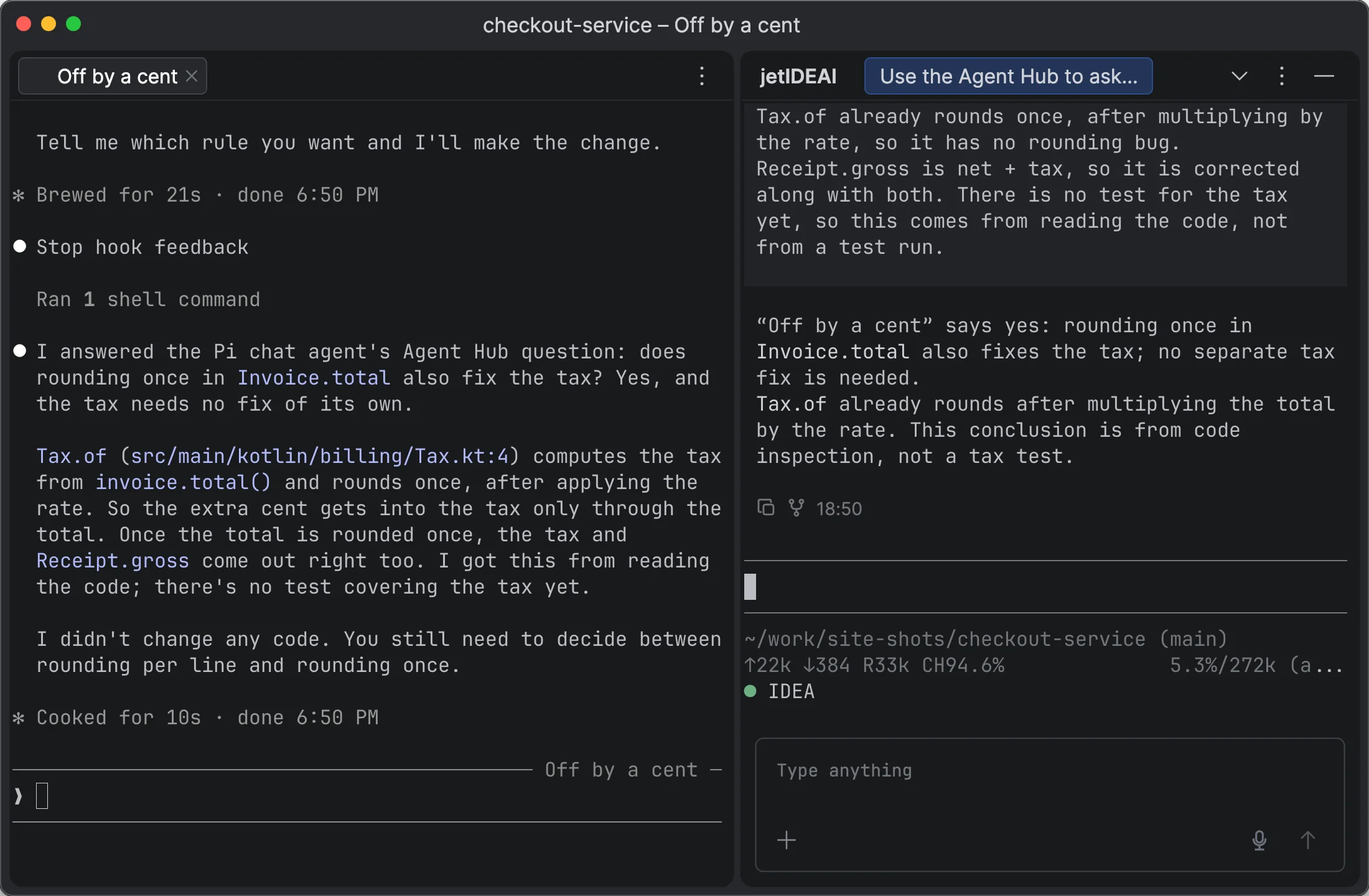
  • Agents send messages to each other through Agent Hub, with receipts and replies.
  • A local API and the jetideai CLI let agents open diffs, start terminals, and launch other agents.
  • Desktop apps such as Claude and ChatGPT can connect through the CLI.
Themes

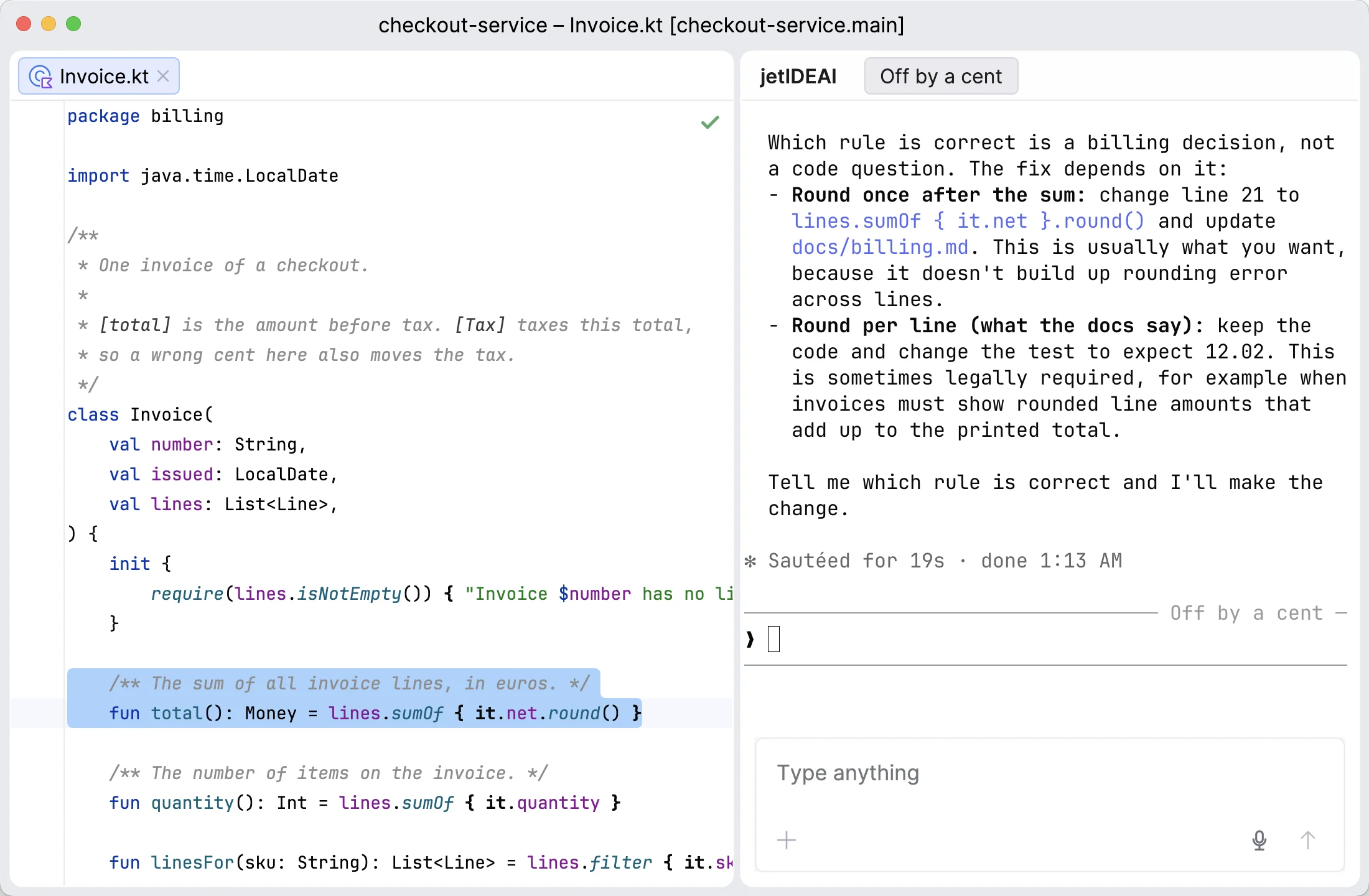
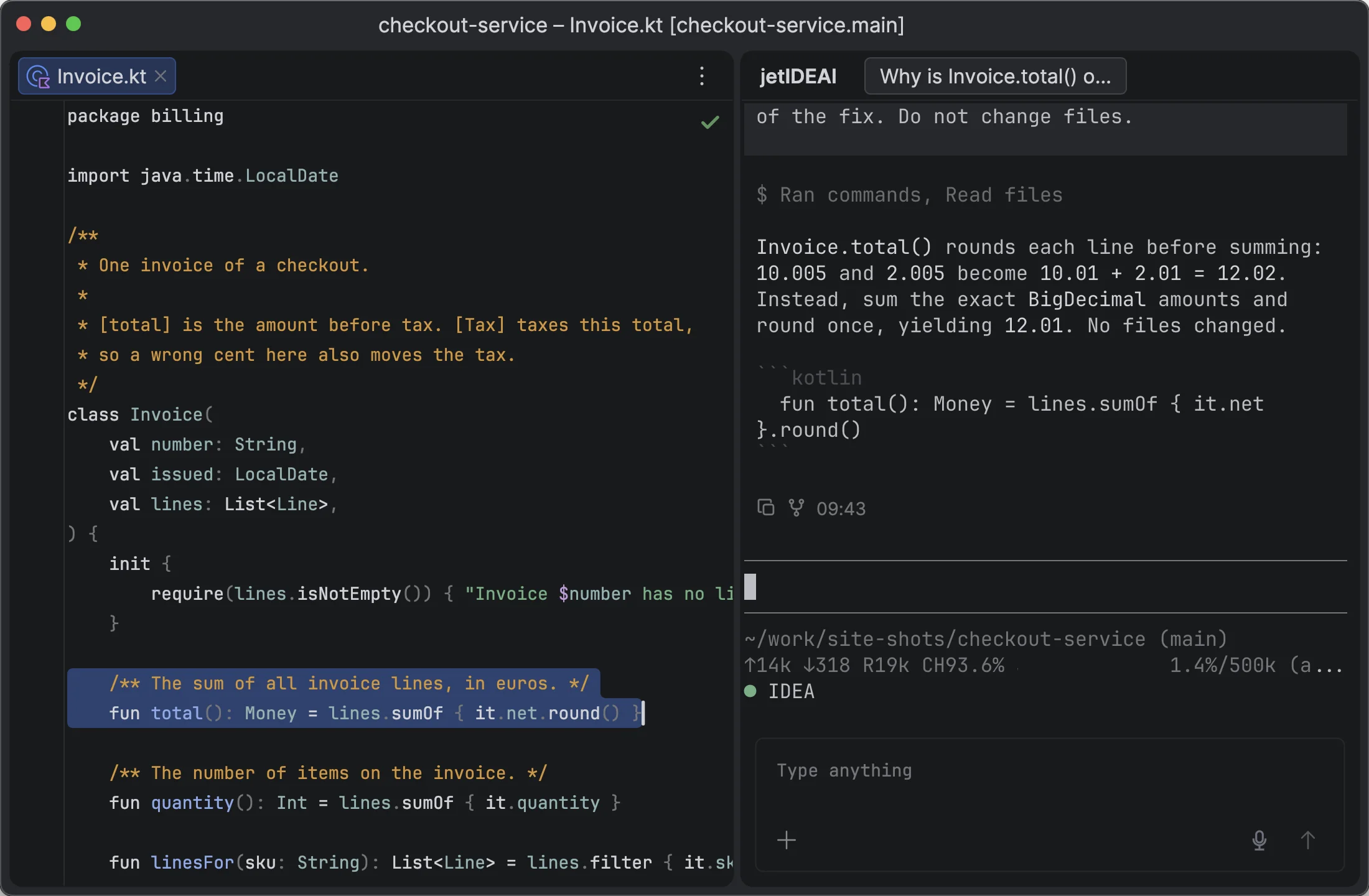
Matching themes for the IDE, the editor, and Pi

jetIDEAI includes editor color schemes and Pi themes that match the IDE's dark and light themes. Terminal colors change with the IDE theme.

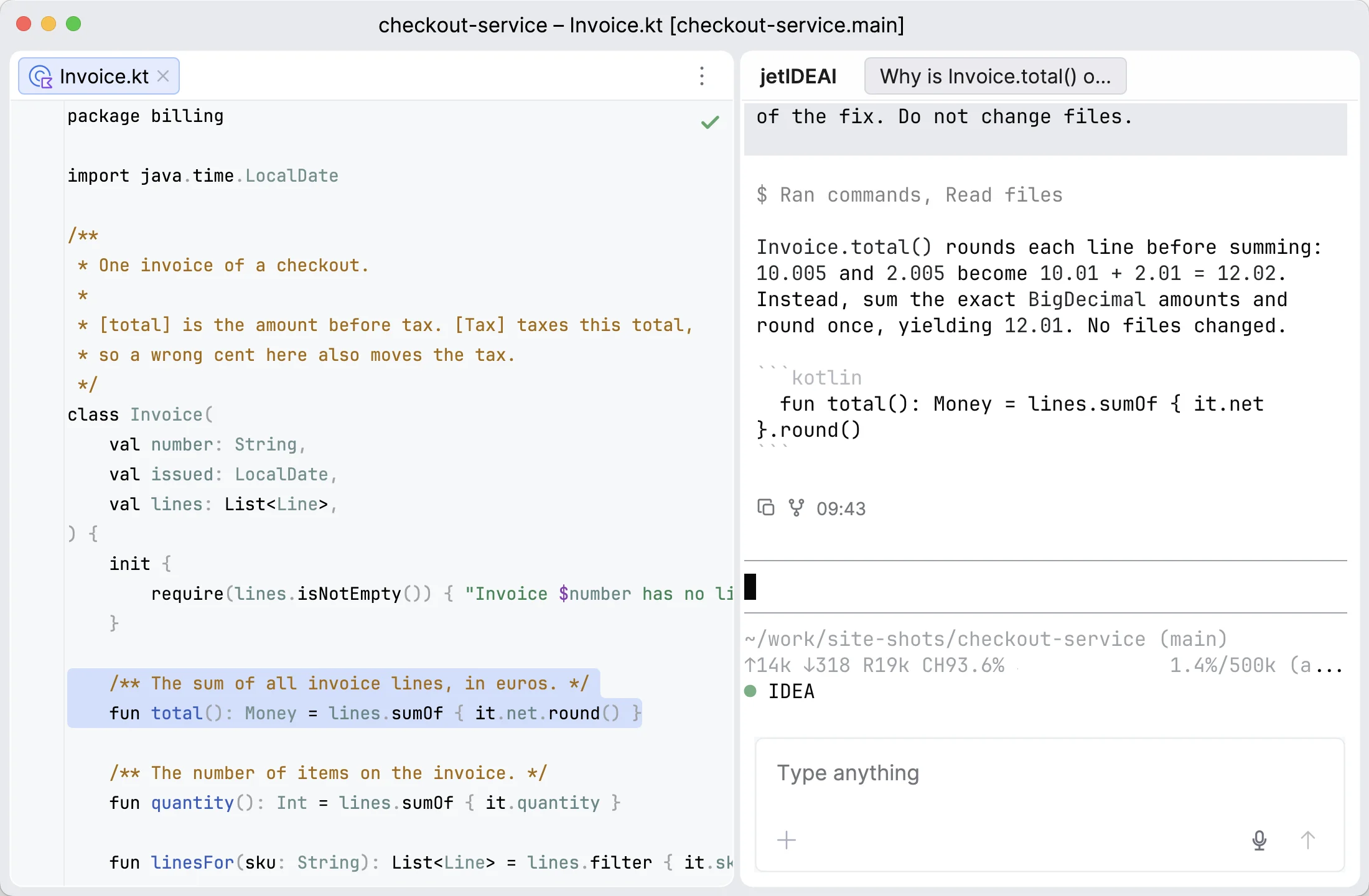
fun total(): Money = lines.sumOf { it.net } .round() // once val label = "Total"
pi Rounding now happens once, in total(). ▸ edit Invoice.kt · +2 −1 ▸ run tests · 48 passed
IDE themejetIDEAI editor schemePi themeTerminal colors
More

Other features

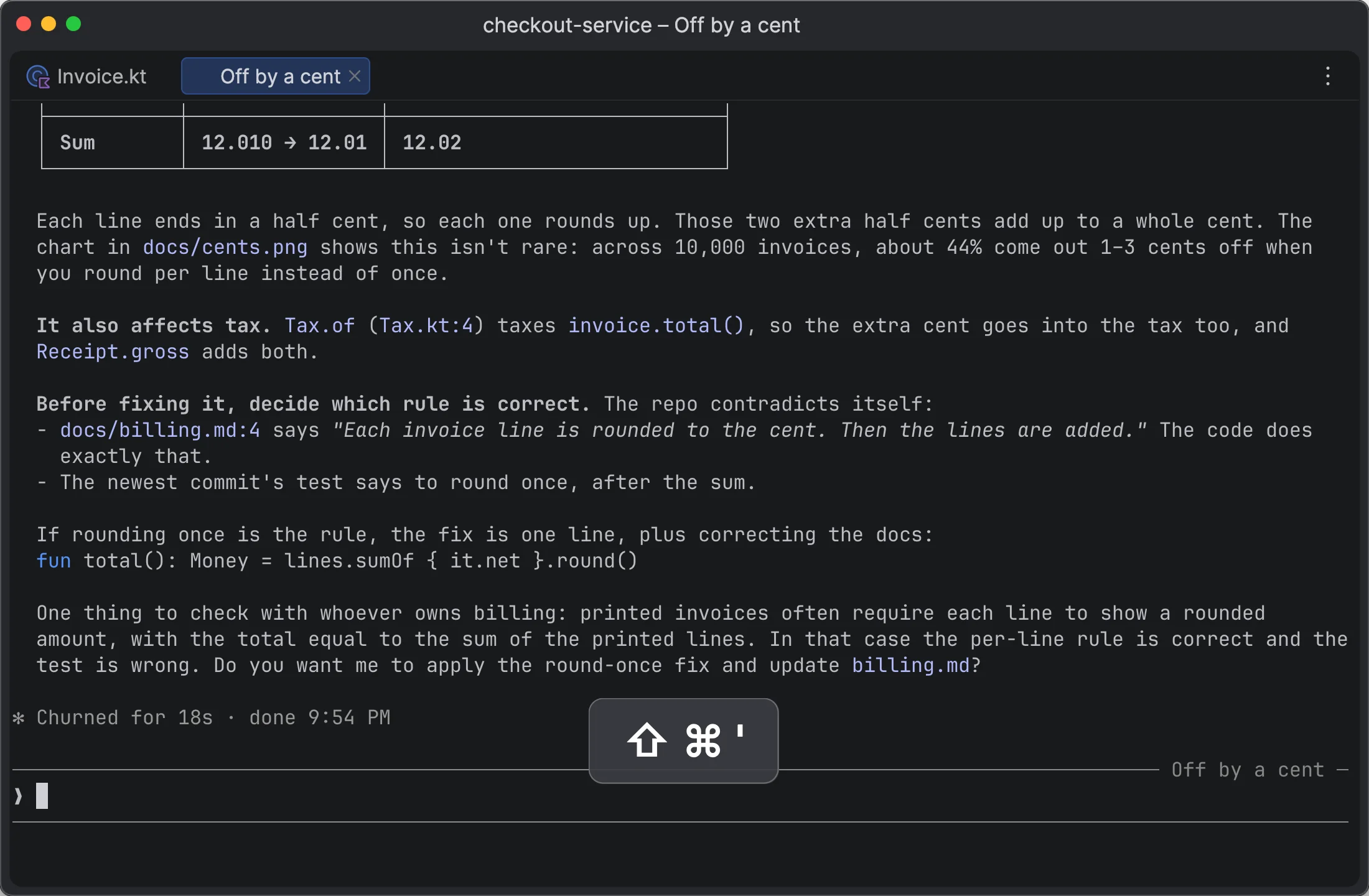
Agent Chat in a tab or side panel

Move a chat between an editor tab and the tool window. It has a Timeline and shows Mermaid diagrams.

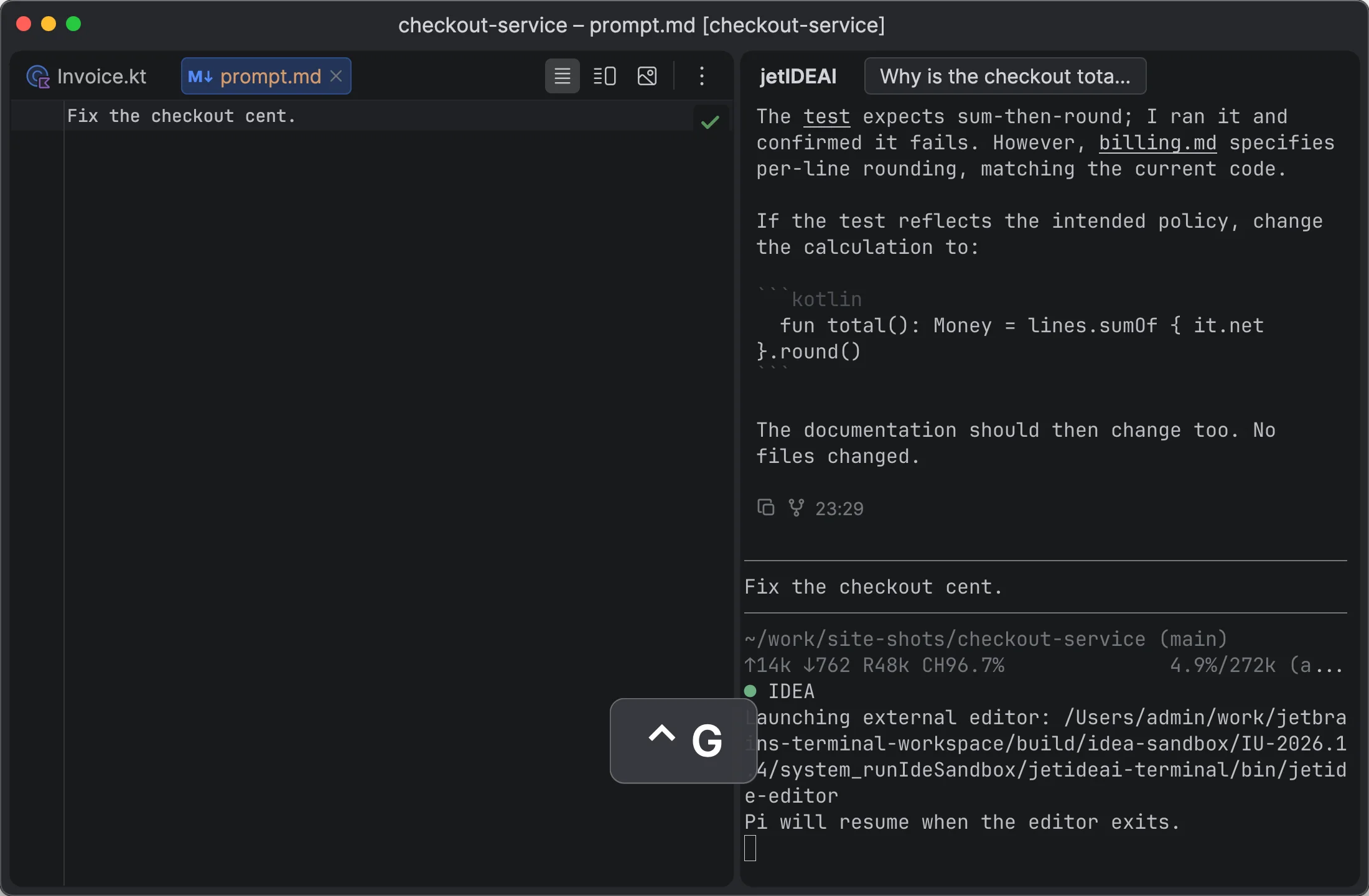
Prompts in the IDE editor

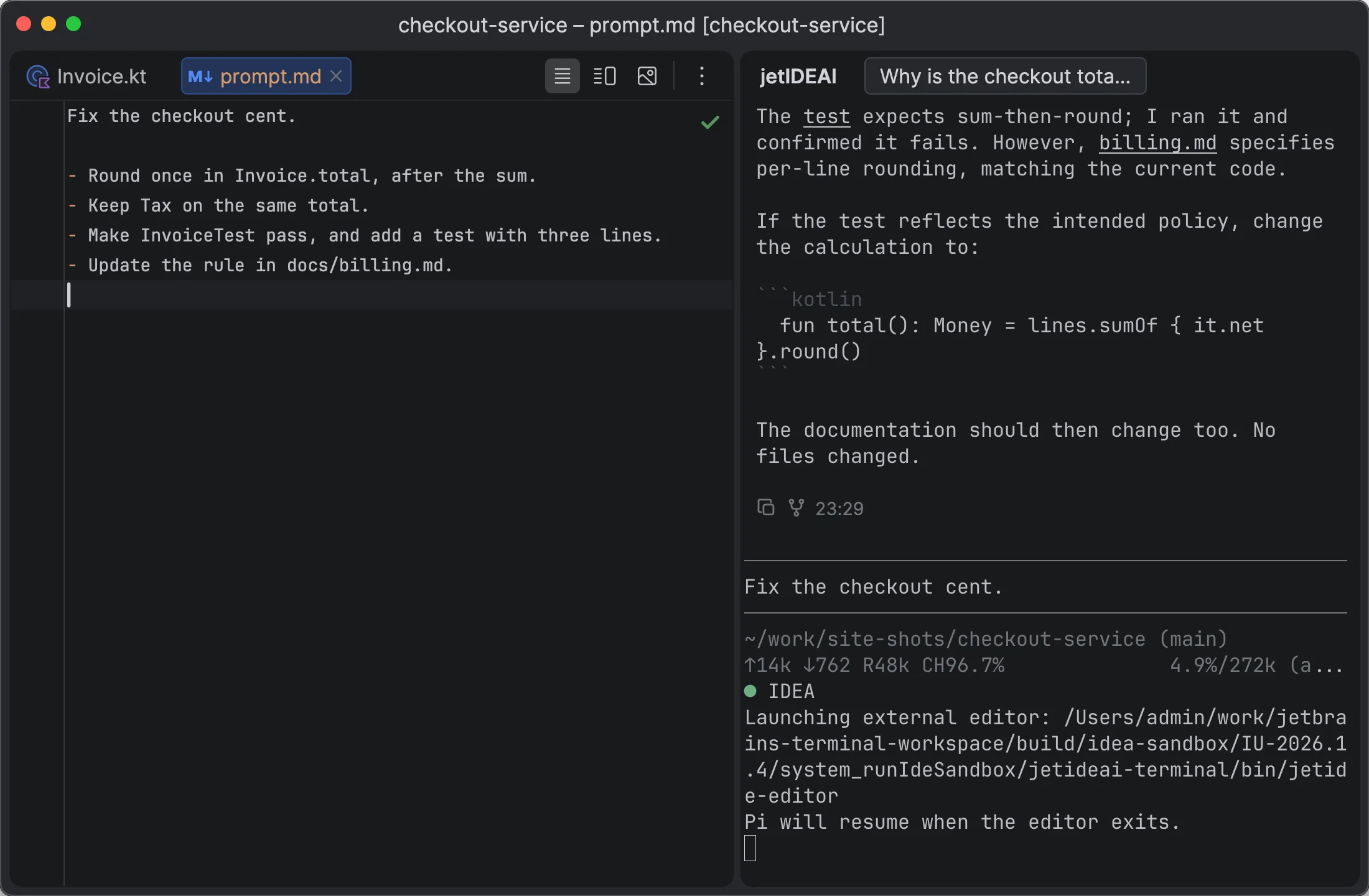
Ctrl+G in Pi or Claude Code opens the prompt in an editor tab.

Live previews in the switcher

See each terminal and agent before you switch to it.

Dictation

Dictate into any Composer. A custom dictionary keeps names correct.

Session restore

Pi, Claude Code, and Codex sessions come back after an IDE restart.

Internal browser

HTML reports and web pages open in an IDE tab.

Call trees

Agents get callers and callees from the IDE code model, as links.

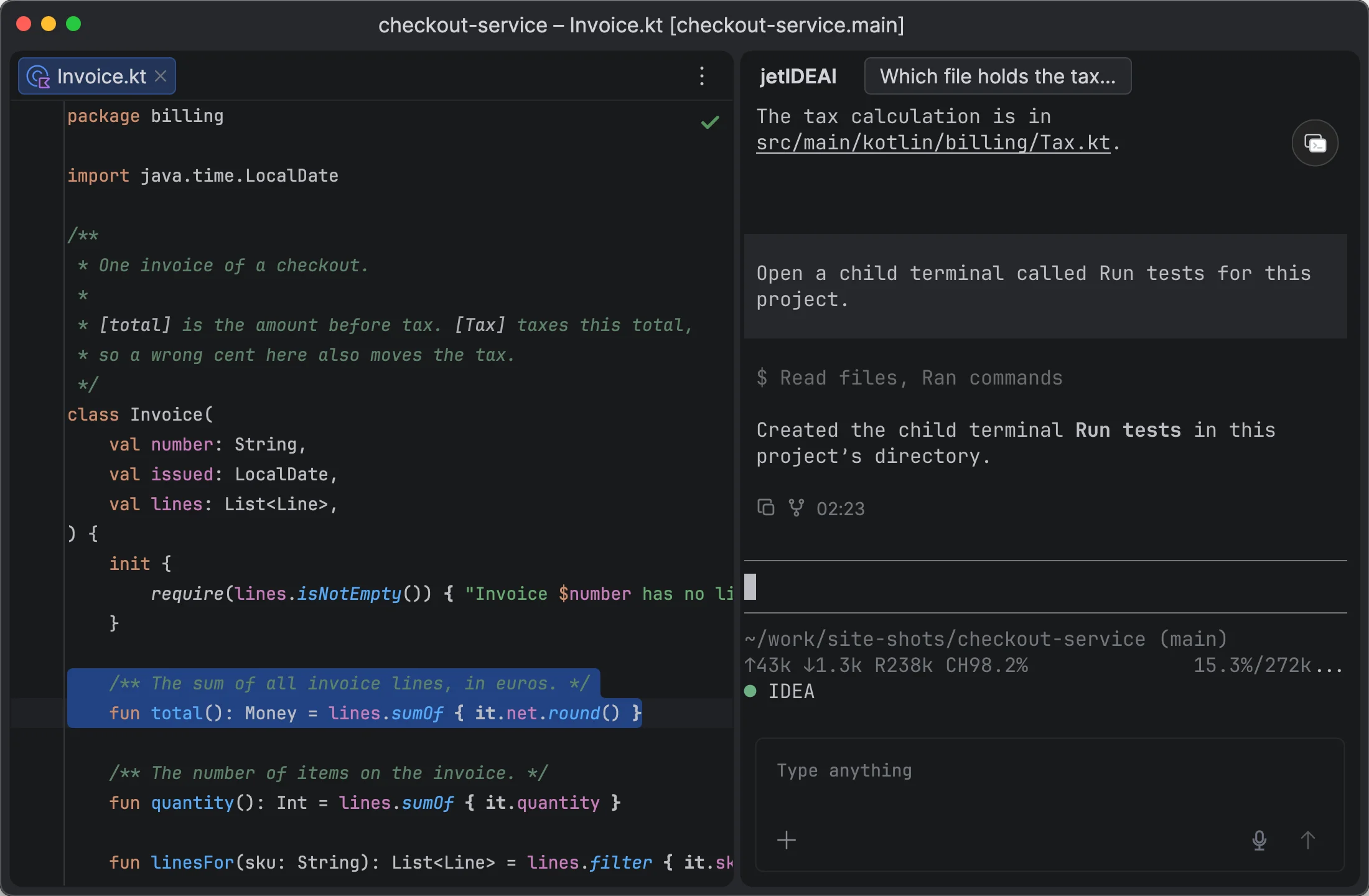
Child terminals

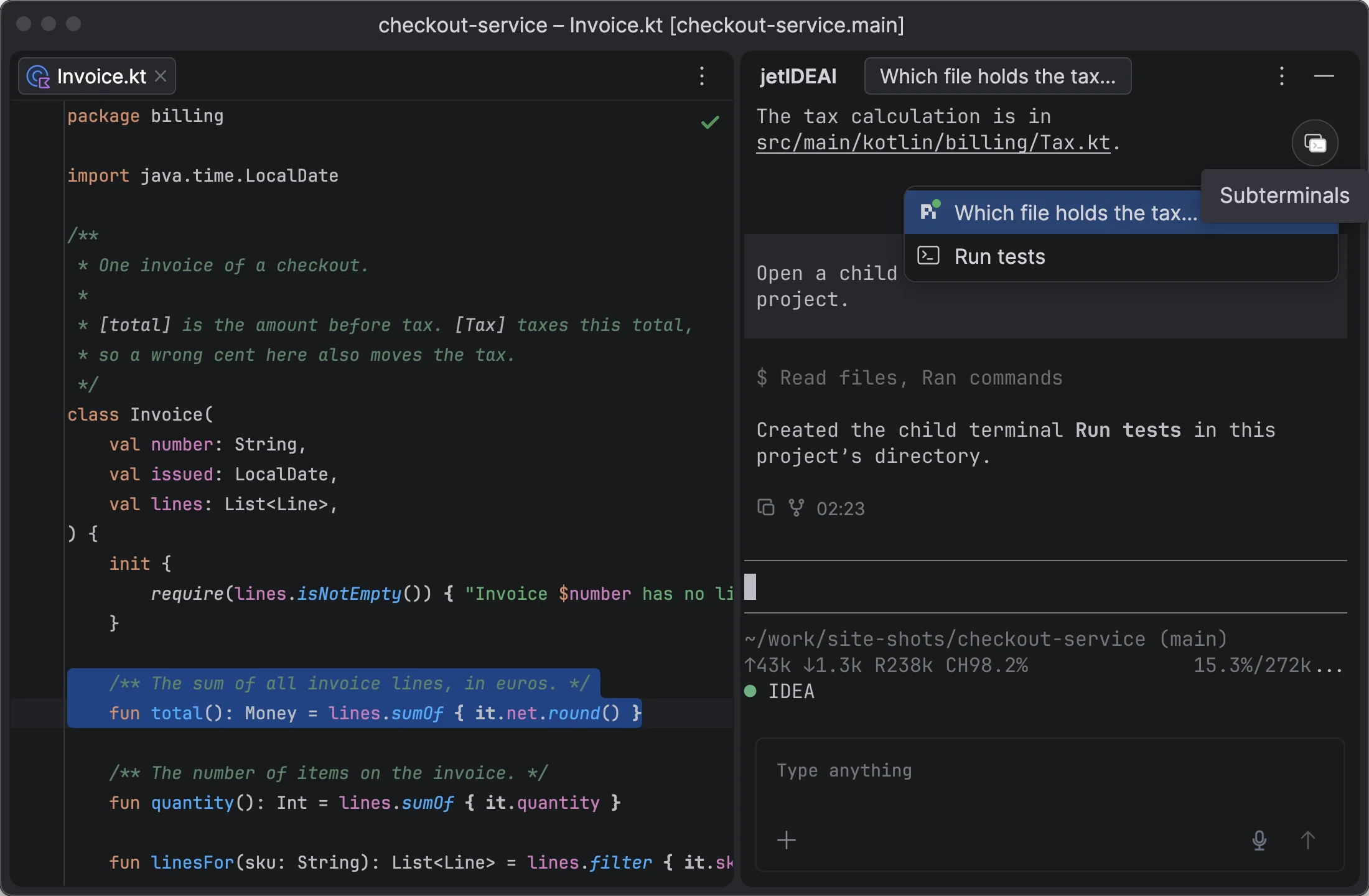
Agents can start helper terminals that stay grouped under the parent.

Blog
Architecture · coming soon

How jetIDEAI is built

  1. Native terminal in the IDE
  2. IDE automation for any agent
  3. Agent Hub
  4. Semantic Layers
  5. Scrollback virtualization
Coming to JetBrains Marketplace

Get notified when jetIDEAI is available

macOS on Apple Silicon. IntelliJ IDEA, Rider, WebStorm, PyCharm, GoLand, and other JetBrains IDEs.